
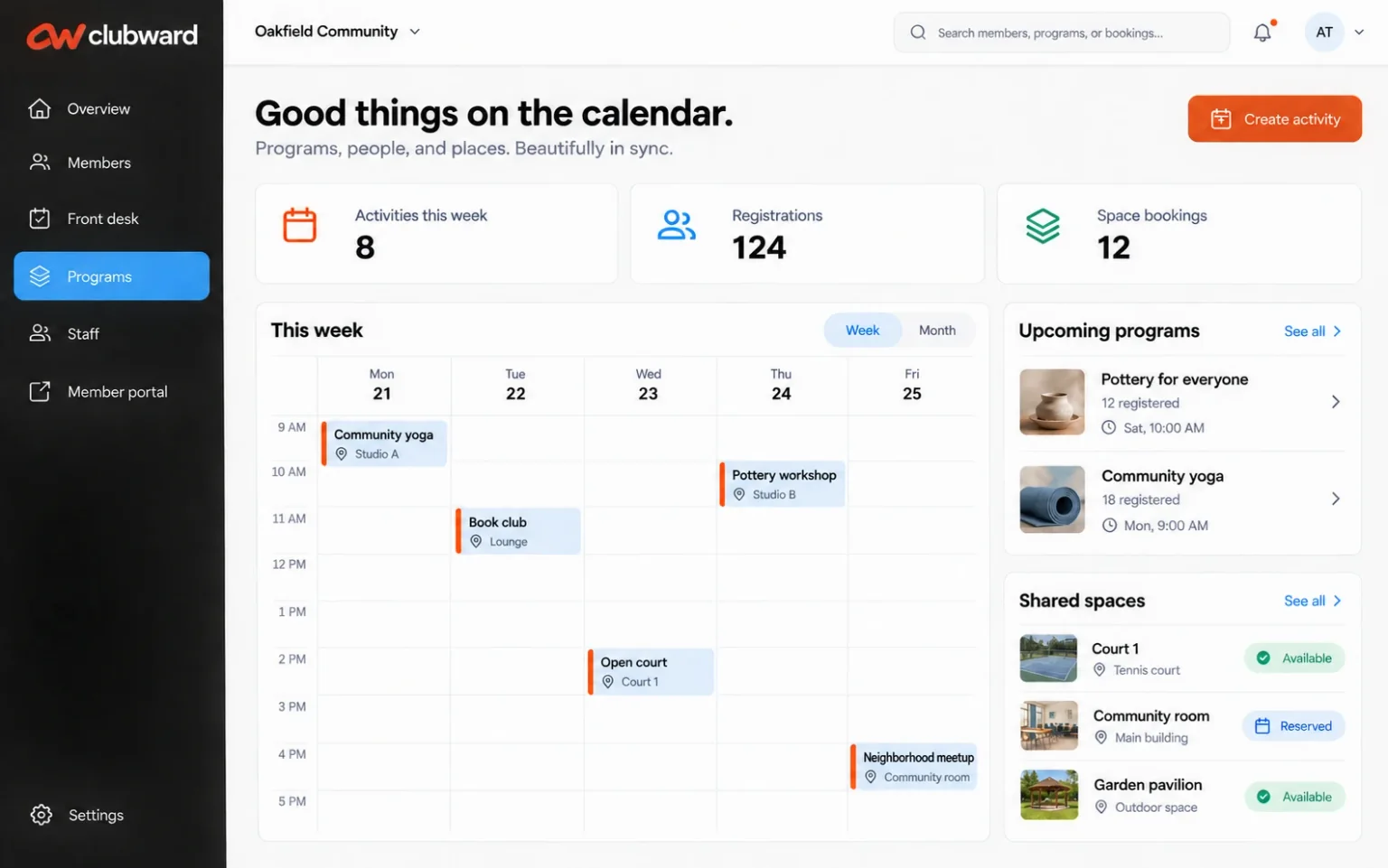
Choose one place where the booking becomes official
Start by deciding which calendar or reservation record your team trusts. If a request arrives by phone or email, assign someone to enter it into that record. An inbox can start the conversation, but it should not become a second booking system that only one administrator can see.
Treat the usable time as more than the event itself. A gathering from two to four may also need setup and cleanup time. Define those intervals before accepting another booking. Include closures, community events and other uses of the room when reviewing availability, so staff can understand the whole day.
Make the difference between a request and a confirmation obvious
A resident needs to know whether they have asked for a space or secured it. Your team needs the same distinction. Write down what must happen before a reservation is confirmed, who can confirm it and how the resident receives that answer. Do not leave those conditions buried in a previous email.
Collect enough information to review the request once: the responsible household, contact information, preferred date, event and setup times, expected attendance and any relevant space or equipment needs. Ask only for details someone will use. If approval is needed, give that reviewer a complete request and a clear decision to make.
A helpful confirmation tells the resident what is reserved, when they can arrive and what still needs their attention.
Agree on the rules before choosing the automation
Bring your current rules together in one version your staff can follow. Include who may book, how far ahead they may reserve, occupancy requirements, permitted uses and the time allowed between events. Record who can approve an exception. This avoids asking an attendant to invent an answer when the office is closed.
If your process includes fees, deposits, cancellation deadlines or refunds, define the requirement and its owner first. Specify what triggers a charge, who reviews a refund and how the decision reaches finance. During software evaluation, walk through each requirement and confirm what is supported, what needs staff review and where the record will live.
Give the person opening the clubhouse a complete handoff
The on-site team should not have to search the original conversation to prepare the room. Agree on the information they need before the event and the place they will find it. Keep the person responsible for each task visible, especially when a volunteer or a different shift handles the opening.
Before arrival
Confirm the reserved space, setup time, expected attendance, equipment needs and the resident contact. Assign opening and preparation responsibilities.
During the booking
Identify the staff contact for access questions, unexpected attendance or a problem with the room. Give staff a clear escalation route.
After the event
Assign the room check, cleanup review and any follow-up. Send relevant findings to the person handling the booking or financial decision.
Rehearse the exceptions that create the longest email threads
Two residents request the same time. Decide what establishes priority and whether a pending request holds the space. A resident changes their event time. Check the new setup and cleanup window before updating the confirmed booking. The change should reach the people preparing the room as well as the resident.
A maintenance issue makes the room unavailable. Name the person who contacts affected households and reviews alternatives. A resident asks for an exception to a cancellation rule. Route it to the authorized decision-maker and record the outcome. These scenarios reveal missing responsibilities before a busy weekend turns them into urgent messages.