
Start with the work your team needs to finish
HOA accounting software organizes the association’s financial records. Amenity management software organizes how residents use shared spaces and how staff support those visits. A clubhouse reservation can touch both: the amenity team manages the space and booking, while the accounting team owns the financial record and reconciliation process.
Before evaluating platforms, list the questions that interrupt your day. “Is this household eligible?” and “Is the room available?” need an operational answer. “Which account should this receipt use?” belongs with finance. Clear ownership makes the handoff easier, even when more than one system is involved.
Map each task to an owner and a source
Use this starting map with your community manager, treasurer and amenity staff. Adjust it to your association’s policies and staffing. The goal is one agreed source for each decision, with enough context available to the person doing the work.
| Task | Primary owner or system | Useful handoff |
|---|---|---|
| Resident and household updates | Designated resident-record owner | Approved household changes reach the amenity record. |
| Amenity eligibility and pool visits | Amenity operations | Staff see the current decision and an escalation contact. |
| Clubhouse availability and reservations | Amenity operations | Booking details reach the team preparing the space. |
| Association ledger, budgets and financial reporting | Association accounting and finance | Relevant receipts and adjustments follow the agreed review process. |
| Policies, exceptions and governance decisions | Board or authorized manager | Approved rules and effective dates reach the operating team. |
One shared workflow does not require every responsibility to live in the same system.
Follow one resident request across the handoff
Consider a resident whose account was recently updated and who now wants to reserve the clubhouse. The office confirms the household record and the association’s eligibility decision. The amenity team needs that current status, the requested space and time, and any outstanding booking steps. Repeatedly forwarding the original email adds work without clarifying who should act.
Document the handoff instead: who approves a status change, who updates the operational record, when the update takes effect and who resolves a disagreement. If a payment affects eligibility, your association decides the rule. Staff should follow the approved decision rather than interpret financial policy at the front desk.
Decide which details need to travel
Start with the minimum context needed for the task: a household identifier, current amenity eligibility, the relevant booking and the contact responsible for an exception. Review role permissions so an attendant can help a resident without needing broad access to finance or administrative records.
Then agree how updates move. A named staff member following a documented process is a different setup from a supported integration. Confirm the exact connection, fields, timing and error handling before relying on automatic synchronization. Include move-outs and corrected records in the plan, not just new residents.
Evaluate the amenity workflow on its own merits
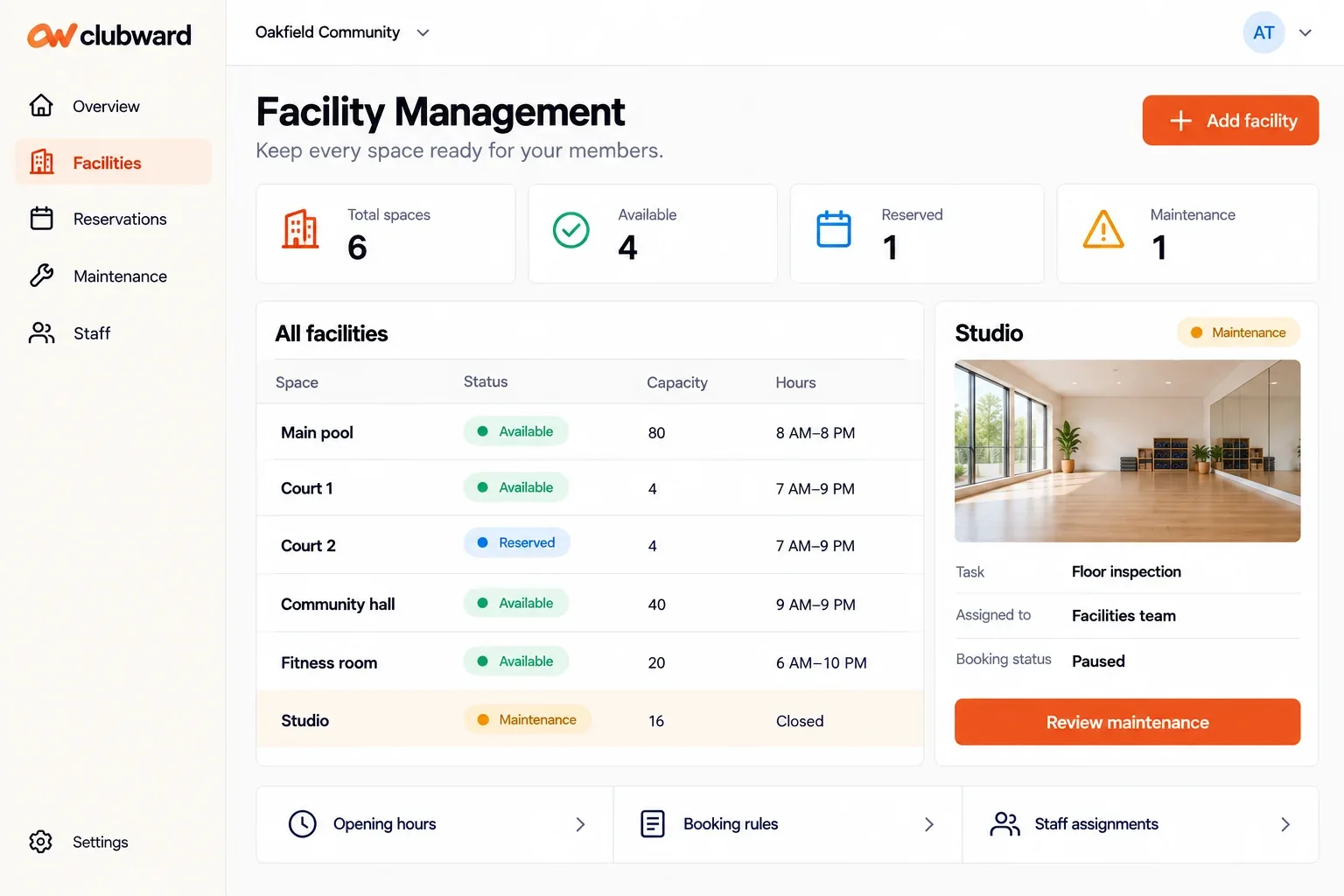
Clubward brings household records, amenity eligibility, pool access, guest passes and facility reservations into connected operational workflows. Its HOA use case focuses on the work around residents and shared spaces. Association general-ledger accounting, leasing, violations and architectural approvals belong in your separate requirements review.
Bring one routine request and one exception to the demo. Follow the resident booking, the staff view and the information your manager needs afterward. Ask where each detail is maintained and what happens when it changes. A clear answer is more useful than assuming that a broad “HOA management” label covers every responsibility.