
1. Clean up eligibility before issuing credentials.
Gather the records your office currently uses to decide eligibility. Identify which source is authoritative and who can approve changes. Reconcile duplicate households, departed residents, expired memberships and incomplete contact details before carrying the list into a new workflow.
Keep uncertain records in a review queue with an owner. Do not silently convert every name on an old roster into an eligible account. Separate the person’s identity, their household relationship and the conditions that allow a visit. A replacement pass should point to that decision, not make it for you.
2. Write down what the attendant needs to decide.
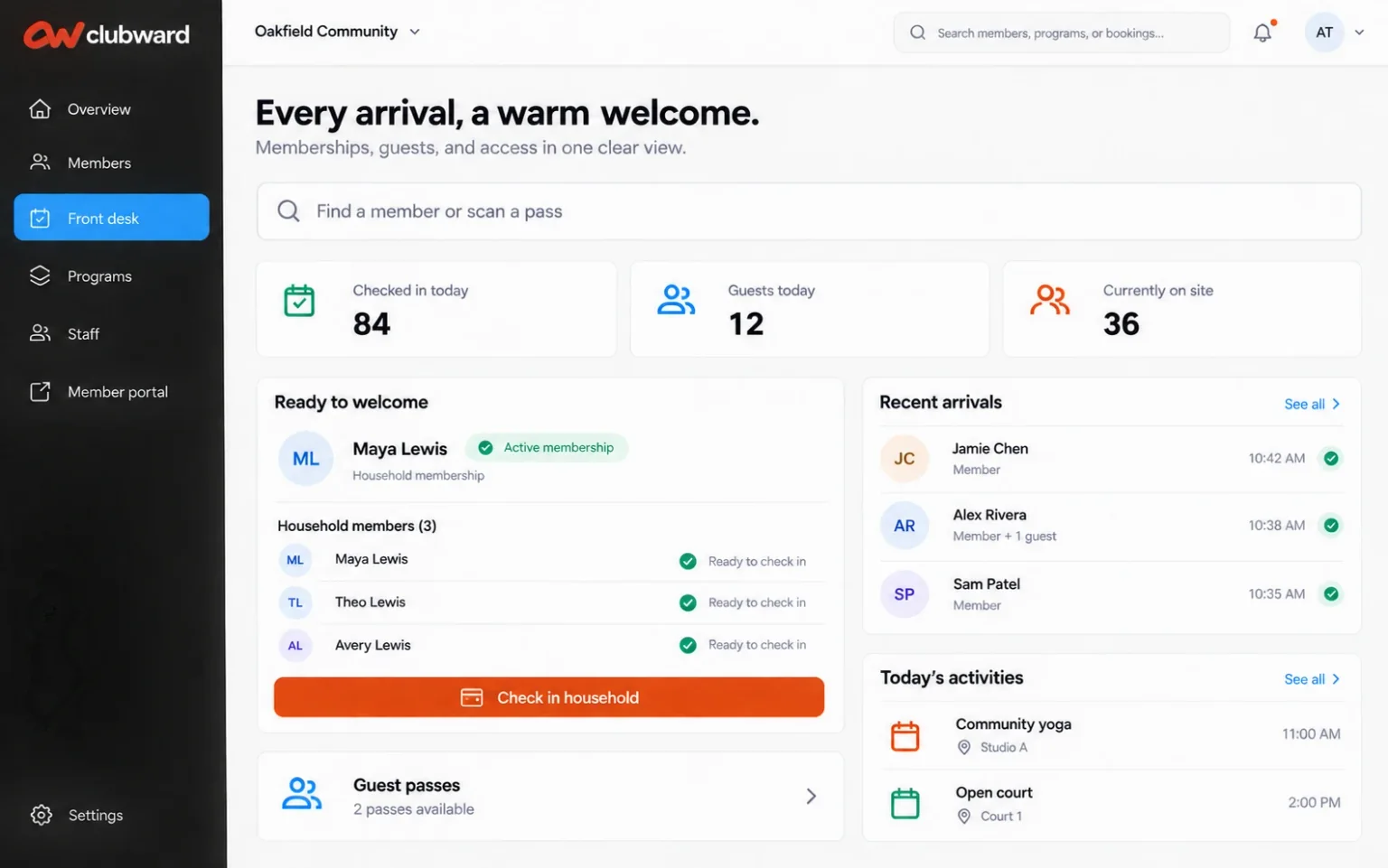
Document a normal member arrival, a household arriving separately and a guest visit. State what staff review, what they record and when they contact a supervisor. Keep the desk instructions short enough to use during a busy shift.
An access credential and a guest entitlement serve different purposes. Identify the sponsoring household, guest product and redemption rules separately from the member’s own pass. Review lost credentials and changed household circumstances too, so an old pass does not become a permanent exception.
| Arrival | Answer the team needs |
|---|---|
| Current member or resident | Which record and current eligibility apply? |
| Sponsored guest | Which household, guest entitlement and limits apply? |
| Missing pass | How should staff find and verify the account? |
| Unresolved account | Who can review the issue and decide the next step? |
3. Choose credentials around your actual entrance.
Compare QR, NFC and barcode options with the devices attendants will use and the way members arrive. A staffed desk, a kiosk and an unattended gate have different requirements. List your reader and controller models, available connectivity and the fallback you need if equipment is unavailable.
Test the proposed credential using the actual device where possible. Include families who share account responsibilities and members who need help presenting a pass. Confirm how a lost or replaced credential is handled. Buying readers before reviewing compatibility can leave your team with another disconnected process.
A digital pass does not automatically operate a physical gate. Confirm the specific reader, controller and integration before committing to equipment.
4. Tell members what changes and where to get help.
Explain the transition date, the action members must take and what happens to existing passes. Send the notice before the new process becomes required. Make the help route easy to find and offer a practical way for someone who needs assistance to prepare before their next visit.
Pool-pass transition notice
Subject: Your pool pass is changing at [Community name]
Hello [First name], We’re updating pool check-in so our team can work from current household information. From [Date], please use [New pass or check-in method]. Before your next visit: 1. Review your household details at [Link]. 2. Follow [Instructions] to get ready to use your pass. 3. Contact [Team/contact details] if your information needs correcting or you need help. Existing passes will [Explain the transition arrangement]. Guest visits will follow [Guest information link]. Thank you for helping us prepare a smoother arrival for everyone. [Community team]
5. Rehearse exceptions with the staff handling them.
Have attendants practice a valid arrival, a guest redemption, a missing credential and an account awaiting review. Ask them to explain what they can decide themselves and what needs escalation. Include the words they would use with a member; a calm explanation is part of a workable process.
Set a fallback for a device or connection problem before one happens. Decide what may be recorded, who authorizes an exception and how the office reviews it afterward. Keep any temporary records secure and limited to the information needed. Do not make individual attendants invent an access policy during an outage.
6. Make the change in a controlled sequence.
Begin with a manageable group or staffed session before changing the whole entrance process. Watch for mismatched households, unclear instructions and steps that send staff back to the office. Fix those causes before expanding the rollout.
If paper and digital methods overlap, define which record is authoritative and how staff avoid duplicate entries. Set a clear end to the temporary arrangement once the agreed readiness checks are met. Review exceptions after launch and retire outdated lists, signs and instructions. Keeping both systems indefinitely usually preserves the reconciliation work you meant to remove.
Measure readiness by whether the team can handle ordinary arrivals and exceptions consistently, not simply by how many passes have been issued.