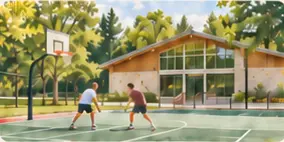
Start with the place
Identify the spaces where a camera view would help staff answer an everyday question about the facility.

Club security & facility visibility
When staff need a view of a busy court or outdoor entrance, start with the space, the camera and who should have access. Bring those details to Clubward so we can review what fits your club.
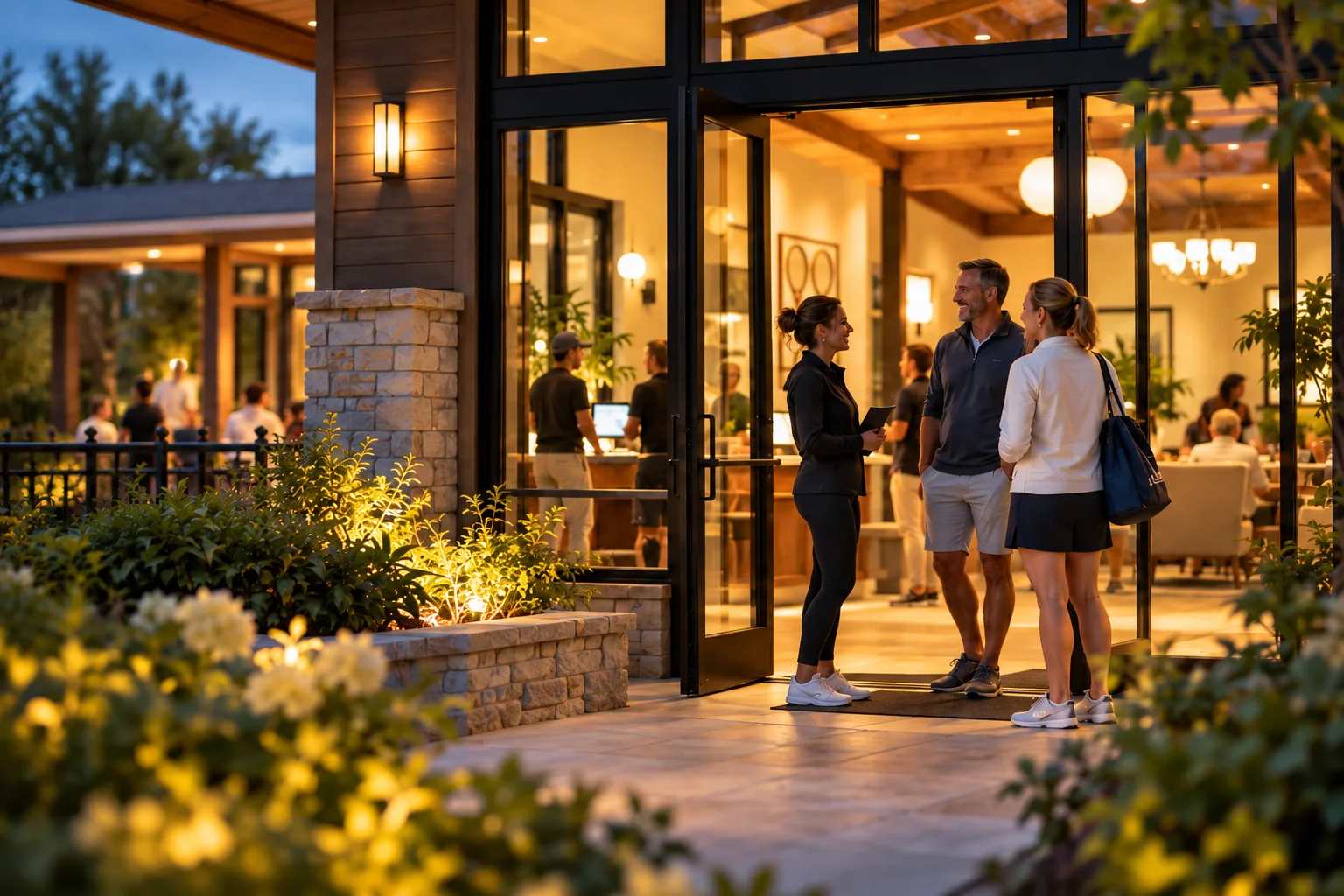
Try it yourself
Choose a space, identify the equipment and staff access needs, then open a sample facility view.
 Clubward Planning example
Staff want a view of the shared courts to help coordinate their daily rounds.
Facility view
The facilities team starts with the outdoor courts, where a view could help staff coordinate the day.
Bring your camera model and the view your staff needs.
Discuss club security with ClubwardIdentify the spaces where a camera view would help staff answer an everyday question about the facility.
Bring your camera model, available feed and network setup so we can review compatibility together.

Identify the staff roles that should see the view as part of their work.
How it connects
Bring the facility name, camera details and staff access needs together before reviewing a connection.
Outdoor courts
Questions about facility visibility
Bring the model, available feed and network setup for a compatibility review. Those details determine which connection options are available for your club.
Bring any recording, retention and detection requirements to your walkthrough so we can discuss the equipment and workflow involved.
Choose a facility where an appropriate view would help staff answer a routine question. Bring a description of the space and the existing equipment.
Tell us where the camera is, which model it uses and who needs the view. We’ll review the setup with you.
Discuss club security with Clubward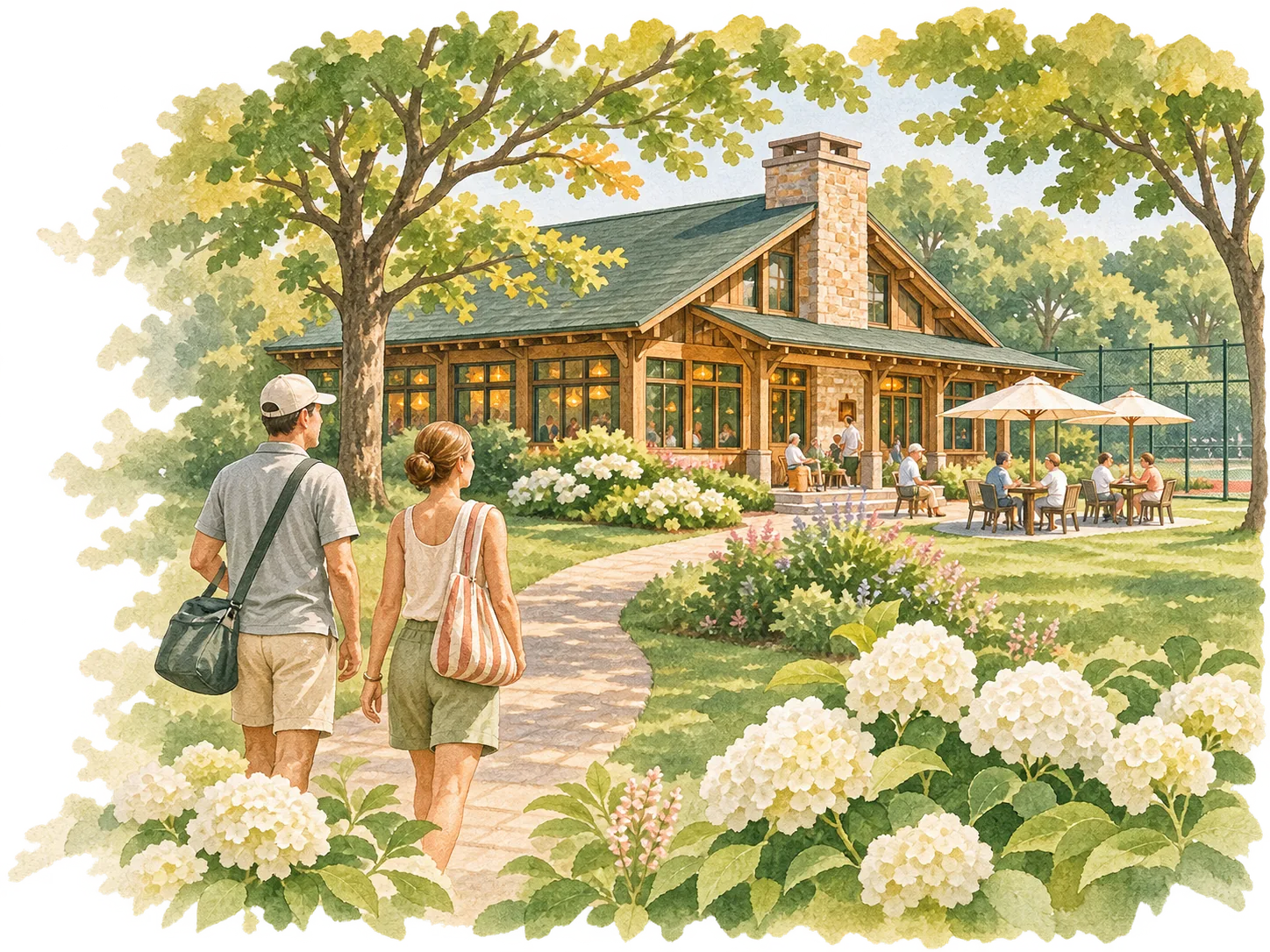
When cameras sit in separate apps and staff cannot see the spaces they manage, even a routine question about a facility can mean another interruption or walk across the property.
Start with a routine facility question an appropriate view could answer, such as whether the outdoor gate area is clear.
Bring each camera model, available feed and network setup so compatibility can be reviewed for the actual site.
Decide which staff roles need the view and which club procedures should govern its use.
In your personal walkthrough, we’ll explore:
Choose a facility where an appropriate view would help staff answer a routine question. Bring a description of the space and the existing equipment.
Bring the model, available feed and network setup so connection options can be evaluated.
Begin with the staff responsibilities the view would support and the viewing procedures your club already uses.
Bring the model, available feed and network setup for a compatibility review. Those details determine which connection options are available for your club.
Bring any recording, retention and detection requirements to your walkthrough so we can discuss the equipment and workflow involved.