A clear place to ask
Access help from within the club’s working environment.

People & operations · Help & support
Keep the route to guidance and issue reporting close to the club workspace, so a question can move forward with useful context.
A personal demo built around your club’s day-to-day work.
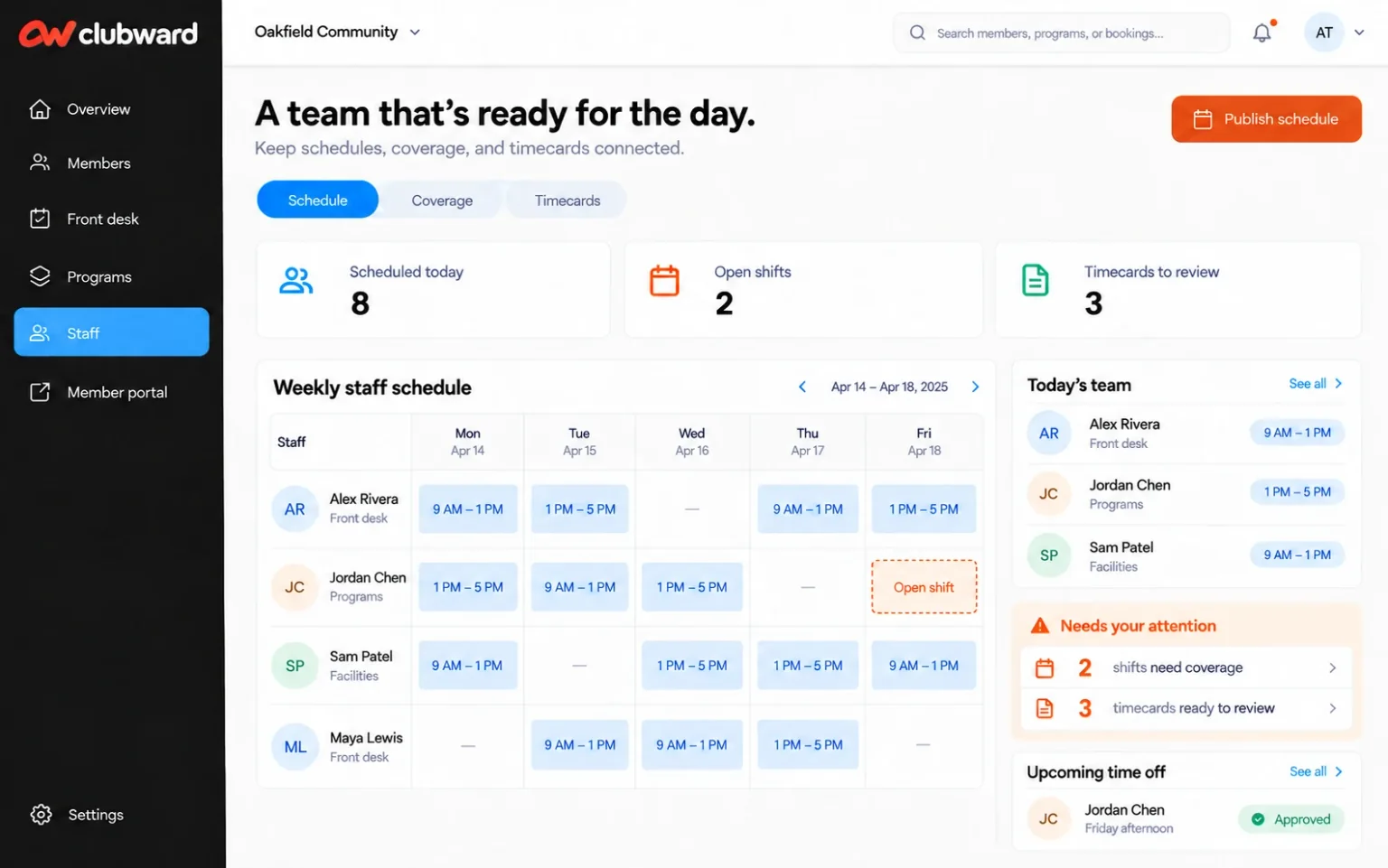
When the day gets busy
A problem takes longer to explain when staff have to leave the platform and reconstruct what they were trying to do.
What gets easier
Access help from within the club’s working environment.
Raise a problem close to the workflow where it occurred.
Bring the task and relevant details into the support handoff.
Follow the workflow
Start with the action or workflow your team needs help completing.
Find guidance or report the issue through the platform support experience.
Provide the relevant context so the next response can address the actual problem.
Before you decide
We’ll confirm availability, setup and the details that matter to your organization.
Yes. In-platform help and issue reporting keep the support entry point close to the working environment.
Describe what you were doing, what you expected and what happened. Relevant workflow details help the support team understand the problem.
Your club. Your next chapter.
Bring your questions about Help & support. We’ll shape the conversation around your team, your facilities and the way your club works.