
Blog article
Make everyday club work easier for volunteers
See how clear access, familiar workflows and useful member information support the people helping your community.
Read article
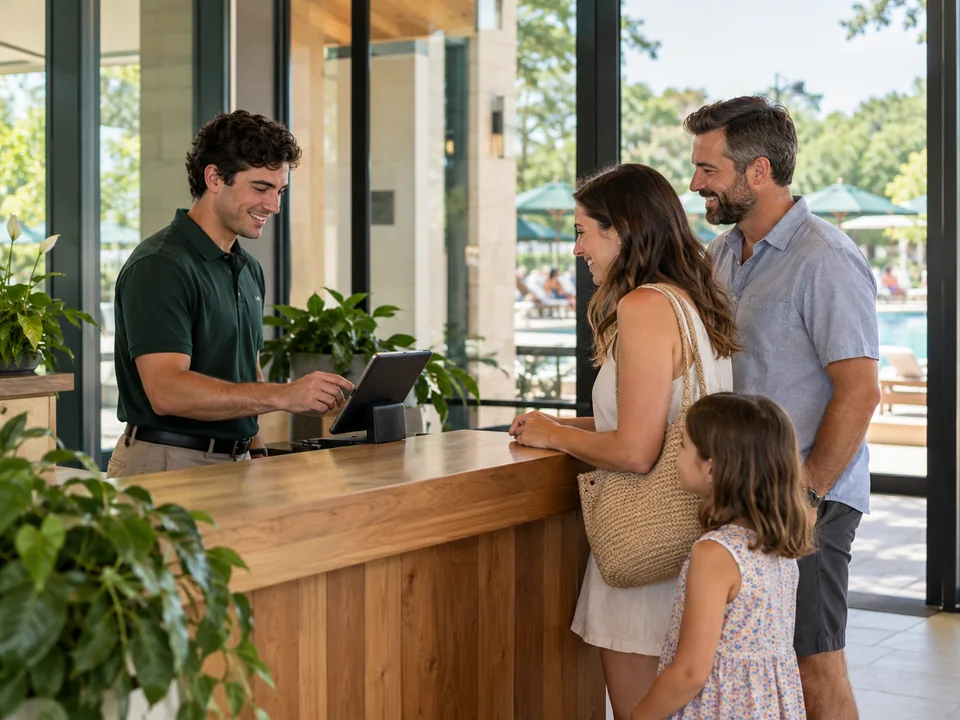
Mobile & kiosk mode
Offer suitable mobile member tasks and focused kiosk check-in with a clear route to staff assistance.
For clubs, recreation facilities and the communities around them.
 Oakfield CommunityOakfield Community
A focused path for routine arrivals.
The right surface for the setting
Start with the member task or entry point you want to improve.
Review the device and the mobile or kiosk journey.
Use the shared record when a task needs help from the desk.
Oakfield CommunityDifferent experiences, shared context
Bring self-service and the arrival experience closer to your club’s daily records.
Give routine account tasks a branded experience.
Use a focused check-in surface where it fits your entrance.
Keep the membership and operational context behind the task.
When the desk needs to help
Give staff the connected member information to continue a question that starts in self-service or at the entrance.
See the connected context Oakfield CommunityMobile & kiosk mode, explained
Find answers about mobile & kiosk mode for your club.
A kiosk can help with suitable self-service arrivals. Staff still need a clear path for exceptions, guest questions and cases that need personal assistance.
The experience is connected to Clubward’s member and operational records, so the self-service journey stays aligned with the staff workflow.
Choose the problem first. Mobile access serves members handling club tasks on their own devices; a kiosk creates a dedicated interaction at an entry point. Your busiest workflow helps determine the starting place.
Connect this workflow to the people, spaces and records behind it.
Explore all features
Explore the mobile and kiosk experiences that suit your community.
From the Clubward blog
Blog article
See how clear access, familiar workflows and useful member information support the people helping your community.
Read articleBlog article
Prepare guest rules, account information and an escalation path before the next arrival.
Read articleA desk queue grows when every small account task needs staff help and self-service tools cannot see the same member record.
A straightforward arrival waits behind a complicated guest question. When every action requires the same staff attention, the queue grows even when most people need only a simple next step.
A self-service screen has limited value if staff must verify the result elsewhere. Disconnected member information turns a convenient interaction back into a manual check.
A member who cannot finish a task still needs a welcoming route to help. Planning self-service without that handoff can move confusion from the counter to the device.
In your personal walkthrough, we’ll explore:
Choose the problem first. Mobile access serves members handling club tasks on their own devices; a kiosk creates a dedicated interaction at an entry point. Your busiest workflow helps determine the starting place.
Review the device and intended entry workflow together, including how people identify themselves and how staff assist them. Confirm suitability before choosing a permanent mounting point or purchasing more equipment.
Choose a common account task and complete its supported mobile journey on a device your members use. Check whether the labels, navigation and next action are understandable without a staff member explaining each screen.
A kiosk can help with suitable self-service arrivals. Staff still need a clear path for exceptions, guest questions and cases that need personal assistance.
The experience is connected to Clubward’s member and operational records, so the self-service journey stays aligned with the staff workflow.