Packets with a purpose
Organize the waivers and acknowledgments your club requires.

People & operations · Waivers & signatures
Bring required acknowledgments and signatures into the member journey, with completion status visible where staff need it.
A personal demo built around your club’s day-to-day work.
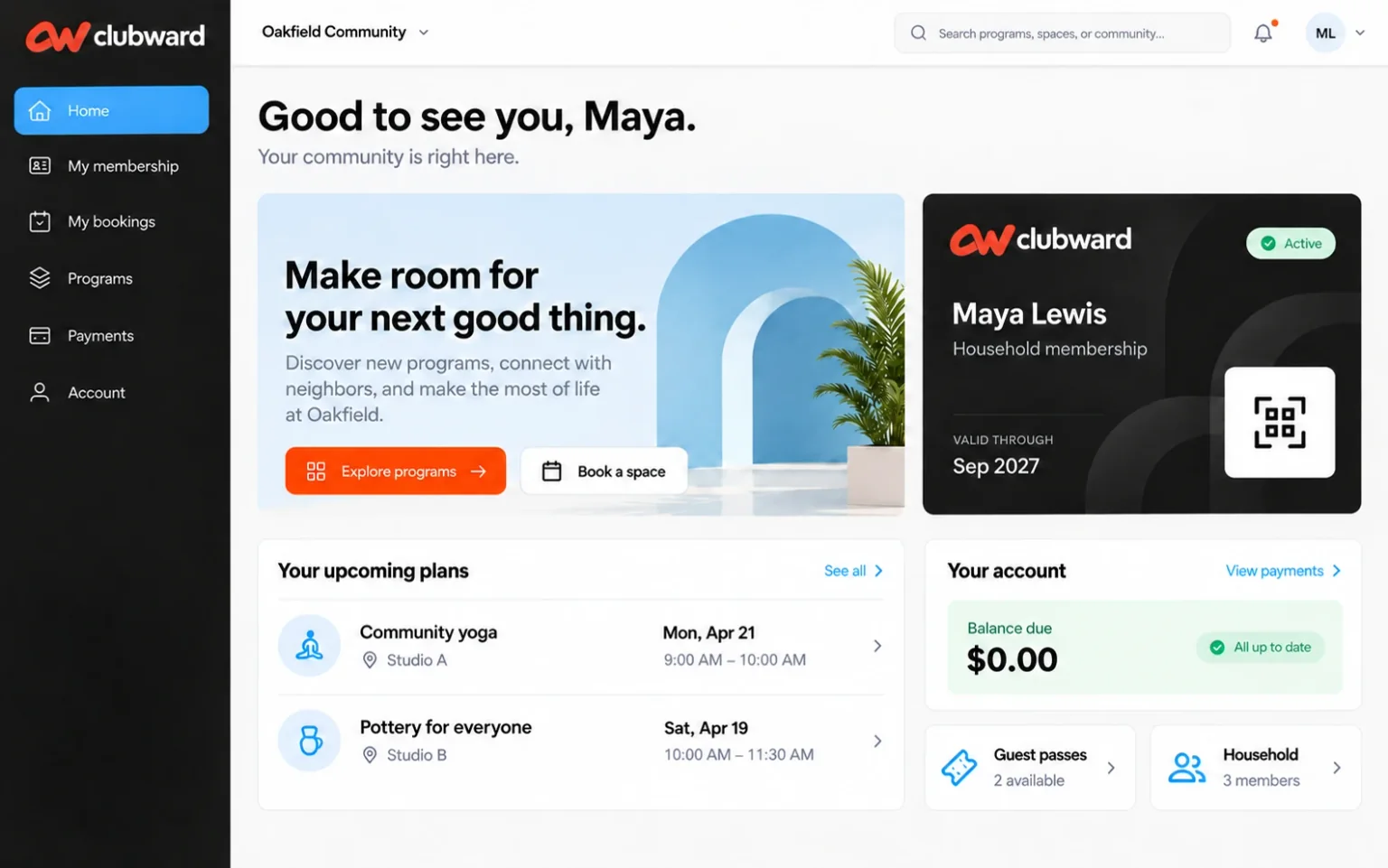
When the day gets busy
A signed form is not much help if the front desk cannot tell whether the right household completed the current packet.
What gets easier
Organize the waivers and acknowledgments your club requires.
Keep signature and completion status close to the relevant account.
Bring the waiver context into access and enrollment conversations.
Follow the workflow
Identify the required waiver or acknowledgment and who needs to complete it.
Guide the member through the connected signing workflow.
Use completion visibility when reviewing access or enrollment requirements.
Before you decide
We’ll confirm availability, setup and the details that matter to your organization.
Yes. Waiver status stays connected to the member context so authorized staff can review completion.
Bring your current documents and signing requirements to the demo. We will review the packet setup and how it should fit your member workflow.
Your club. Your next chapter.
Bring your questions about Waivers & signatures. We’ll shape the conversation around your team, your facilities and the way your club works.