Operations
Program Registration Is Open. Is Your Team Ready for the First Session?
Turn registration into a ready first session with clear rosters, room checks, exception owners, participant instructions, and a practical rehearsal.

Start with one practical test: can the person opening your first session tell who is expected, where they should go, what needs attention, and who can resolve an exception? If those answers are scattered, use a first-session readiness sheet before inviting more people to register.
A registration launch is a useful milestone. Treat it as the beginning of preparation rather than the final handoff. The work now is to turn each booking into an experience your team can deliver: a suitable space, an understandable arrival process, the right materials, and a clear route for questions.
This guide offers a working method for a community program coordinator. Take one upcoming class and follow it from registration to the moment participants arrive. You do not need to redesign every program at once. Choose the next session with enough time to resolve the gaps you find.
Start with the first session, then work backward
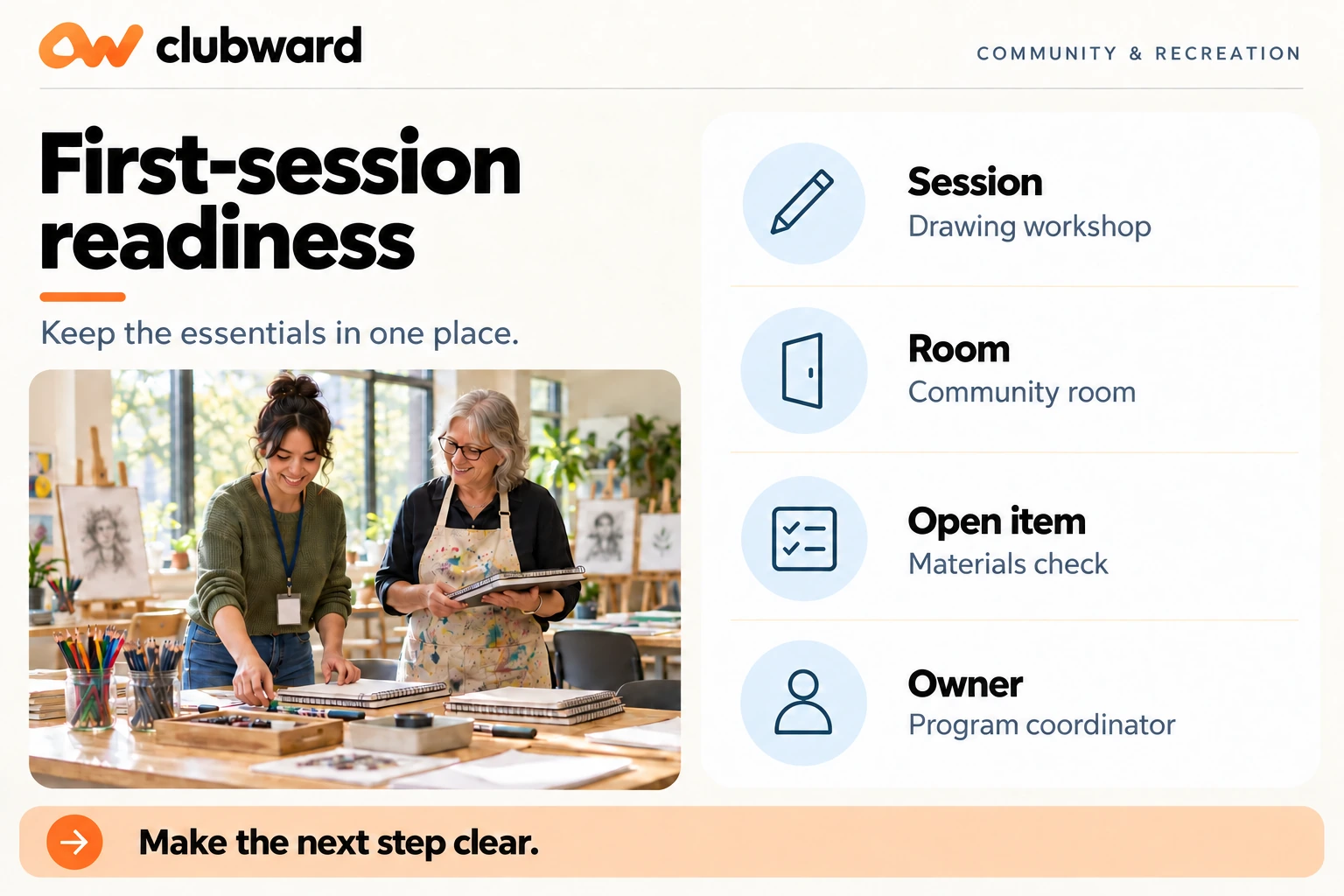
Write down the session date, start and finish times, location, setup window, and named session lead. Add a separate opening owner if someone else unlocks the building or prepares the room. Use names or clearly assigned positions, rather than writing “the office” against every task.
Next, describe what a participant should experience. For an evening drawing workshop, your intended journey might be: receive a confirmation, find the correct entrance, check in with the session lead, collect materials, and choose a seat. Make that sequence concrete enough for another staff member to rehearse.
Now ask what must be ready at each step. A confirmation needs a reliable time and location. The entrance needs to match the directions. The session lead needs a usable roster. Materials need to match the planned activity. Each answer should point to an owner and a place to check the latest information.
Avoid trying to solve everything in a single long note. Put the decisions participants need in their message, the operating steps staff need in their guide, and unresolved questions in an exception list. Your readiness sheet should connect these pieces without copying every detail into another competing document.
Decide what a registration actually means
Before reviewing names, agree on the statuses your team will use. Does “registered” mean a submitted form, an accepted place, or a completed payment? What label will you use when a person is waiting for a response? Write your definitions in ordinary language beside the roster instructions.
For a drawing workshop, you might choose three operating labels: confirmed, awaiting a coordinator decision, and cancelled. These are suggested working definitions, not required platform fields. The important test is whether two staff members would make the same attendance decision from the same record.
Keep the decision separate from the reason. A person awaiting a response may need help with an eligibility question or a payment query. Put only the relevant action in the shared session view. Leave sensitive details in the appropriate restricted record, and give the session lead a contact rather than an unnecessary personal history.
Ask the coordinator to resolve uncertain places before the roster handoff. If a question remains open, record who is handling it, when they will respond, and what the session lead should do if the person arrives first. Do not let a vague label become an invitation for front-line staff to improvise policy.
Give the room and the roster equal attention
Compare the planned activity with the reserved space. Walk through the room layout, equipment, access instructions, storage, setup time, and transition to the next booking. Use the requirements your organization has already approved. If a limit or suitability question is unresolved, route it to the person authorized to decide it.
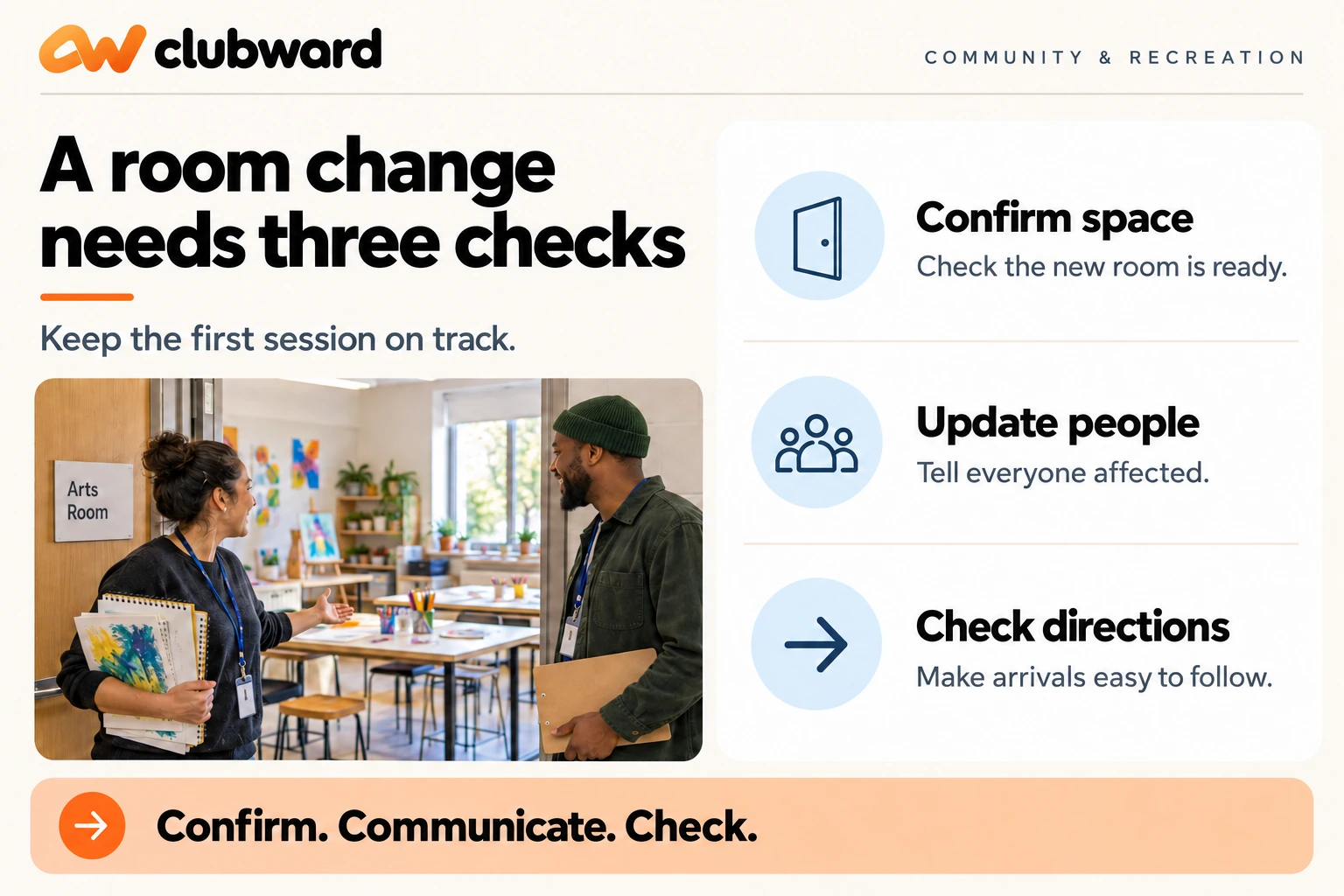
Treat a room change as a coordination task. Decide who changes the calendar, who checks the participant message, who updates the session lead, and who verifies the signs at the original location. A completed calendar edit is one part of that sequence; your rehearsal should cover the rest.
For the workshop example, imagine the group moves from Studio A to the community room. The coordinator checks that the new layout supports the planned activity. The opening owner confirms where supplies will be placed. The session lead checks the arrival instructions. Each person records completion against the same change.
Clubward’s current Programs & shared spaces overview describes bringing programs, registrations, and shared spaces into the planning workflow, with capabilities varying by plan and selected modules. Use that scope as the starting point for a walkthrough. Ask how your specific space and roster responsibilities would be represented before assuming a particular setup.
Build a readiness sheet people can use
Keep the sheet short enough to scan during preparation. Give it a program name, session date, owner, and last-review time. Then include the decisions below. Put links to the underlying records where appropriate, and make sure the person using the sheet has the access needed to follow them.
- Session: the agreed time, location, setup window, and session lead.
- Places: the current confirmed roster and the person responsible for changes.
- Exceptions: unresolved questions, named owners, next actions, and response times.
- Arrival: the entrance, check-in process, and contact for a participant who needs help.
- Delivery: materials, equipment, room preparation, and the person checking each item.
- Changes: who decides, who updates the records, and who communicates the decision.
- Completion: where attendance and follow-up actions will be recorded after the session.
For each row, use a completion condition that another person could verify. Replace “room sorted” with “opening owner has checked the room and confirmed supplies are in the cabinet.” Replace “email done” with “coordinator has reviewed the message containing the final entrance and start time.”
Keep unresolved items visible without turning the sheet into a wall of warning labels. One open question with an owner and a deadline is more useful than several repeated reminders. If the question changes the participant’s ability to attend, bring it forward for a decision before treating the session as ready.
Rehearse three ordinary exceptions
A useful rehearsal asks someone to work through a small scenario using the information they will actually have. Let the session lead explain their next step before the coordinator supplies the answer. Note where the guide works and where it leaves too much to memory.
First, try a name that is missing from the roster. In the sample workshop, a participant arrives with a confirmation that the lead cannot match. Decide where the lead should check, who can reconcile the record, and how the participant will be supported while that happens. Avoid making the rehearsal depend on sharing a real member’s details.
Second, try a late change of location. Give the opening owner a message that the original room is unavailable. Ask them to identify the decision owner, the replacement-space check, and the communication steps. Finish by checking what a participant following the old directions would encounter.
Third, try a cancellation before the first session. Ask who updates the roster, who decides whether another person can take the place, and who handles any account question. Follow your club’s approved rules. Do not build a new refund promise or eligibility exception into a staff instruction just to make the exercise easier.
Record what you changed after each rehearsal. A note such as “added opening owner’s contact to the session sheet” is more useful than “training completed.” The purpose is a clearer operating method, with enough evidence to show that the next person can follow it.
Make the participant message earn its place
Review the confirmation as if you have never visited the building. Put the date, time, location, entrance, preparation requirements, and help contact where they are easy to find. If a person needs to bring materials or take an action beforehand, state exactly what that action is.
Use one clear route for questions. If different teams handle account questions and session details, explain that distinction in a short sentence and provide the correct contact for each. Avoid sending participants through a chain of generic mailboxes with no indication of who is responsible.
Test the message against the final session sheet. Compare the room name, time, arrival instructions, and cancellation guidance word for word where consistency matters. When a detail changes, update the authoritative record first, then the messages and staff instructions that depend on it.
A coordinator can make this review manageable by choosing a single owner for participant-facing details. Other staff can contribute facts, but one person checks the final version. Give that owner a clear handoff before they are away, including the open questions and the location of the current message.
Use a simple readiness meeting
Try a focused review with the coordinator, session lead, and opening owner. Begin with the next session’s actual date and location, then walk through the sheet. Ask each owner to show the relevant record or explain the remaining action. Keep the discussion attached to the upcoming session.
Use three practical outcomes: ready, ready after a named action, or needs a decision. These are suggested review labels. Define what each means for your team, and avoid using a green label to hide an unresolved question about whether the activity can proceed as planned.
For the sample workshop, the room and roster may be ready while the supply delivery still needs confirmation. Assign the supply check to one person, set a response time, and agree on the alternative if the materials are unavailable. The action belongs on the readiness sheet until someone confirms the result.
End by repeating only the open actions, their owners, and the next check. Save broader ideas for the next program review. An interesting discussion about future classes should not obscure the unresolved detail that determines what the session lead needs to do tomorrow.
Test the platform with your own handoff
If you are reviewing a club management platform, bring this first-session workflow to the conversation. Use a sample program with a small roster, one pending question, and a room change. Ask the demonstrator to follow the coordinator’s work through to what the session lead would see.
Clubward’s Programs & shared spaces page describes connected enrollment, attendance, and billing, and invites a walkthrough of capacity, waitlists, registrations, and facility availability. Those published descriptions provide questions to investigate; they are not a reason to assume that every workflow is configured for your club already.
Ask which actions are available in your selected modules, which require setup, and which remain a staff decision. Have the team show how a change is recorded and how the next responsible person finds it. Write down any unanswered questions before evaluating the fit.
Keep the evaluation tied to the people doing the work. Could your coordinator locate the current roster? Could the session lead identify an unresolved question without seeing unnecessary private information? Could the opening owner understand a room change? Use the answers to judge whether the proposed arrangement supports your operating method.
Close the loop after the first session
After the session, review a small set of practical questions. Did the lead have the right information? Did anyone arrive at the wrong entrance? Which exception required a decision that the guide did not cover? What should be changed before the next session repeats the same setup?
Separate observations from conclusions. “Two people asked which door to use” is a specific note in your review; “our communications never work” is too broad to guide an edit. In your real review, record what actually happened and avoid turning a small sample into a claim about all members.
Choose a small number of changes and give each an owner. Update the relevant record, then check the next session’s instructions. If the change affects a standing policy, use your club’s normal approval process before teaching it as the new standard.
Keep the useful parts of the readiness sheet as a reusable starting point. Clear the previous session’s temporary details, retain the owner roles and questions, and set a new review date. The result should help the next coordinator prepare thoughtfully rather than copy a completed checklist without checking it.
Bring one upcoming program into the conversation
Your next step can be small: choose a session, name its owners, build the readiness sheet, and rehearse one exception. Use the gaps you find to shape a better handoff between registration and arrival.
If you want to explore that workflow with Clubward, book a program-focused demo and bring one upcoming activity, its space requirements, and the questions your session lead needs answered. Ask the team to walk through the full journey from registration to a ready first session.
From Katelyn Pauley
More from Clubward