Club Operations
The Pool Is Closed. Did the Right Members Get the Message?
A closure notice needs to reach the families whose plans have changed. Keep lessons, reservations, staff, and reopening updates covered with a simple plan.
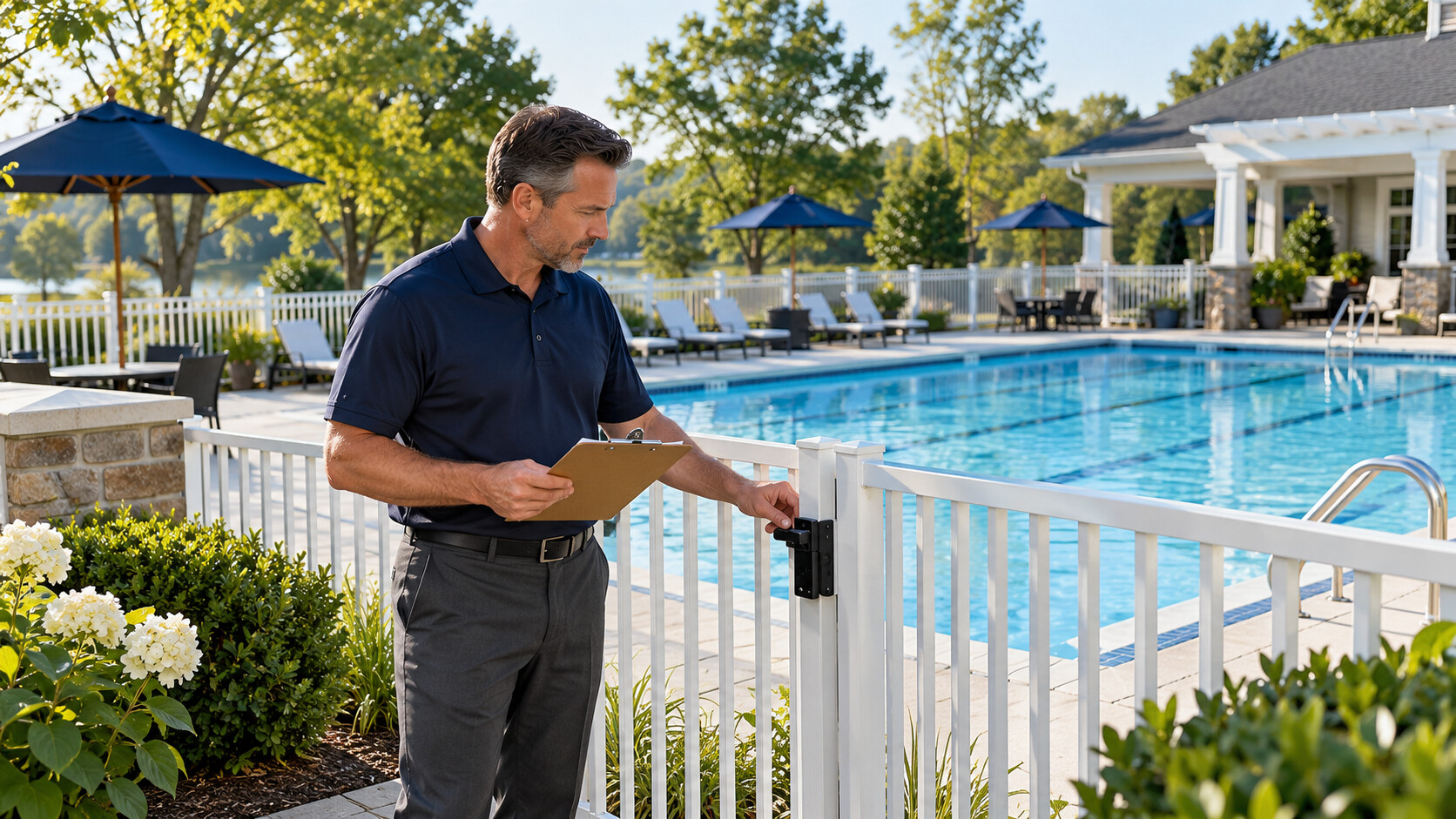
The pool is closed, the notice is on the website, and the front desk is still answering the same question: “Should we come over?” A lesson family is already in the car. A member is looking at an earlier reservation confirmation. The employee arriving for the next shift hasn't seen the latest update.
Sending the announcement is only one part of the job. You also need to reach the people whose plans have changed, give staff the same answer, and keep old messages from adding to the confusion.
A useful closure plan is simple enough to follow during a busy afternoon. It says who confirms the status, who sends the message, which groups need a direct update, and when the next message will go out. The people responsible for safety and operations still make the closure and reopening decisions. The communication plan helps everyone act on those decisions.
Before next season, take one interruption your club handled this year and walk through what happened. Look for the family, staff member, or program group that had to ask twice. That is a good place to improve the plan.
Give every update a person responsible
Staff should know who has the latest confirmed status, who is sending the member notice, and when another update is due. If the situation crosses a shift change, pass those responsibilities to a named person.
Get the facts before writing the notice
Start with the manager or person responsible for the operating decision. Confirm what is closed, when the closure begins, and what members should do now. Check whether the whole club is affected or only one area or activity.
That last detail matters. “The club is closed” sends a different message from “The main pool is closed.” If the clubhouse or another area remains open, say so only after checking the current arrangements.
Ask when the next update will be available. If nobody can confirm reopening yet, don't turn an estimate into a promise. Members can plan around an honest update time more easily than a hopeful reopening time that keeps changing.
Name a backup for the person sending messages. They need access to the current notice and the channels the club uses. If everything depends on one volunteer checking a personal phone, the next shift may struggle to keep members informed.
Think through who was planning to be there
A general announcement helps, but start with the activities affected by the closure. Who is at the club now? Who has a reservation later? Which lessons, practices, or events overlap with the closed period?
Check the reservation list and the program rosters separately. A lesson household may not have a pool reservation. A guest may be coming with a member who hasn't checked email. One list may not cover everyone whose plans have changed.
Include staff arriving for later shifts, instructors, event organizers, and anyone expected on site. They may need different instructions from members. A closure notice doesn't automatically tell an employee whether to report for work.
Ask the people running each activity to check their group. The program lead may spot an instructor or household that a broad membership list misses. Give that person responsibility for the follow-up so the gap doesn't remain a note nobody handles.
| Who needs to know? | What do they need? | Where to check |
|---|---|---|
| People already at the club | What to do now | The on-site team and the club's response procedures |
| Reservation holders | Whether their booking is affected | The bookings for the closed area and time |
| Lesson or program families | What happens to their session | The program roster and program lead |
| Incoming staff | Whether and where to report | The manager or shift supervisor |
| Other members | The current status and next update | The club's main member notice |
Give the desk team an answer before the calls build up
Share the confirmed status with the front desk as the member message is prepared. Staff need to know what to say to someone who is already on the way, waiting at the gate, or asking about a booking.
Keep a short note with the current status, the time it was confirmed, and the next update time. Add the contacts for program questions and requests about charges or rescheduling.
Don't leave staff to promise credits or replacement sessions on the spot. They can explain who will review the request and when the member should hear back. That gives the member a useful next step without creating an arrangement another person has to reverse.
Send staff attendance instructions through the usual staff channel. A closed pool may still leave work to do, or it may change where people should report. The manager should make that clear rather than expecting employees to interpret the member notice.
Put the important information first
Lead with what is closed and what members need to do. Include the date and local time. An undated message saying “closed this afternoon” can confuse someone who opens it tomorrow.
Keep the first message short enough to read on a phone. State the affected area, the immediate effect on visits, and where the next update will appear. Explain the cause if it is confirmed and appropriate to share.
Use separate messages for details that apply to only one group. Lesson families may need information about their session. Event organizers may need a direct conversation. Putting every possible arrangement in the first notice can bury the closure itself.
Read the opening line aloud. If a member sees only that line in a notification, will they understand whether to travel to the club? Move the practical answer forward if it is hidden behind an apology or a long explanation.
Separate “next update” from “reopening”
This is one of the most useful distinctions you can make. “We'll update you at 3 p.m.” means the club will provide more information. It doesn't mean the pool will open at 3 p.m.
Say both parts when needed: the pool remains closed, and the next update is due at the stated time. If reopening hasn't been confirmed, use those words plainly.
Avoid phrases such as “we should be back shortly” unless the operating team has given you a clear statement to share. Members can read “shortly” as permission to set off, especially if they're trying to fit a visit around lessons or work.
When the update time arrives, send the update even if nothing has changed. Keeping that promise tells members the earlier notice is still current and saves them from wondering whether the club simply forgot to post again.
Prepare useful wording before a busy day
Save a few short message outlines for a closure, an unchanged status, and reopening. Leave space for the real area, date, time, and next step. The person sending the message should check each detail before it goes out.
For a main-pool closure, the opening can be as simple as:
The main pool is currently closed. Please check this notice before leaving for a swim. We'll post the next update here at the time shown below. Reopening has not yet been confirmed. If your lesson or reservation is affected, the club will contact you about that booking.
Add the actual date, update time, and any other confirmed information. Use the wording only when it matches the decision your operating team has made. If the closure affects a different area or only certain sessions, say exactly which ones.
For an unchanged status, you can keep it shorter: the pool remains closed, the latest check has not changed that decision, and another update is due at the stated time. Members don't need a new explanation every time they need confirmation.
Choose one place for the current answer
Decide where members should find the latest status. That could be a maintained website notice or portal announcement. Use the place your club can keep current and that members know how to reach.
Other channels can point to that notice. An email can explain the immediate change. A short alert can send people to the latest details. A program message can cover a specific session. The wording can vary, but the status and times should agree.
Keep a channel checklist beside the saved messages. Include the website banner, portal notice, email, social accounts you actually maintain, signs, and the desk team's answer sheet.
Check scheduled reminders too. A reservation reminder saying “see you this afternoon” can contradict a closure notice sent minutes earlier. Pause or update messages where your tools allow it, or send a clear follow-up to the affected group.
Check the recipients as well as the message
Before sending, confirm the date, activity, and time range used to select recipients. A well-written notice won't help a family if it went to yesterday's lesson roster.
When another staff member can review the selection quickly, show them what you selected. “Today's afternoon lessons in the main pool” is easier to check than a count of recipients without context.
Look for groups that may be missing and people who might misunderstand why they received the message. If the whole membership receives a notice about one pool, make the affected area clear.
Open the preview and follow its link. Check the subject, date, time, and first lines. If the message uses names or booking details, make sure missing information won't produce an empty greeting or the wrong session reference.
Keep this review short and suited to the situation. It supports prompt communication; it doesn't replace the club's immediate on-site instructions when staff need to act now.
Remember that sending isn't the same as reaching someone
A message marked sent tells you something useful, but it doesn't tell you every member read it. Check any failed deliveries your system reports and follow up where needed.
Don't tell the desk team that everyone has been informed simply because the email went out. Staff may still need to explain the closure to arriving members, guests, or people who didn't see the message.
Use the club's on-site procedures for people already present. A digital notice is part of the communication, not a substitute for the directions the operating team gives at the facility.
When reviewing what happened later, keep the message history. The send time, audience, and failed attempts can help you identify a gap without relying entirely on someone's memory of a busy afternoon.
A lesson family needs more than “the pool is closed”
If a closure overlaps an afternoon lesson, the family has two questions: should we come to the club, and what happens to the lesson?
You can answer the first as soon as the closure is confirmed. The second may need the program lead to review the schedule. Send the closure message promptly, then give the lesson follow-up to a named person.
Check reservation holders separately. They need to know which booking is affected and how any next step will be handled. Don't assume they will work it out from a general announcement.
If the next status check brings no change, post that update and give the desk team the same wording. If an older social post says reopening is expected soon, correct it so members aren't choosing between conflicting answers.
When reopening is confirmed, update the main notice and send the appropriate message. Keep the lesson question open until the program lead has contacted those families. An open pool doesn't settle what happens to a session they already missed.
Give booking and payment questions a clear home
Decide who handles each kind of follow-up. A lesson change may belong to the program lead, an event booking to the events coordinator, and a charge question to the manager or treasurer.
Attach the request to the correct booking or account. “Member called about closure” doesn't tell the next employee which session needs attention. A short note with the booking and next action is more useful.
Use the club's policy when deciding on credits, refunds, or replacement sessions. The first notice can say that affected households will receive more information without promising a result before the right person reviews it.
Once the decision is made, tell the household what applies and record that the reply was sent. Otherwise, the next shift may answer the same question again without realizing someone has already resolved it.
Leave a short record as the situation changes
Keep the current status at the top, followed by the time it was confirmed and who confirmed it. Add a brief history of important updates below.
Record which channels were changed. If the website is current but a portal banner still needs updating, leave that as an open task. A handover should show the unfinished work clearly.
When a meaningful detail was wrong, correct it in a way affected members can understand. Quietly changing a time on one page may not reach people who already read the email. Decide whether a follow-up message is needed based on what changed.
Keep small wording edits separate from a new operating decision. Fixing a typo doesn't mean the pool's status changed. Reopening does. The next person should be able to tell which kind of update they are looking at.
Hand the next shift a clear list
Before leaving, name the person taking over communications. Tell them the latest status, when another update is due, and which member or program questions still need an answer.
Check that they can actually update the notice and send the required message. Being able to read a page isn't always the same as being able to edit it. Sort out access through the normal club process before the handover becomes rushed.
Keep the handover short. The incoming person needs the current answer and the next few tasks, with the earlier detail available if they need it. A long chat transcript can make it harder to find the one thing due in ten minutes.
Confirm that the front desk knows who now holds the responsibility. Staff shouldn't keep calling the person who has gone off duty because nobody told them the work had changed hands.
Use the checklist again when the pool reopens
Wait for the person responsible for operations to confirm reopening. Check what is available and from what time. Some programs or areas may still have different arrangements.
Then work through the same channels you used for the closure. Update the main notice, remove or replace the closure banner, brief staff, and contact the affected groups.
Open the page a member is likely to visit first. A fresh reopening post won't help if a prominent banner still says closed. Check signs and saved desk wording as well as digital messages.
Review the remaining follow-ups separately. Keep missed lessons, booking questions, and account requests with their assigned people until they are finished.
Make next season's messages easier to send
At your end-of-season debrief , look at one closure from start to finish. Where did people have to chase an answer? Which list was missing? Which old notice stayed visible too long?
Pick a specific fix: add the program roster to the audience check, name a backup sender, or put the next update time in every notice. Give the work to someone and practice it before the season starts.
Clubward's marketing and communications tools can be part of that review. In a walkthrough, ask how to find households affected by a reservation or program change, preview the message, and see the saved communication record.
Practice a shift change before the season starts
A short practice run can show whether the plan works when the usual sender is unavailable. Choose an ordinary interruption to talk through with the manager, desk supervisor, and person who sends member notices. Use sample bookings and don't send practice messages to members.
Start by giving the team a confirmed closure affecting a particular area and time. Ask who would prepare the first notice and which lists they would check. Have the desk supervisor explain what arriving members would hear.
Then move the clock forward in the exercise. The original sender is finishing a shift, the operating status hasn't changed, and a lesson family is waiting for an answer about its session. Ask the incoming person to find the current message, the next update time, and the open program question.
Watch for practical gaps. Can the backup find the right roster? Can they update the page? Do they know whether the program lead has replied? Those are things you can fix before a real afternoon becomes busy.
Finish by announcing that operations has confirmed reopening. Ask the team to name the notices that need changing and the member questions that still need follow-up. This checks whether the reopening message is part of the plan or something everyone expects to remember.
Keep the findings short. Write the missing step, the person who will fix it, and the date you'll check it. You don't need a long exercise report to replace an outdated link or add a backup sender.
Repeat only the part that was unclear once the fix is ready. If the problem was finding the incoming shift's instructions, ask another employee to find them. If the problem was a missing program group, check the revised audience list.
Include the finished instructions in new-staff preparation. Seasonal employees need to know where the current answer lives even if they never send a closure notice themselves. The plan becomes much more useful when everyone knows where to look and whom to ask.
Before the next closure notice
- Confirm the closed area, current status, and next update time.
- Name the sender and backup.
- Check people on site, reservations, programs, and incoming staff.
- Tell members what to do now.
- Keep the next update time separate from a reopening promise.
- Preview the message and check the recipient group.
- Update staff and every active notice.
- Assign lesson, booking, and payment follow-ups.
- Repeat the channel check when reopening is confirmed.
Book a Clubward walkthrough with one closure your team found difficult to communicate. Bring the affected activities and the steps staff followed. A useful result is a plan the next shift can pick up easily, with members getting the answer they need before they leave home.
From Clubward Editorial Team
More from Clubward