HOA & Condo Communities
The Amenity FAQ Contradicts the Board Decision. Which Version Wins?
Resolve conflicting amenity answers with a current-version check across the approved decision, policy, FAQ, signage, and desk instructions.

When an amenity FAQ contradicts a board decision, do not choose the answer by file date, channel, or who shared it most recently. Identify the approved decision, confirm its effective date and scope with the authorized decision owner, then correct the places that explain it. If the meaning remains unresolved, give staff an approved interim instruction and a named escalation contact.
A newer FAQ can summarize an older rule incorrectly. A board decision can also have a future start date, a limited exception, or a condition that a short notice leaves out. Your first task is to establish what applies to this amenity and this situation today. Your second task is to make that answer consistent wherever residents and staff encounter it.
Use the current-version check below to compare the decision record, policy, FAQ, signage, and desk instructions. It separates authority from communication, gives each correction an owner, and ends with a practical resident-question test. Adapt the fields to your association's established approval process.
Separate the decision from its explanation
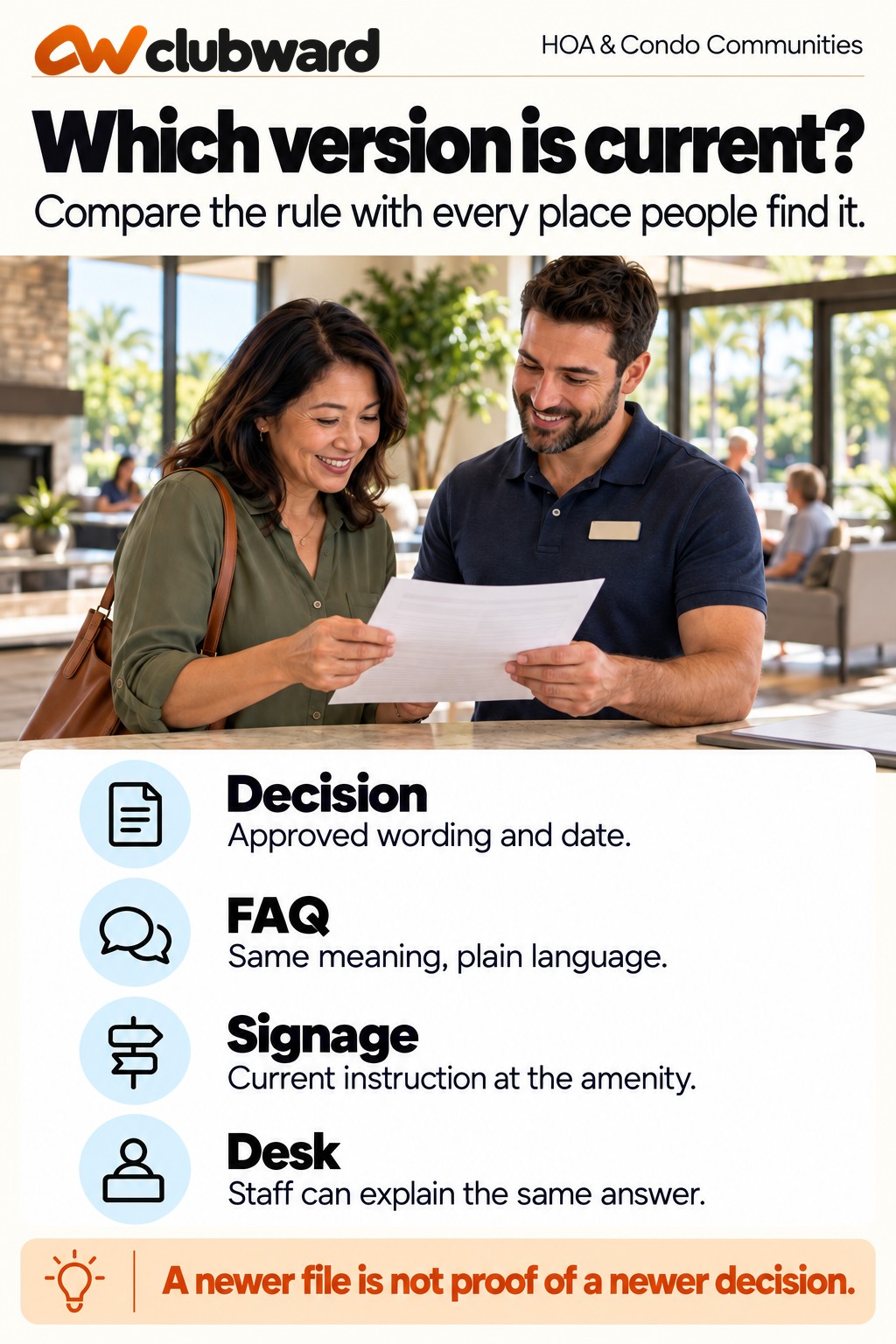
A decision record answers what was approved, by whom, and when it applies. An FAQ helps a resident understand how to act. A sign provides an instruction at the place of use. A desk guide helps an employee answer a question or recognize an exception. These records serve different purposes, even when they describe the same rule.
Do not require identical wording across every format. A lobby sign cannot carry the full explanation that belongs in a resident guide. Require identical meaning on the points that affect a decision: eligibility, location, permitted activity, applicable dates, approval requirements, and the route for an exception.
For example, a board approves clubhouse guest use during a resident's confirmed reservation. The FAQ says residents may bring guests to the clubhouse. That shorter sentence leaves out the reservation condition. Copying it to a sign would spread the ambiguity. Repair the explanation by preserving the condition rather than reproducing the longer decision verbatim.
The UK Government Service Manual recommends joining online, paper, phone, and face-to-face channels around users' needs. It also calls for a process that keeps frontline staff informed when a service changes. Apply that principle here: a resident should receive a compatible answer from the website, notice, and amenity desk.
Start one check with one real question
Choose the contradiction that is creating a current operating question. Write it as a resident might ask it: “May my guest use the clubhouse while I am away?” This is easier to test than a broad task called “update all amenity information.” It also keeps the review focused on the decision people need.
Record the amenity, the resident or guest situation, the relevant date, and the conflicting answers. Include the exact paragraph or sentence from each place. Avoid describing a page as wrong before you have confirmed the approved meaning. A missing condition and an outdated condition require different corrections.
Give the check a short identifier, such as clubhouse guest presence review, and name one coordinating owner. The coordinator collects information and follows up; they do not automatically gain authority to interpret or change policy. Identify the person or body that can settle the meaning under the association's existing process.
Keep private resident information in its authorized record. A public FAQ correction rarely needs a household name, complaint history, or account detail. Describe the general question in the working sheet and refer authorized reviewers to the individual case only if it is necessary to resolve the issue.
The current-version check sheet
Use one row for each place carrying the answer. A small association can start with five rows: approved decision, current policy, resident FAQ, amenity sign, and desk instruction. Add a reservation confirmation or welcome packet when that is where residents commonly find the rule.
- Location: Where does the answer appear, and how can the reviewer find the exact passage?
- Current wording: What does it tell the resident or employee to do?
- Decision reference: Which approved record supports the instruction?
- Effective period: When does the instruction begin, end, or require review?
- Scope: Which amenity, people, circumstances, and conditions does it cover?
- Meaning check: Does it agree, omit a necessary condition, or conflict with the confirmed decision?
- Correction owner: Who can update this location after the meaning is settled?
- Verification: Who checked the corrected answer, and when?
Keep the wording column short enough to compare without opening several documents. Link to the full authorized record for context. A reviewer should be able to see why a row is marked inconsistent, rather than relying on an unexplained red flag.
Distinguish a verified current answer from an answer awaiting confirmation. If the board decision does not clearly address the situation, mark the row unresolved and identify the decision owner. Do not make the spreadsheet appear complete by filling the gap with an employee's best guess.
Confirm authority, date, and scope together
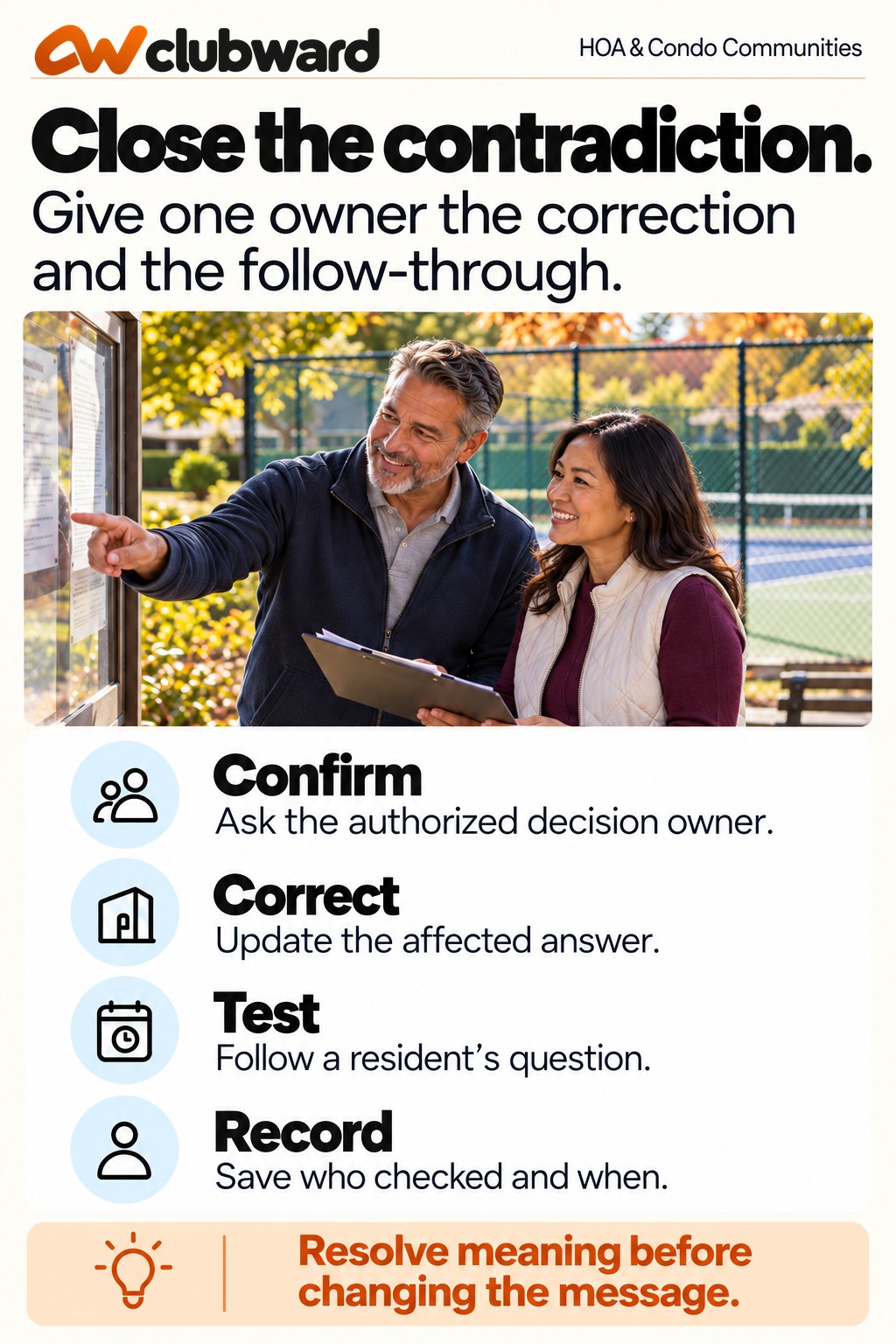
Ask the authorized owner to confirm three things before editing public information. First, which approved record controls this operating question? Second, when does the decision apply? Third, what conditions or exceptions must the explanation retain? The confirmation should be specific enough for another person to perform the correction.
A file's upload date is evidence about the file, not necessarily about the rule. A document renamed in October might contain a decision effective in June. A September meeting record might approve a change beginning next season. Keep the effective date separate from the date someone copied or published the explanation.
Check whether the decision replaces a previous instruction entirely or changes only part of it. A guest limit might change while the resident-presence requirement remains. Rewriting the FAQ from memory can unintentionally discard the condition that stayed in force. List changed and retained points explicitly in the internal correction record.
If authority or interpretation is disputed, follow the association's established escalation route. The desk should receive a bounded interim instruction approved by the appropriate owner. That instruction can explain who will answer the unresolved question and when an update is expected without pretending the issue has been settled.
Work through a clubhouse guest example
Consider a condominium association whose confirmed decision allows up to four guests during a resident's clubhouse reservation and requires the reserving resident to remain present. The FAQ says “Each household may bring four guests.” A sign says “Residents and their guests welcome.” The desk guide includes the reservation condition but omits resident presence.
The coordinator collects the three explanations and asks the authorized owner to confirm the decision's date and conditions. Once confirmed, the FAQ becomes: “During your confirmed clubhouse reservation, you may bring up to four guests. The reserving resident must remain present.” The sign can direct users to the guest conditions without trying to explain every booking detail.
The desk guide now tells staff to check the reservation, guest count, and resident presence. It also names the person who handles an exception request. The correction changes the explanation, not the underlying allowance. Staff do not gain permission to approve an exception simply because the new guide mentions one.
Test the repair with two questions. “My reservation is confirmed; may I bring three guests?” should lead to a clear answer with the presence condition. “May my guest use the clubhouse without me?” should lead to the applicable instruction or escalation. If the tester needs the coordinator to supply missing facts, the correction is incomplete.
Correct the answer where it is actually used
Work from the confirmed meaning outward. Update the designated policy or operating reference first when that record needs correction. Then revise the FAQ, active signs, desk guide, reservation message, and other identified locations. Follow the association's normal review and publication permissions for each channel.
Do not assume one website edit updates printed material or saved email templates. Ask each correction owner to inspect their actual location. A sign on the clubhouse door and an attachment in the welcome packet can remain in circulation after the central page is repaired.
When an old notice remains useful for historical context, distinguish it from a current operating instruction. Keep decision history in the appropriate internal record. Residents looking for today's answer should not have to compare meeting attachments to work out which sentence applies.
Prioritize the places that could prompt an immediate wrong action. If the desk is answering the question today, its instruction needs attention now. If a welcome packet is sent next week, assign its correction before the next send. Record any location that remains uncorrected and the approved temporary way to handle questions there.
Write the resident explanation around action
Lead with the instruction the resident needs. Include who it applies to, the relevant condition, and the next step. Explain a change when residents need to understand why a previously issued answer differs, but avoid recounting internal editing history or blaming the person who maintained the FAQ.
A useful correction might say: “For clubhouse reservations beginning November 1, the reserving resident must remain present with guests. The guest limit remains four. If you already have a reservation and need help understanding this condition, contact the community office.” Use that wording only when those dates and conditions are confirmed.
If the repair clarifies an existing condition, do not announce a new rule. Say what residents should do and correct the ambiguous explanation. If the approved decision changes the condition, make the effective date visible and explain which reservations are affected. Those are different communication jobs.
Keep a single help route in the public explanation. Internally, the route can reach the manager or authorized decision owner. Residents should not have to choose among a board member's personal inbox, an old committee email, and the amenity desk to discover who can provide the current answer.
Give the desk an answer and a boundary
The desk instruction needs more than the public sentence. Add the relevant checks, the record staff should consult, the point at which the situation exceeds their authority, and the escalation contact. Keep it practical enough to use during a normal interaction.
For the clubhouse example, the employee checks the reservation and explains the guest conditions. If someone describes a different arrangement, the employee records the question and refers it to the named owner. The guide should tell staff what to do while waiting for that decision under the association's approved procedure.
Ask the incoming shift lead to explain the correction back in their own words. They should identify the condition, effective date, and help route without opening a private message from an off-duty colleague. This is a check of the instruction's usefulness, not a quiz about who memorized a document.
Give employees a short response for an older screenshot: “That explanation has been corrected. Here is the current instruction and the office contact if you need help with your reservation.” When the situation requires a decision, staff should avoid promising an outcome merely to end the conversation.
Test a future-effective change separately
A rule can be correctly approved and still be applied too early. Suppose the board confirms a new guest limit beginning with reservations on January 1. Your current FAQ needs to distinguish today's limit from the upcoming one until the transition is complete.
Test a December reservation and a January reservation. The reviewer should be able to identify which condition applies to each without inferring it from a publication date. If the association decides that booking date rather than use date controls the transition, the wording needs to preserve that distinction.
Check scheduled notices and printed material around the changeover. Assign someone to remove or replace the old operating instruction at the right time. A future-effective paragraph should not remain beside an old sign indefinitely, forcing employees to reconcile the two on every shift.
Keep the transition question in the current-version sheet until both cases pass. Record the date on which the old instruction stops being used operationally. Retain the historical decision through the association's established records process rather than deleting the evidence that explains the change.
Handle one approved exception without rewriting the general rule
An individual exception can create another apparent contradiction. A household may have a documented arrangement that differs from the standard guest condition. That does not automatically make the FAQ outdated or authorize the same arrangement for every resident.
Keep the general explanation separate from the exception record. Authorized staff should be able to identify the exception's scope, approval owner, effective period, and relevant limits. The desk guide can explain how to check for a current exception without exposing private household circumstances publicly.
Test an expired exception as well as an active one. A historical approval should not be treated as continuing permission just because it is still visible in a record. If the period is unclear, send the question to the authorized owner before promising access under the exception.
When the same exception question keeps recurring, ask whether the general process needs review. Record the pattern without changing policy through an FAQ edit. The board or other authorized body can evaluate the issue with its context; the communication owner then explains the resulting decision.
Run the resident-question test across five locations
Give an employee who did not write the correction the original resident question. Ask them to begin where a resident normally begins: the amenity page, a confirmation, or the posted instruction. Let them follow the available links and help route without coaching.
Then compare their answer with the approved decision and the desk guide. The wording may differ, but the condition, scope, date, and next action should agree. Note any point at which the tester cannot tell what applies or reaches a different instruction.
- The decision reference supports the answer being given.
- The policy retains every condition that affects the operating choice.
- The FAQ explains the resident's next action in plain language.
- The sign gives a compatible instruction at the amenity.
- The desk can answer the routine case and identify the escalation boundary.
Repair a failed step and repeat that part of the test. An owner promising to fix a sign is not the same as a sign being corrected. Keep the check open until the actual locations have been inspected or any remaining gap has an explicit owner and approved temporary handling.
Use a correction request that another owner can complete
Send the website or signage owner a bounded request rather than a message saying the rule is confusing. Identify the exact location, provide the approved replacement wording, include the effective date, and name the reviewer who confirmed the meaning. Ask for confirmation after the actual correction is visible.
A useful internal request reads: “Please replace the clubhouse guest paragraph in the resident FAQ with the approved wording below. It applies to reservations using the clubhouse from November 1. Leave the other booking conditions unchanged. After saving, send the page link to the community manager for the resident-question check.” The request includes enough context to prevent an editor from improvising.
For a physical sign, name its location as precisely as the web paragraph. “Clubhouse information board beside the east entrance” is more actionable than “the amenity sign.” Confirm whether the owner should replace the sign, add a temporary approved notice, or arrange another correction through the normal facilities process.
Record completion against the location, not against the email thread. If someone replies that the update is done, open the page or inspect the sign and compare the relevant wording. A correct replacement stored in a draft folder still leaves the resident with the old answer.
Close the request with the verifier's name and check date. If the correction cannot be completed yet, record what remains visible, who owns it, and how staff will handle questions in the meantime. That leaves a usable handoff instead of an unexplained open task.
Ask the correction owner to retain the approved wording with its decision reference so the next editor can understand the condition. When someone later proposes shortening the answer, compare that revision against the resident-question test before replacing it. This gives future updates a practical review method and keeps a communication improvement from accidentally becoming another change to the rule residents and staff are following today.
Review the next contradiction without starting over
Keep the completed sheet as a reusable structure. At the next review, change the resident question and locations rather than copying the old answer. A pool guest condition, court reservation limit, and clubhouse booking requirement can share the check method while needing different decision owners and examples.
Schedule the next review around a meaningful trigger: a new decision, a replacement sign, a revised reservation template, or a repeated desk question. Assign a date when an unresolved transition requires one. Avoid creating a routine paperwork task whose only result is another checked box.
Review what produced the contradiction. Was a condition shortened away? Did an old attachment keep circulating? Was the desk guide never included in the update? Choose a process correction that addresses that cause. A second reminder will not repair a template that continues to send the wrong sentence.
Keep the review proportionate. You need a traceable current answer and a practical way to correct discrepancies. You do not need to reproduce every meeting record in the FAQ or ask residents to research the authority behind an ordinary amenity question.
Bring the version check into your amenity workflow
Clubward connects program and shared-space planning with reservations. Use your current-version sheet to test how the amenity information, operating instruction, and reservation scenario fit the way your association works. The human approval boundary should remain clear throughout the walkthrough.
Bring one confirmed rule, one contradictory explanation, and one routine resident question. Ask the team to follow the question from the information a resident sees to the answer staff provide. Include a future-effective condition or exception if that is where your association's confusion usually begins.
Book a personalized Clubward demo around that question. Your useful next step is a workflow in which the approved meaning, current explanation, responsible owner, and resident's next action agree.
From Clubward Editorial Team
More from Clubward