

It’s Thursday and a neighbor calls to cancel Saturday’s clubhouse party. They remember paying a deposit. You can see a $250 payment, but the receipt just says “clubhouse rental.” The person who took the booking is out until Monday. What can you tell the neighbor today?
Start by finding the booking, what the resident agreed to, and what they paid for. Write down when they asked to cancel. Then give someone the job of clearing the calendar and someone the job of checking the money. When the refund is done, save the result beside the original payment and let the resident know. These jobs might all be yours in a small club, but it helps to check them off one at a time.
If your HOA is shopping for a booking platform, ask to see the whole thing in a demo. Start at checkout, cancel the reservation, and follow the refund through to the receipt. The useful part is seeing whether the volunteer covering the desk can open one booking and tell the resident what happened.
Put the rental fee and the deposit on their own lines
When a resident books the clubhouse, the rental fee pays for use of the room. A security deposit covers the conditions your club has agreed to check, such as returning a key or leaving the room in good shape. Show each amount on its own line at checkout and on the receipt. If you accept one payment for both, someone should still be able to open the record later and explain both parts.
Say a fictional clubhouse charges $150 for the room and collects a $100 deposit. The resident pays $250. The volunteer who takes the booking sees both figures laid out in front of them. When a second volunteer gets the cancellation call, they can start with those same figures and check the rules for each line. A note saying “$250 paid” leaves everybody to do the detective work again.
Check how the deposit is handled before you choose the words on your receipt. Some setups actually collect the deposit. Others put a temporary hold on the resident’s card. A hold reserves an amount and can be released. Once an amount has been collected, returning it generally goes through a refund. Your staff should be able to see which happened in the payment record.
Here’s why it’s worth asking a vendor to show you. FRONTSTEPS describes a temporary card hold for its security deposit setup. HOA Grove describes collecting a deposit at booking and handling the refund in Stripe. Those are examples of how two vendors document their own setups. Ask what your proposed setup does and have someone show you what the resident sees, too.
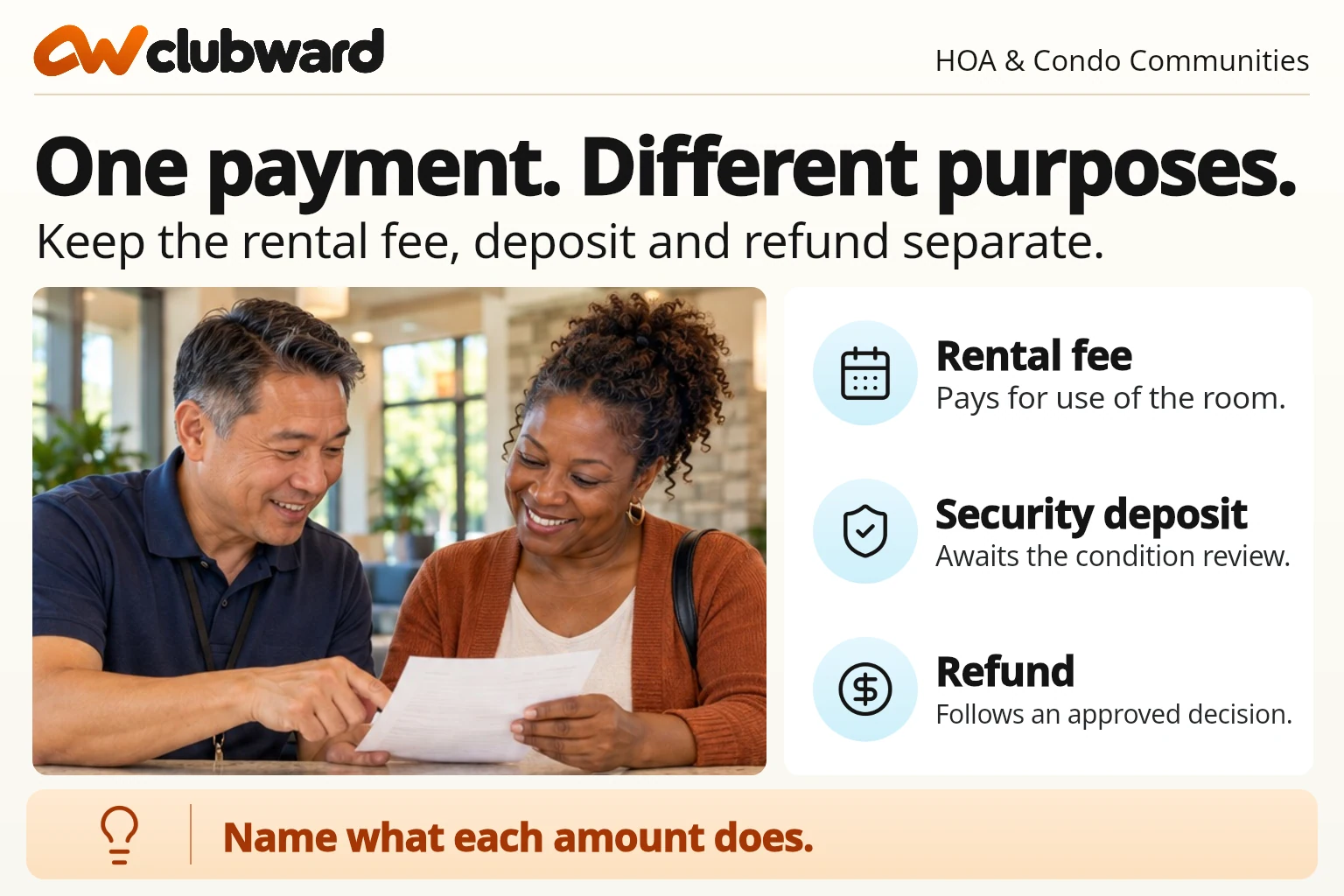
While you’re looking at checkout, read the confirmation the way a neighbor would. Can they tell how much was collected today? If part is a hold, can they see when it may appear? Can they find what has to happen before you return the deposit? A person booking their first party should be able to answer those questions without calling the treasurer.
Keep the cancellation terms with the booking
The easiest time to help someone understand a cancellation is when they book. Tell them how to ask, which date or time you’ll use, and what may happen to the rental fee and deposit. Say where they can find the full policy later. “Refunds are subject to review” might be true, but it gives a busy neighbor very little to go on.
For an example of how different lines can have different rules, see the City of Cedar Park’s clubhouse and community room cancellation policy. It sets out timing windows and treats the rental fee and any applicable deposit separately. Use your association’s own approved terms. The part worth borrowing is how easy it is to find the rule for each amount.
Save the version the resident accepted next to the reservation. You can link to a dated copy or keep the confirmation that includes the wording. If the board changes the policy after someone books, the person taking the cancellation still needs a way to find what that resident saw. Keep any later approved change with the booking so the next person can follow the story.
If you can only find today’s policy and the resident remembers different terms, give the question to the person who can review it. Let the neighbor know what you’re checking and when you’ll get back to them. That’s usually a much easier conversation than explaining later why you had to change an answer you gave over the phone.
When a family cancels, get the date and the booking first
Open the reservation and confirm the day, room, and name with the resident. Save when and how the request came in. If a message sat in the shared inbox overnight, keep the time it reached the inbox and the time it was opened where they matter to your policy. A note that says “cancelled Friday” is hard to use if the Thursday evening message changes the amount due back.
Send a short reply so the family knows the request reached the right person. You could say, “Hi Jordan, I got your message about Saturday’s clubhouse booking. Morgan is checking what you paid and the cancellation terms. We’ll send you an update by Wednesday.” Pick a date the team can meet. When the family has already had to change their plans, knowing when they’ll hear back is one small thing you can make easier.
Ask whoever runs the calendar to confirm whether the booking is cancelled, moved, or still being reviewed. Once the club has confirmed a cancellation, update the calendar and let the volunteer doing setup know. The treasurer can still be checking the refund. With both statuses visible, you can give a useful answer to the next resident who asks about Saturday.
If the party moves to a new day, check the new time before offering it. Write down what happens to the old reservation and which amounts, if any, go toward the new one. Ask whether the revised message includes the date, the money already applied, and anything still due. Our guide to checking a changed clubhouse booking has a practical way to compare the old and new confirmations.
Follow a $250 booking through a late cancellation
Let’s go back to that Thursday phone call. In this fictional example, Maple Court’s approved policy keeps $50 of the rental fee when a resident cancels fewer than seven days before the event. It returns the security deposit when the room hasn’t been used and there’s no other approved deduction. Jordan’s booking is two days away. The $150 room fee and $100 deposit were both collected.
| What Jordan paid | What the club decided | What goes back |
|---|---|---|
| $150 room fee | Keep the $50 cancellation amount set by the example policy. | $100 |
| $100 security deposit | Return the full deposit because the room wasn’t used. | $100 |
| $250 total collected | The club keeps $50 in this example. | $200 total |
Morgan opens the booking, checks the accepted terms and request time, and approves $200. Taylor submits the refund through the club’s payment process and saves the provider’s reference. Casey updates the booking calendar and lets the setup volunteer know they can take the party off their list. That’s three jobs with three clear answers, even if the same two people handle them all at your club.
Now imagine the $100 deposit was a card hold. The original charge in the example would have been $150, with $100 reserved separately. Taylor would check how the proposed setup releases the hold and refund the approved $100 from the rental charge. The family could still see $200 accounted for across the two steps. The confirmation should say which amount was refunded and which hold was released so they know what to look for.
Keep the math plain in your message. “We’ve submitted a $200 refund. That’s $100 of your rental fee plus your $100 deposit. The remaining $50 was kept under the cancellation terms for your booking.” If the provider still shows the refund as pending, say so. Use the timing your payment provider can support or promise a check-in from your team if the timing is unclear.
After a party, give the room check an owner
When the party goes ahead, the deposit may need a room check before someone can send it back. Ask the person opening the room to note anything that was already there. Afterward, have the closing volunteer check the items named in your agreement. That might mean the keys, tables, kitchen, or where the chairs were meant to go. Keep observations specific, like “one key returned at 9 p.m.” or “three tables left in the hall.”
Imagine the closing volunteer sees a mark on the floor and sends a photo to the treasurer. The opening note shows the same mark. Putting both notes beside the reservation gives the reviewer enough context to ask the right question. If another group used the room in between, record that, too. A photo by itself can be hard to place once the weekend is over.
For a partial refund, ask the approver to write the amount they’re keeping and what the agreed terms say about it. If the $100 deposit had an approved $25 cleaning deduction in our fictional example, the resident should see $75 back and an explanation of the $25. Give them one contact for questions. A short note with an amount and a clear reason is easier to understand than a line called “adjustment.”
Agree on who receives the room check while there’s still time to change the process. A volunteer who locks up can report what they saw. The designated approver can review the record and decide what happens to the deposit. Make that next handoff easy enough to do when someone is tired, working from a phone, or taking a shift for a friend.
Once it’s approved, follow the refund all the way through
When someone marks a refund approved, give it a payment owner. They’ll need the original payment reference, the authorized amount, and the payment route the club uses. Keep private payment information in the approved payment system. A shared bookings sheet can show the reference and status that help staff find the answer without holding extra card or bank details.
| What you can see | What the next person should do |
|---|---|
| Approved and waiting | Send the approved amount to the payment owner. |
| Submitted and pending | Check the provider before trying again or giving the resident a final answer. |
| Confirmed | Match the result to the original payment, update the resident, and close the follow-up. |
| Failed or unclear | Read the provider record, assign the follow-up, and keep the case open. |
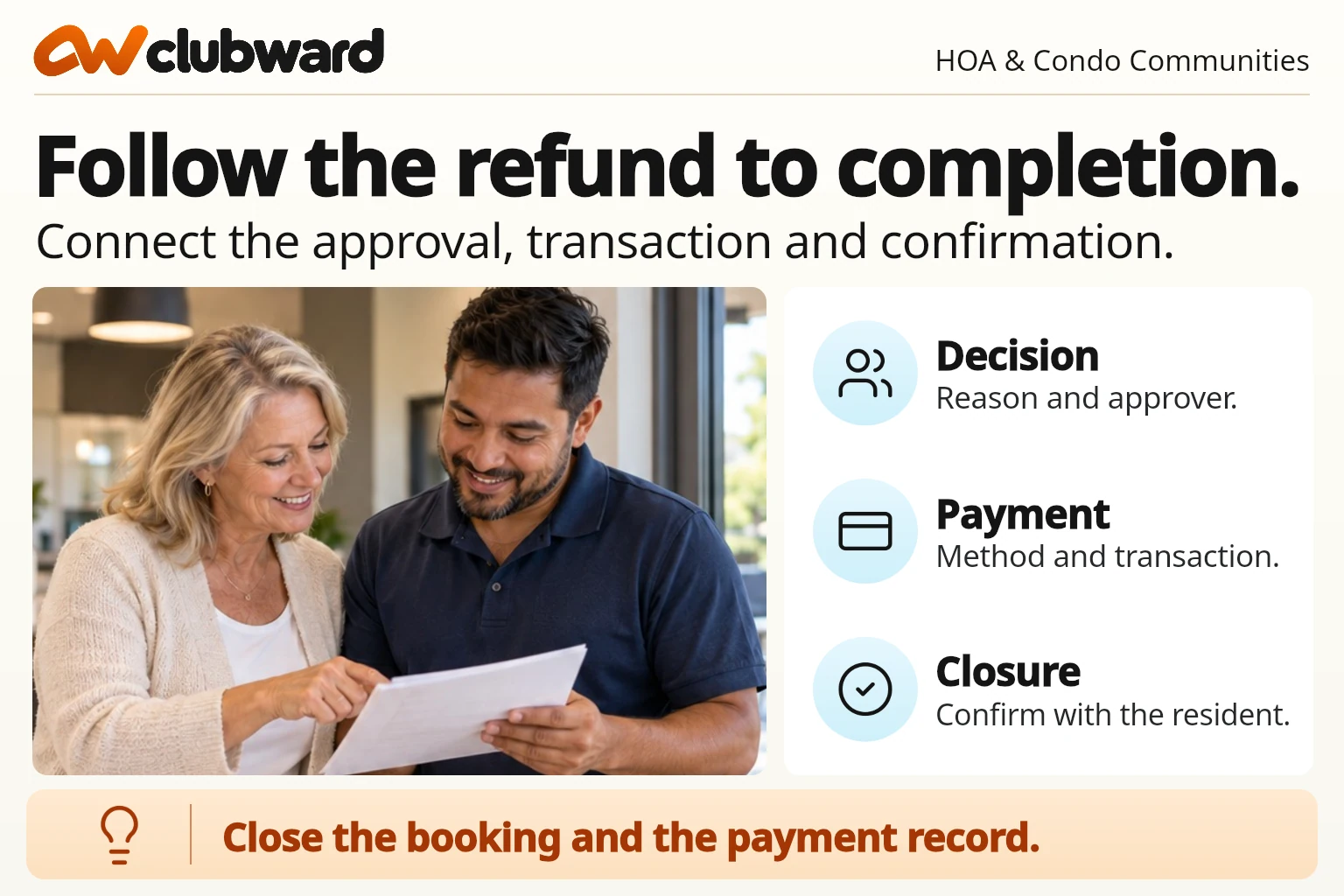
Suppose Taylor starts the refund and the page times out. It’s tempting for the next shift to press the button again. Give them a better way forward. Record when the attempt happened and ask them to check the provider’s transaction list first. They can tell the resident that the refund was approved and that the team is checking the payment. As soon as they have a real update, they can add it to the same record.
If you issue a refund in one tool and track the booking in another, give both steps to one named person for each case. Save the confirmation reference and make sure it’s attached to the right booking. Before closing the case, compare the amount actually returned with the one that was approved. This is the kind of small check that’s easy to skip when three inquiries come in at once.
What if the club has to close the room?
A leak or maintenance problem can take the clubhouse out of service. Record who made the closure decision, the dates affected, and the options approved for the people already booked. The team reviewing the money needs to know it was a club closure before applying the policy.
Let residents know what they can choose. If you can offer another room or date, describe it and give them a contact to confirm. If your team needs to check the payment, say who will get back to them. Once the resident picks an option, connect that answer to the old booking. A person working the next shift should be able to tell how the payment will be handled and who’s doing the work.
A checklist you can hand to the next volunteer
Keep a short checklist where your team already works. Try it for one booking before adding fields. A good test is asking someone who was away last week to open the record and explain what’s done, what’s waiting, and what they can tell the resident.
- Find the room, booking date, resident, and original payment reference.
- Write down when the request came in and open the terms the resident accepted.
- Check what was collected and whether the payment provider placed a deposit hold.
- Mark the room as cancelled or moved once that’s confirmed. Tell whoever was preparing it.
- Record the approved amount, the reason, and the person who can submit it.
- Check the payment result. Save the reference and update the resident.
- Keep exceptions open with a person and a date for the next check.
Here’s an example of the kind of note that works in a handoff. “Saturday clubhouse booking cancelled. The room is back on the calendar. Morgan approved $200 on Friday. Taylor is checking the provider’s pending result and will update Jordan on Monday.” The next volunteer knows which part is resting with Taylor and can answer a question about the room right away.
If you’re trying to improve the process, look at a few open cases together. Maybe the room checks happen quickly but the treasurer only finds out on Monday. Maybe families use a phone number that nobody checks on weekends. Change the step that’s causing the delay first. Ask the person who does that part of the job to try the fix on the next ordinary booking.
Give three awkward cases a practice run
Once the ordinary case works, try three situations that could land on a volunteer’s shift. You can use a printed copy of the booking and a pretend payment record. Give the backup the same screen or folder they’d see in real life. Ask them to talk through what they can finish and when they’d call someone else.
The fee and deposit came in two different ways
For the first test, suppose the resident paid the $150 rental fee online and dropped off a separate $100 check for the deposit. Ask your backup to find both records and say what happened to the check. Was it received, deposited, or handed back? If the office still has an uncashed check and the club’s process calls for returning it, the update should say who’s returning the check and where the resident can collect it. If the check was deposited, give the treasurer the payment record to review and use the club’s usual return process.
That detail matters when the family asks why only one amount shows in their online account. Give them a simple explanation for each payment method. A single note saying “refund approved” can make it sound like both amounts will turn up in the same place.
Two volunteers get the same request
For the second test, have Jordan call the office and reply to the original email later that evening. Ask both volunteers to open the booking. They should be able to find the same open case and add the second message to it. Try the test again when a refund is already waiting on a provider response. If each inbox makes the request look new, give staff one place to check the current status before they pick up the work.
A neighbor wants the room while the refund is pending
For the third test, let the next family ask about the same Saturday while Taylor is waiting on the payment provider. The booking volunteer should see whether the club has cleared the room for another rental. The treasurer can still see the first family’s open refund and keep following it. Ask the volunteer to open the new booking from start to finish and make sure its payment will have its own reference and receipt.
After each practice run, write down the first answer your teammate had to guess. Fix that part of the record, then let another person try. These three little rehearsals can tell you where your team needs a clearer rule, a better place to keep the receipt, or a named backup for the weekend.
Try the same booking in your next software demo
Bring one sample rental and use made-up names. Ask the person running the demo to start with the resident’s view. Find the room, read the terms, and see what appears on the receipt. Then switch to the staff view and cancel the booking. See who can reopen the room for others, how they see the original terms, where they approve the refund, and how they know it went through.
Ask them to show what happens when two people share the work. One can review the cancellation while another handles the payment. Have someone open a second booking where the party happened and the room checker is waiting on a key. You’ll learn more by seeing both cases than by asking whether a platform “supports refunds.” Write down what happens inside the booking platform and what happens in a separate payment tool so your team knows what it would actually have to do.
The Clubward platform connects booking rules with shared spaces and availability. If you’d like to see how that would work for your clubhouse, book a Clubward walkthrough and bring one paid rental and one cancellation. We’ll go through what your residents see, what the next volunteer needs to find, and which payment and approval steps your setup would use.
From Clubward Editorial Team
More from Clubward