HOA & Condo Communities
The Guest Log Keeps Growing. What Is It Telling Your HOA Board?
A growing guest log is more than a count. It can show where amenity rules, staff instructions and resident expectations have drifted apart.

The board packet shows more guest entries than last month. At first glance, that may look like a demand problem or a reason to tighten a rule. But the raw count does not explain whether residents are bringing more guests, staff are recording entries more consistently, one household is creating repeated exceptions, or the rule itself is being interpreted differently across shifts.
A useful guest log is not a verdict. It is a prompt to look closer. The board and community manager need to separate three possibilities: normal activity, an operating instruction that staff cannot apply consistently, and a policy choice that actually belongs with the board. Treating every entry as a rule violation creates noise. Ignoring repeated exceptions leaves the front desk to invent answers.
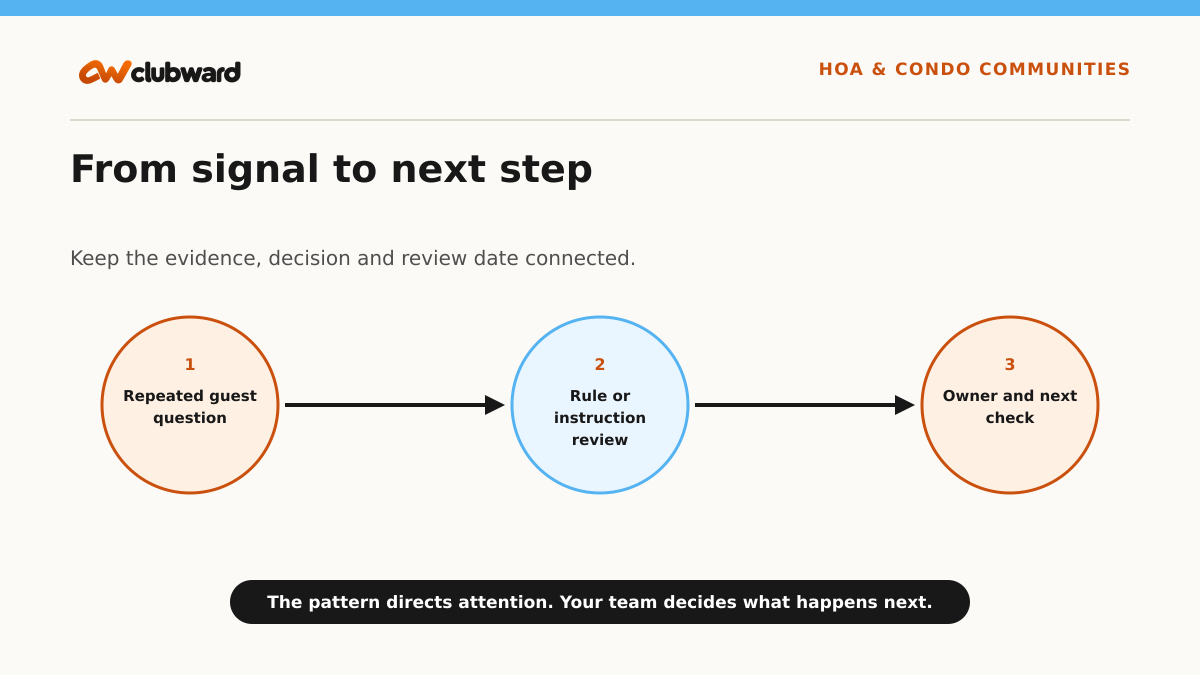
The practical response is a short signal review. Group the entries by question, amenity, time and outcome; compare them with the current guest rule; ask staff where the decision becomes unclear; then choose one proportionate next step. That step may be a clearer desk instruction, a resident reminder, a configuration change or a policy discussion. The signal tells you where to investigate—not what conclusion to announce.
Read the signal without rushing to a conclusion
Operational signals are useful because they direct attention. They are dangerous when a team treats them as an explanation. A higher count, lower count or changed routine does not identify the cause by itself. Begin with the recorded event, check whether the data was captured consistently and add the context that the people closest to the work can provide.
Use a defined comparison period and keep unlike events separate. A policy question is not the same as a broken credential. A registered participant is not the same as an attendee. An interested volunteer is not the same as a confirmed shift. Clean categories protect the decision from a dramatic total that combines several different problems.
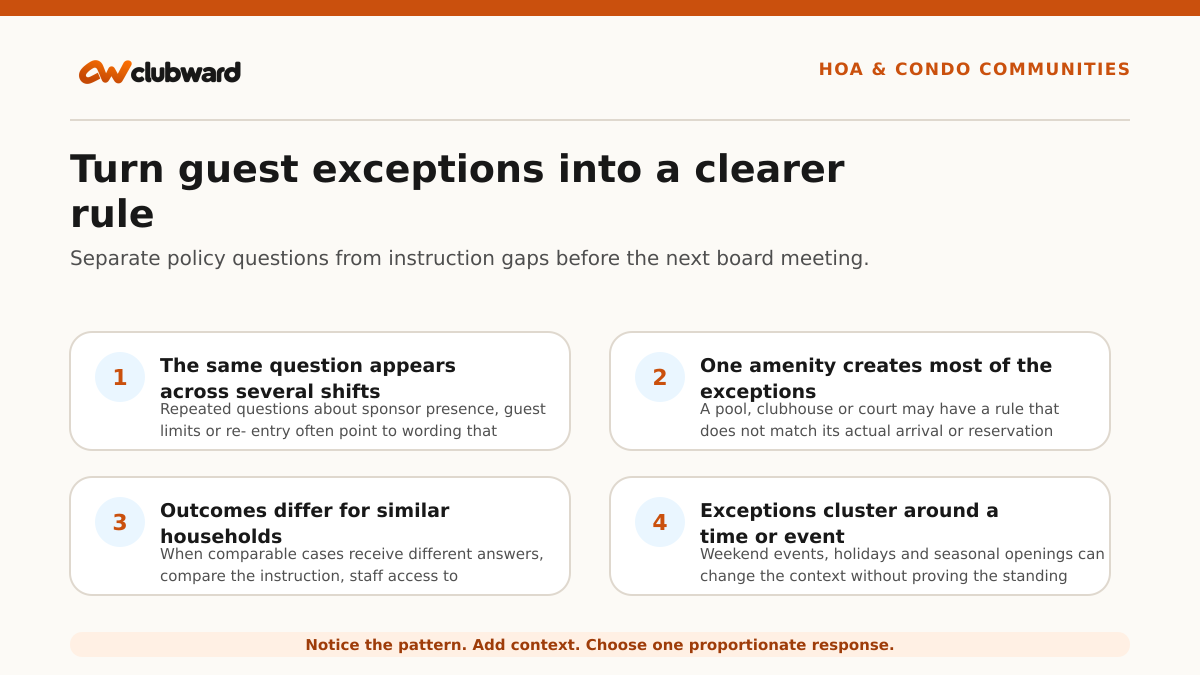
- The same question appears across several shifts: Repeated questions about sponsor presence, guest limits or re-entry often point to wording that staff cannot apply quickly.
- One amenity creates most of the exceptions: A pool, clubhouse or court may have a rule that does not match its actual arrival or reservation workflow.
- Outcomes differ for similar households: When comparable cases receive different answers, compare the instruction, staff access to information and escalation path.
- Exceptions cluster around a time or event: Weekend events, holidays and seasonal openings can change the context without proving the standing rule is wrong.
- The board receives questions the desk should answer: Escalations may show that staff lack an approved sentence, a visible household record or authority to resolve an ordinary case.
Ask the questions that change the next decision
A useful review is short enough to repeat and specific enough to change what the team does next. Put the relevant record, instruction and operating context together. Avoid turning the meeting into a search for someone to blame. The point is to find the first place where information, ownership or capacity stopped matching the work.
- What exactly was recorded?: Separate guest visits, denied entries, policy questions, credential failures and courtesy notes before comparing totals.
- Was the underlying activity captured consistently?: A higher count can reflect better logging rather than a true change in guest behavior.
- Which rule applied at that moment?: Confirm the facility, date, membership or residency status, sponsor requirement and any event-specific instruction.
- What did staff need but not have?: Look for missing household context, unreadable instructions, unclear authority or an unavailable escalation contact.
- Was the outcome proportionate?: Check whether the response matched the approved rule without creating a broader restriction than the situation required.
- What would make the next case easier?: Choose the smallest durable improvement that gives residents and staff a clearer path.
Record the answer that is known, the question that remains and the person who can resolve it. If the team cannot support a conclusion, keep the item open rather than filling the gap with a story. A transparent “needs review” state is more useful than a confident but unsupported explanation.
Turn the pattern into one practical next step
The best first response is usually smaller than a policy rewrite or new staffing model. Choose a reversible step that tests the leading explanation: clarify a message, expose a status, change a cutoff, assign an owner, update a role guide or review a narrow audience. Keep the original pattern visible so the team can tell whether the change helped.
1. Start with a clean signal set
Review a defined period and group only comparable entries. Keep ordinary visits separate from denied access and unresolved questions.
2. Read the rule beside the staff instruction
Board policy and the front-desk version should lead to the same decision. Mark any term that requires interpretation during a live arrival.
3. Ask staff to replay two real cases
Have attendants explain what they saw, which information they used and where they paused. This reveals process friction without blaming the person who documented it.
4. Classify the next action
Use four buckets: no change, instruction update, operational setup change or board policy review. Do not send every issue to the board.
5. Assign an owner and effective date
A rewritten instruction is incomplete until someone updates the source, replaces old copies and tells the affected roles when it begins.
6. Check the next ten cases
Use a small follow-up sample to see whether the change reduced conflicting answers without hiding legitimate exceptions.
Work through a realistic example
Suppose the pool guest log shows twelve disputed entries in two weeks. Eight involve teenagers arriving with a resident child but without an adult sponsor. Three involve a family whose household eligibility has not reached the desk roster. One is a credential problem unrelated to the guest rule.
The board’s policy clearly requires an adult sponsor for guests under a certain age. The desk instruction, however, says only that a “member must remain on site.” Staff have interpreted that phrase differently. The manager separates the household-record cases and credential issue, then rewrites the operational instruction using the board’s approved language. The desk receives a short answer and an escalation route for ambiguous household relationships.
The board does not need to rewrite the policy based on twelve mixed entries. It receives a concise report: eight instruction-related cases, three record-handoff cases and one technical issue. After the instruction update, the manager reviews the next ten guest arrivals. If the same sponsor question continues, the board then has a cleaner signal for a policy discussion.
Keep the response proportionate and human
Patterns describe recorded activity, not motivation or character. A household that stops visiting, a participant who misses class or a volunteer who cannot cover a shift may have context the organization does not know and does not need to investigate. Use the signal only to improve the relevant service or offer a respectful next step.
Before contacting anyone, ask whether the message provides value. Useful outreach can clarify an updated schedule, offer an appropriate option, check whether help is needed or invite a reply. Avoid language that makes people feel monitored or assumes a personal reason. Let the team edit, approve or decline any suggested response.
Protect access to the underlying information. Front-desk staff need the answer for the current interaction; managers may need the pattern; a board or client may need an aggregate decision summary. Not every role needs every detail. Define who reviews, who acts and what can be shared.
Decide what the evidence can support
Write the decision in three layers. First, state the observation without interpretation: what changed, during which period and in which workflow. Second, list the context the team verified, including data quality, schedule changes, facility conditions and known process differences. Third, record the action the evidence supports today. Keeping those layers separate prevents a reasonable observation from turning into an unsupported claim about people or future results.
Use a threshold that is practical for the decision, not one chosen because it looks precise. A pattern that affects access, participant safety, money handling or a critical role may deserve attention after one well-documented case. A participation or communication pattern usually needs several comparable observations. State the reason for the threshold and revise it when the team learns that it produces too much noise or misses important work.
Also name what the review cannot answer. The record may show that attendance changed, but not why a person stayed home. It may show that evening requests take longer, but not prove another employee is required. It may show that a rule generates questions, but not determine the board’s preferred policy. This boundary does not weaken the review. It keeps the next conversation honest and directs the unresolved decision to the right owner.
When several actions are possible, compare them by usefulness, effort, reversibility and risk. A message or instruction update is easier to test than a permanent schedule change. A temporary coverage adjustment can show whether capacity is the real constraint. Choose the smallest action that can produce meaningful evidence, and set an end date so a trial does not quietly become permanent.
Measure the operating result, not the story
Choose measures that show whether the process became clearer or the next step became more useful. Do not promise that one message will retain a member, fill a class or solve coverage. The first goal is better judgment: cleaner records, fewer avoidable handoffs, earlier visibility and an action the team can explain.
- Repeat-question rate: Track whether the same guest-rule question returns after the instruction changes.
- Consistent-outcome sample: Compare a small set of similar cases across shifts rather than relying on one anecdote.
- Escalation destination: See whether ordinary decisions stay with staff while genuine policy questions reach the board.
- Record mismatch count: Separate household or eligibility data problems from guest-policy issues.
- Resident follow-up completion: Confirm that unresolved entries receive the promised answer and owner.
Review the same measures after a reasonable operating period. If the signal changes, check whether the underlying recording practice changed too. If nothing improves, reconsider the explanation before escalating the response. Learning that the first idea was wrong is a useful result when the test was small and respectful.
Run a 20-minute signal review
Spend the first five minutes confirming the signal and comparison period. Put the relevant records on screen and remove unrelated events. Spend the next five minutes checking the operating context: schedule, facility, role, access rule, communication and known data limitations.
Use the third five-minute block to choose one next step, one owner and one effective date. Write down what result would make the team keep, revise or stop the change. In the final five minutes, decide when to review the next sample and which role needs the updated instruction.
Close the review with a plain-language summary: what changed, what the team believes may explain it, what action will be tested and when the result will be reviewed. That summary is more useful than a dashboard screenshot with no decision attached.
Leave a decision record the next person can use
A decision record should fit on one screen. Include the signal, comparison period, context checked, affected workflow, chosen action, owner, effective date and review date. Add the current status—proposed, approved, in progress, complete or stopped—so another shift or leader can understand whether they are reading an idea or an active instruction.
Link the record to the source workflow rather than copying sensitive details into a broad note. The person carrying out the change should see the approved instruction and the information needed for that role. The person reviewing the outcome should be able to return to the same period and definition. This makes continuity possible without relying on the original reviewer’s inbox or memory.
At the review date, close the loop even when the result is inconclusive. Keep the change, revise it, end it or extend the test with a stated reason. Record one lesson that will improve the next review. A closed decision trail helps boards, managers and program leaders distinguish deliberate operating changes from temporary workarounds.
Where a connected club management platform helps
Clubward connects household records, amenity eligibility, guest rules, reservations and operational notices for the resident-facing side of HOA amenities. The current Clubward HOA workflow also supports reviewing participation and amenity-use patterns through LookForward, while keeping general-ledger accounting, violation enforcement and architectural review outside this scope. Use the guest-log scenario in a demo to verify the exact household, access, reporting and staff-permission setup your community needs.
Use this decision checklist
Before the team acts on the pattern, confirm:
- Defined review period
- Comparable guest-entry types
- Facility and time context
- Current board rule
- Current desk instruction
- Household-record issues separated
- Credential issues separated
- Staff replay completed
- Action classification
- Named owner
- Effective date
- Follow-up sample date
The value of an operational trend is not that it makes the decision for you. It gives your team a better place to look, a shared record to discuss and a way to connect the next action with the people and work it affects.
From Clubward Team
More from Clubward