property-management-companies
The Demo Was Smooth. What Happens to the Amenity Request at 6:05?
A practical pressure test for evaluating whether resident amenity requests stay connected through exceptions, staff coverage, and on-site handoffs.

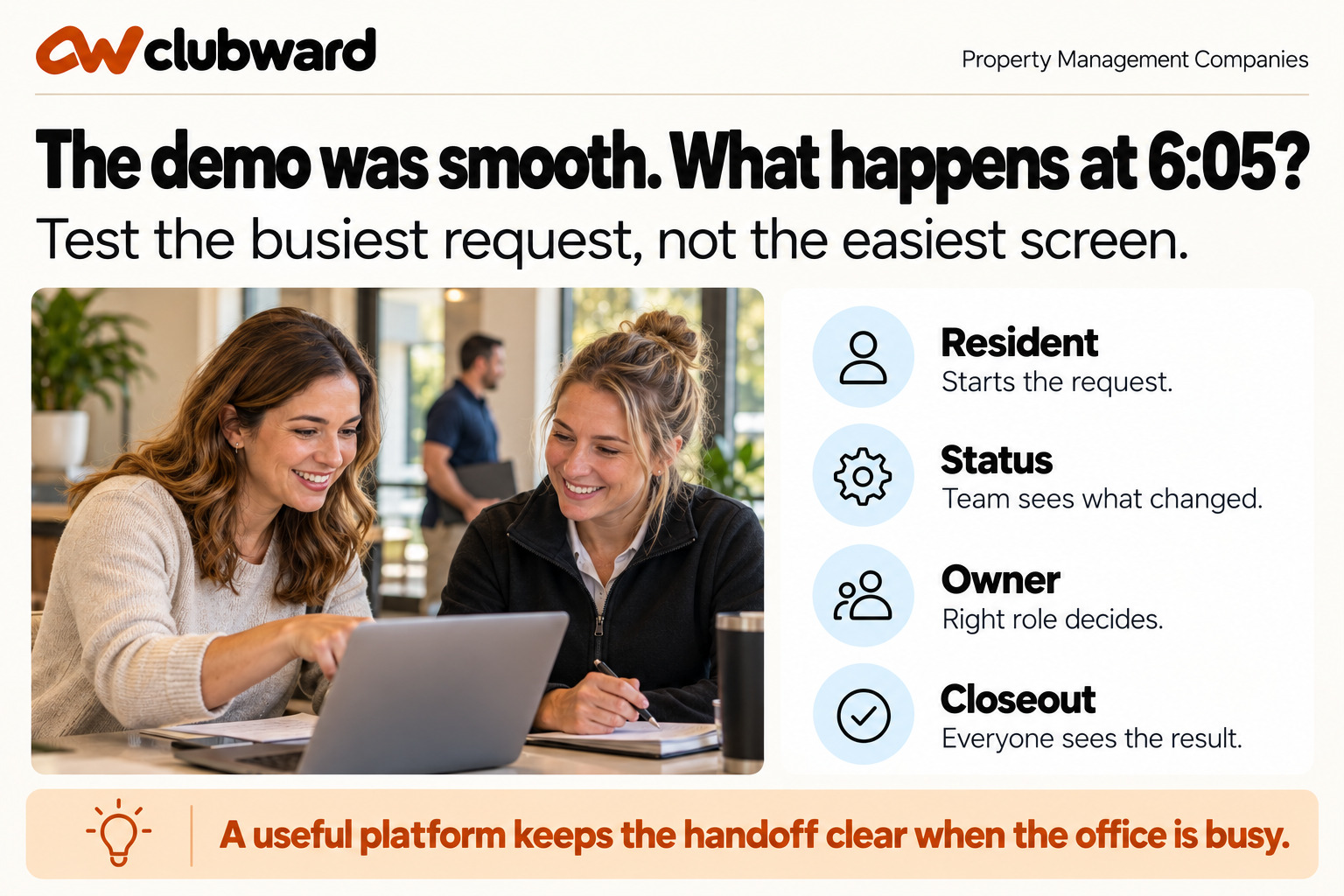
A property platform demonstration often begins with a clean record, a simple request, and enough time to explain every click. The useful evaluation begins later, when the office is busy. At 6:05, a resident asks to change tomorrow’s amenity reservation, maintenance has added a condition, the assigned manager has signed off, and the covering employee needs to know what can happen next.
That moment tests more than a reservation feature. It tests whether the resident, community rule, amenity, decision owner, and staff instruction remain connected. Property management companies should use a realistic request like this to evaluate amenity operations. The objective is not to automate every judgment. It is to make the work visible, assignable, and understandable across the team.
Choose the request that reveals today’s hidden work
Select a request your managers handle often enough to recognize but not so easily that every product looks good. A clubhouse extension, guest question, pool access issue, setup request, or reservation change can work. Remove names and private details. Preserve the sequence: what the resident asks, which rule applies, who decides, who needs the outcome, and where the record must remain.
Map the current process before the demonstration. Include the resident channel, the property and household lookup, the policy reference, the decision, the on-site handoff, and the response. Mark every time someone re-enters information, searches another tool, asks for context, or creates a personal reminder. Those marks are the baseline for the evaluation.
- Request: the resident provides the property, amenity, date, and complete question.
- Context: the team confirms the correct household, reservation, and community rule.
- Decision: an authorized person approves, changes, denies, or escalates.
- Delivery: the resident receives a specific answer and next step.
- Operations: the front desk, gate, or facility staff see what they must do.
- Closeout: another manager can later understand the request and outcome.
Run the scenario on a clock
Ask the presenter to start with the resident’s submission and stay with the same request until it is resolved. Do not let the scenario become separate tours of records, reservations, messages, and reports. If the workflow leaves the request, note why and whether staff must recreate any context.
After five minutes, change the guest count or setup time. Ask what changed, who is notified, and whether a fresh decision is required. Editing a field is not enough; the team needs to understand the consequence. If the original approval no longer fits, the system should make the unresolved decision visible rather than silently preserving an outdated answer.
After ten minutes, remove the assigned manager. Give the request to another authorized employee without a private briefing. Can that person see the resident’s question, the applicable rule, the previous action, and the remaining decision? If the handoff requires an email summary, the team still depends on the original manager’s availability.
After fifteen minutes, move to the service point. What does an on-site employee see when the resident arrives? That employee may not need the entire conversation, but they do need the current instruction and a clear escalation path. Ask what happens if the resident presents an older confirmation or says someone approved a different exception.
Make the exception the real test
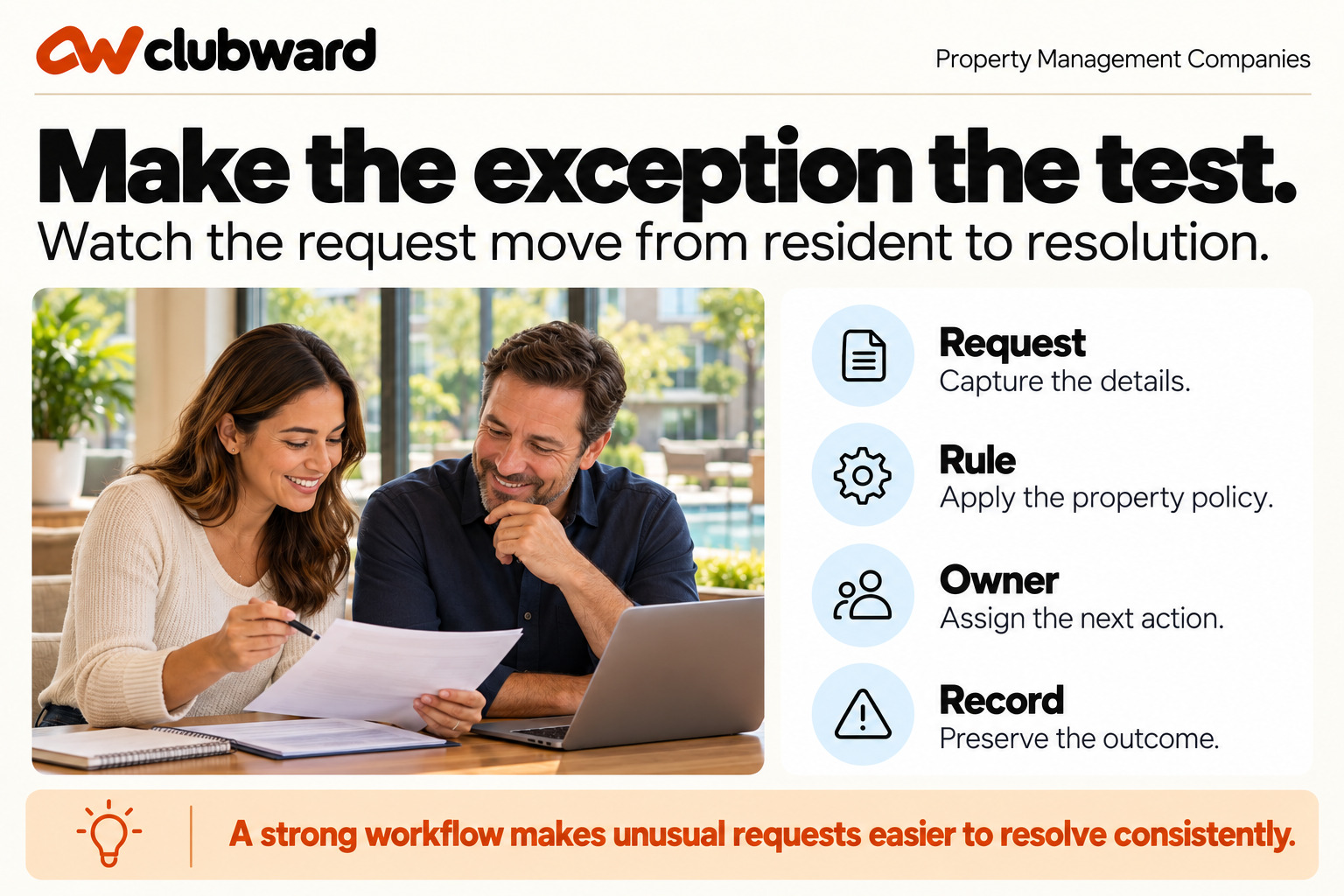
Easy requests show that the product functions. Exceptions show whether the company can operate with it. Add one condition outside the normal path: a request beyond published hours, a recently changed household status, an unusual guest question, or a conflict between expected use and the community’s rule.
Ask the presenter to identify the rule before deciding. Then approve one version of the request and deny another. Compare the resident message, on-site instruction, and saved record. The difference should be visible. A simple status change should not hide a discretionary decision or leave staff guessing why two similar requests received different answers.
Ask what the platform cannot decide. Some questions belong to the association, property owner, manager, or another system. A credible workflow routes those questions without pretending they are automatic. Score whether the boundary is clear and whether the right decision owner receives the context required to act.
Inspect the spaces between features
Resident records, reservations, communications, access, and reports may all exist while the handoffs remain manual. Watch the transitions. Does property and household context carry into the request? Does a changed decision reach the on-site role? Can the manager explain the result later without searching the inbox?
Count duplicate entry, independent reminders, copied messages, and separate status updates. Some manual steps are intentional controls and should remain. The evaluation should distinguish a chosen review from a workaround that exists only because two records do not share context.
Test the reverse direction too. If a facility condition or household status changes, can authorized staff identify which current reservations or access decisions need attention? A workflow should help the team understand affected work, not only accept new requests.
Score for consistent service across communities
Use a four-point scale. One means a separate manual process. Two means repeated workarounds. Three means the workflow works with one named and documented manual step. Four means the request remains connected from submission through closeout. Keep evidence beside every score and define two non-negotiable dimensions before comparing options.
- Community context: Can the employee identify the right property, household, amenity, and request?
- Rule visibility: Is the applicable operational rule available where the decision is made?
- Ownership: Is the next decision assigned to the person or role with authority?
- Change control: Can the team see what changed and whether another action is required?
- Resident clarity: Does the answer explain the outcome and useful next step?
- On-site handoff: Does the service employee receive the instruction they need?
- Client record: Can the manager explain the decision later without reconstructing it?
Have managers score independently before discussing preference. One may notice configuration depth, while another recognizes that the covering employee cannot see the next action. The differences reveal which workarounds require procedure, training, or a different product choice.
Test community-specific variation
Property management companies need consistency without flattening each community’s rules. Bring two similar properties with one meaningful difference, such as a guest limit, approval owner, reservation buffer, or facility hour. Ask how each configuration is kept distinct and how staff know which rule they are applying.
Change the rule for only one community. Confirm the effective date, treatment of existing reservations, resident message, and staff view. This test reveals whether variation can be managed intentionally or whether employees must remember property differences outside the workflow.
Ask how a centralized team member covers another manager. The employee should receive the community-specific context needed for the request without broad or unnecessary access. Review the roles for managers, on-site staff, committee reviewers, and temporary coverage using the scenario rather than a generic permissions list.
Estimate the ongoing administration
Selection includes the work of keeping the workflow accurate. Identify who maintains amenity hours, capacities, blackout periods, guest conditions, messages, household context, and staff permissions. Ask how a change is reviewed before it affects residents and how the team confirms the current rule is visible at the service point.
Measure the recurring work for an ordinary week and a change-heavy week. Include new reservations, exceptions, maintenance restrictions, staff coverage, and client questions. The option with the fewest setup clicks may not have the lowest operating effort if it leaves change consequences outside the system.
Ask where managers get help with product configuration and where employees get help with property decisions. Product support can explain how a capability works. The management company and its clients retain responsibility for rules and approvals. Document both paths so ordinary questions do not become vendor escalations and policy questions do not become technical guesses.
Plan a narrow first phase
Choose one community and one amenity workflow for the first phase. Prepare the household and facility information, confirm the rule, assign roles, approve the resident messages, and identify the on-site test participants. Avoid moving every community at once merely because data can be imported.
Create an acceptance test that repeats the evaluation: submit a standard request, change it, create an exception, hand it to another employee, apply the result on site, and retrieve the record. Run the test with the people who will perform the work. If the workflow cannot be explained on one page, narrow the first phase.
After launch, review a small sample of requests. Look for incomplete submissions, decisions without owners, duplicate messages, resident follow-up questions, and instructions that did not reach on-site staff. Use those observations to improve configuration and procedure without claiming that a platform alone produced a result.
Test reporting through a real client question
Ask a question a client might raise: what happened with amenity requests this month, which exceptions are unresolved, or where is staff work repeatedly stalling? Have the presenter show how an authorized manager retrieves a useful answer. The report should connect to operational records rather than require a separate reconstruction.
Do not ask for an invented executive dashboard. Define the small set of information the client relationship actually needs: request type, status, owner, decision timing, and follow-through where appropriate. Check whether the underlying records support that explanation and whether sensitive household details can remain appropriately limited.
Record any export or manual summary that remains necessary. A recurring client report may reasonably include a curated explanation, but the manager should not have to rebuild basic counts and statuses from scattered sources. Include the reporting step in the total operating effort.
Review cancellations and recovery
Cancel or restrict an amenity because of a maintenance condition. Follow affected reservations, resident messages, access instructions, staff coverage, and the reopen decision. The workflow should prevent an old confirmation from remaining the only information visible at arrival.
Then restore service with a changed condition or time. Ask who approves reopening, which residents need an update, and how staff know the restriction ended. This recovery path is often more revealing than the initial closure because it tests whether the current state can replace temporary instructions cleanly.
Prepare the decision meeting
Before comparing options, give every evaluator the same scenario, score definitions, and non-negotiable requirements. Ask them to write evidence during the demonstration rather than relying on memory afterward. “The request stayed attached to the resident and property after the manager changed” is useful evidence; “the workflow felt modern” is not enough to support a selection.
At the decision meeting, separate product fit, implementation effort, and operating change. A platform may support the desired process while the team still needs to clarify approval ownership. Another option may require a manageable integration or documented manual step. Keeping these categories separate prevents an internal policy gap from being misdiagnosed as a missing feature.
Use a go, conditional go, or not-yet recommendation. A conditional go must name the condition, owner, and deadline—for example, confirming how one community’s guest exception is configured or completing the staff-permission review. An unresolved item without an owner should not quietly become a launch assumption.
Make the handoff durable
Create a one-page operating record for the selected workflow. Include the standard request path, exception owner, after-hours escalation, on-site instruction source, and client-reporting owner. Link the current community rule and name who approves changes. This page is not a substitute for the platform; it explains how the management team intends to use it.
Review the record when a manager changes, a new community is added, or an amenity policy changes. A new employee should be able to understand where the request begins, which decisions belong to them, and where the final outcome is preserved. This turns the platform choice into a repeatable service model rather than a one-time configuration project.
Set a 30-day review after the first live workflow. Compare the accepted assumptions with actual resident questions and staff handoffs. Keep changes small and deliberate. The purpose is to improve clarity across the team, not to enable every available option before the basic request path is dependable.
Keep the product scope precise
Clubward is a club management platform focused on community amenity operations. Its community and HOA amenity workflow includes household records, reservations, guest passes, access, facilities, communications, reporting, and LookForward. Property management teams can evaluate that scope for the communities they serve while retaining leasing, rent collection, accounting, legal, and portfolio responsibilities in their appropriate systems.
The useful question is whether Clubward keeps the resident, amenity, rule, staff action, and outcome connected. If an integration or manual handoff remains, document it with an owner and decide whether it is acceptable before selection.
Choose based on the 6:05 answer
Return to the original after-hours request. Can the covering employee tell what the resident asked, which rule applies, who owns the decision, what changed, and what on-site staff should do? Can the resident receive one current answer? Can the manager explain the outcome to the client later?
If those answers are visible, the evaluation has tested the operation rather than the presentation. Book a personalized Clubward demo and bring one busy-hour amenity request so your team can follow it from submission through exception, handoff, service, and closeout.
From Clubward
More from Clubward