Property Management Companies
A Client-Ready Amenity Operations Report Checklist for Property Managers
Turn amenity activity into a concise client update with clear scope, recurring requests, exceptions, decisions, and named next actions.

An amenity report should help a property manager and client understand what changed, what keeps repeating, and what needs a decision. It should not be a transcript of every email, a raw reservation export, or a list of disconnected totals. The most useful version is short enough to read before a meeting and specific enough to assign the next action.
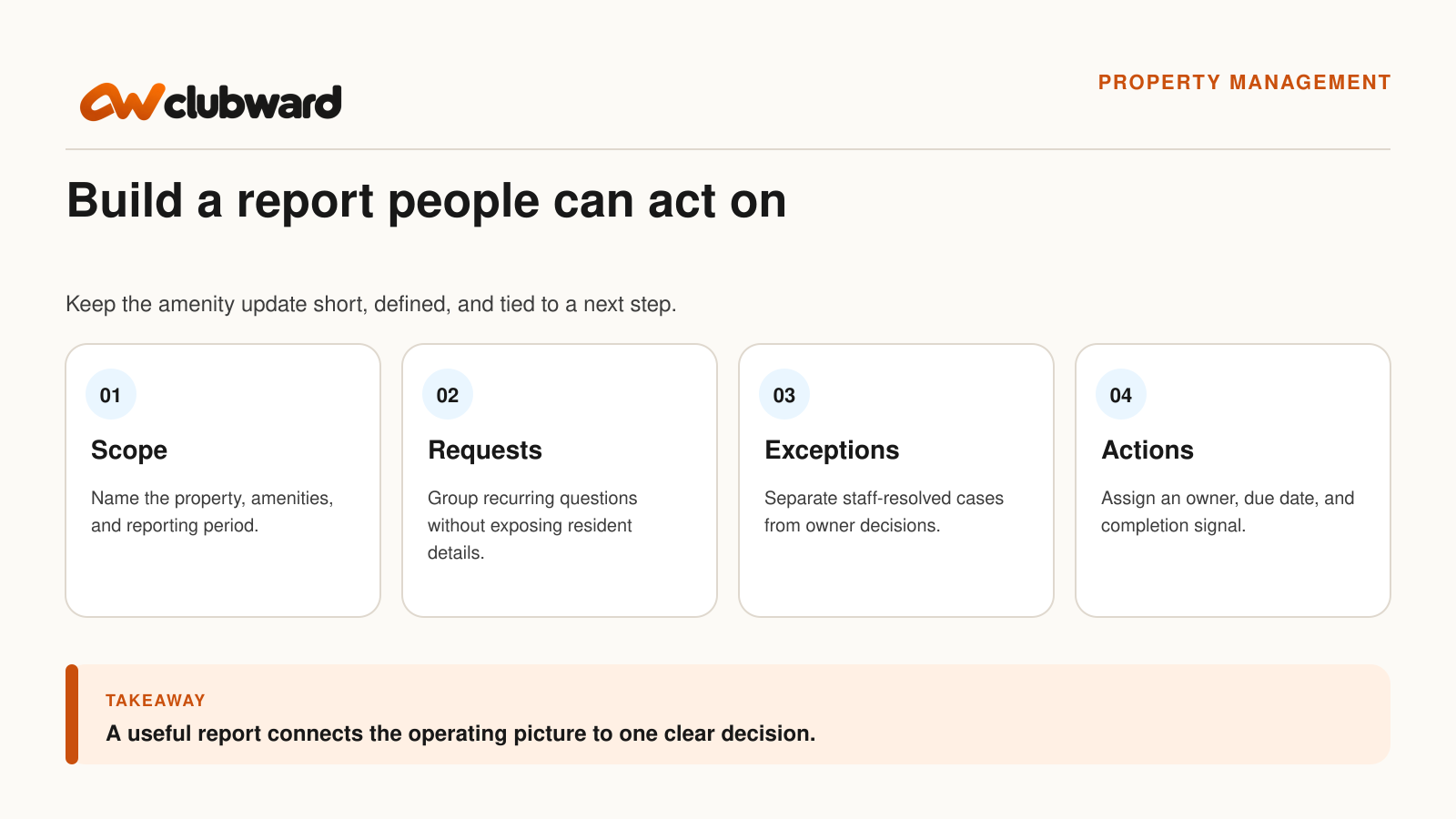
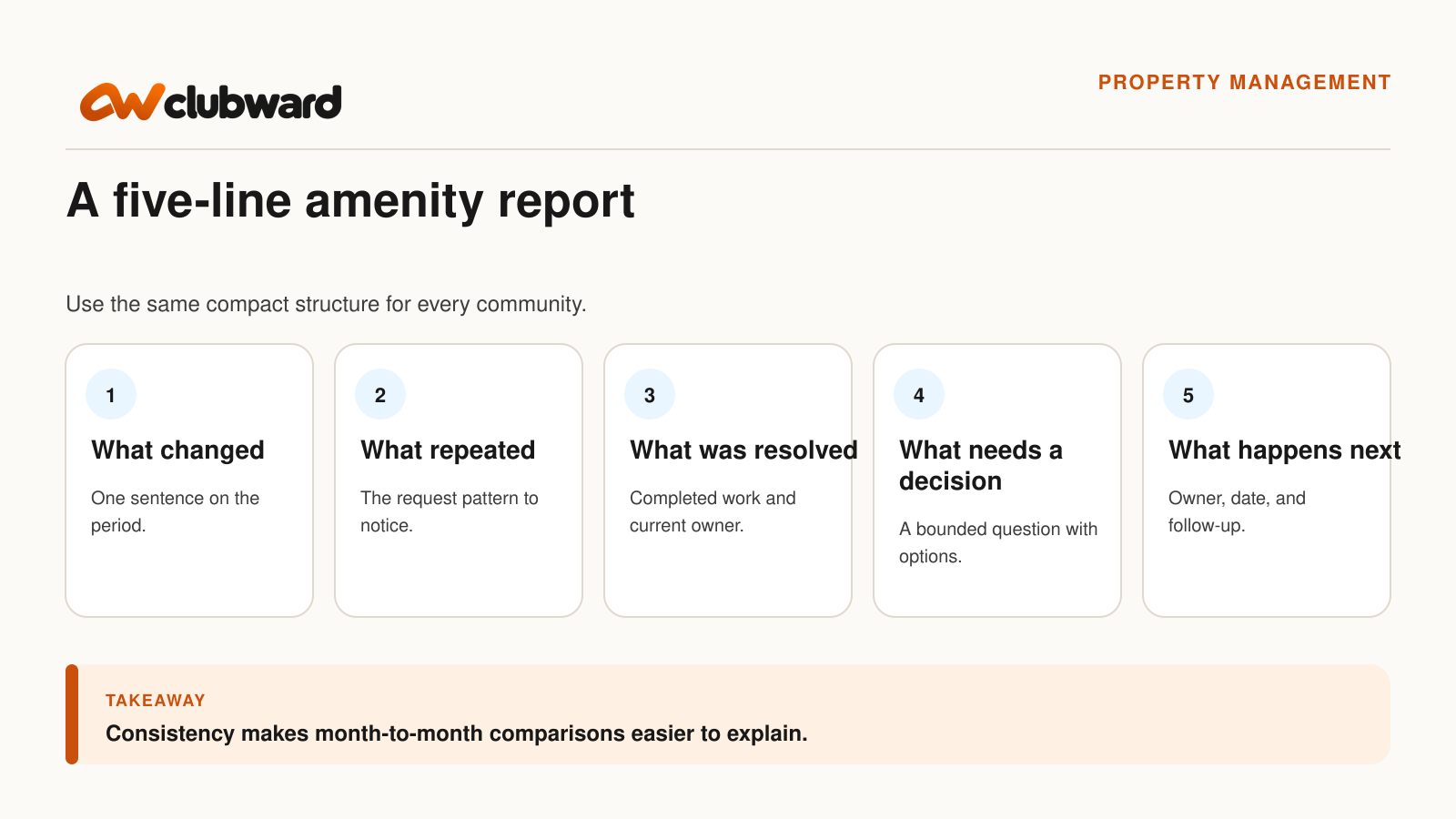
Start with five lines: the reporting scope, the operating picture, the repeated request pattern, the decisions or exceptions that remain open, and the next action with an owner. Add detail only when it helps the client assess a choice or verify the work.
This checklist focuses on amenity and community operations: resident access, clubhouse or room reservations, guest questions, shared-space readiness, and staff follow-up. It does not try to replace rent, leasing, accounting, or broader portfolio reporting.
Decide what the report is meant to do
Before opening a spreadsheet, write one sentence describing the report’s job. A useful sentence might be: “Show how the community’s shared amenities operated this month, identify recurring friction, and request decisions on two unresolved items.” That sentence gives you a filter for every section that follows.
If the document is only an update, label it that way. If the client needs to choose between options, put the decision near the beginning. If a committee needs to confirm a rule before staff can act consistently, separate that policy question from routine work already completed.
The U.S. Bureau of Labor Statistics describes property and community association managers as keeping records of owner requests, handling facilities and resident concerns, and preparing regular reports. It also notes that community association managers work on behalf of volunteer boards to manage common areas and services. Those duties make a defined operational report a practical handoff, not an extra layer of paperwork. Review the current BLS description of property and community association management work.
Set the scope before you count anything
Name the property, amenities, and dates covered. If the community has a pool, fitness room, clubhouse, court, and guest parking process, say which of those appear in the report. A client should not have to infer whether an empty row means “no activity,” “not measured,” or “outside this report.”
Define the source for each measure. Reservations may come from the booking record, access questions from a service log, and facility readiness from a manager’s check. Use the source that the team has agreed is authoritative. If two systems disagree, record the mismatch as an issue to resolve instead of quietly choosing the number that looks more complete.
Keep the comparison period honest. A four-week month and a five-week month are not identical operating windows. A pool that was closed for maintenance should not be compared with a fully open period without that context. Good scope notes are brief, but they protect the discussion from avoidable confusion.
Build the report around five useful sections
1. What changed during the period
Open with a short operating summary. Mention a schedule change, a new reservation window, a reopened amenity, a temporary access procedure, or a completed facility task when it materially affected residents or staff. Do not fill this section simply because the template has space. “No material operating changes” is a valid update.
Use neutral language. “The clubhouse reservation window moved from seven to fourteen days on September 8” is easier to verify than “The new system has transformed bookings.” The first sentence describes an observable change. The second asks the client to accept a conclusion without evidence.
2. What residents repeatedly asked about
Group questions by topic instead of copying individual messages. Examples might include guest eligibility, after-hours access, reservation deposits, cancellation timing, or where to find entry instructions. Protect resident details unless a specific case genuinely needs review.
For each repeated question, identify the likely source of friction. The instruction may be hard to find, the form may ask for unclear information, two staff members may be applying different rules, or the underlying policy may need a board decision. These are different problems. Treating every one as a “communication issue” hides the part of the process that needs work.
3. What the team resolved
Record completed work in terms a client can verify. “Updated the clubhouse confirmation message and tested the link” is stronger than “Improved communications.” “Closed six expired temporary access approvals after confirming end dates” says what happened without claiming a broad outcome.
Include the owner and completion date for material changes. That creates continuity when a different manager prepares the next report. It also helps the client distinguish finished work from a proposed next step.
4. What still needs a decision
Give each open item a bounded question. Instead of “Guest policy concerns,” write, “Should weekend guest passes use the same limit as weekday visits?” State the current rule, the operating consequence, and the options the authorized decision maker can consider.
Do not turn the report into legal advice or quietly redefine governing rules. If a question belongs with the board, owner, counsel, or another authorized party, say so. The property team’s job is to show the operational effect clearly enough for that person to decide.
5. What happens next
Finish every unresolved item with an owner, a target date, and a completion signal. “Manager to follow up” is not enough. “Community manager to confirm the approved weekend guest limit and update the front-desk instruction before the October schedule opens” is specific enough to track.
If a decision is deferred, record what evidence is needed and who will gather it. A thoughtful deferral can be useful. An open item with no owner simply returns next month in a different format.
Separate volume from meaning
Counts can show where to look, but they do not explain what happened. Twenty reservation questions may reflect twenty different problems, or one confusing sentence repeated across many households. A full calendar may mean strong demand, a limited supply of popular times, or bookings that are not always used.
When you include a measure, define it in plain language. “Reservation requests received” is not the same as “confirmed reservations.” “Access questions” is not the same as “access denials.” “Exceptions” should describe cases that departed from a stated procedure, not every situation that required staff attention.
Use rates only when the denominator is meaningful and available. If you report cancellations as a percentage, state whether the denominator is requests, confirmed bookings, or completed events. Keep the calculation with the report so another manager can reproduce it.
Protect residents while preserving the pattern
A client-ready report usually needs the operating pattern, not a resident’s entire history. Replace names with a case count or short category unless the decision genuinely depends on a specific record. Remove payment details, access codes, personal contact information, and unrelated notes.
When a specific case must be discussed, provide the minimum context required and use the organization’s approved channel. Do not attach a raw inbox export or a screenshot that exposes other residents. A compact issue record can include the request date, amenity, applicable rule, staff action, current owner, and next review.
This approach makes the report easier to read as well as safer to share. It keeps the client’s attention on the operating question instead of forcing them to sort through details that do not change the decision.
Use a simple report template
Property and period: Identify the community, included amenities, start and end dates, and report owner.
Operating summary: Describe material changes, closures, schedule adjustments, or completed setup work in three to five sentences.
Repeated resident needs: List the top themes, how each was identified, and whether the issue is an instruction, workflow, data, or policy question.
Resolved work: Name the change, owner, completion date, and where the current instruction or record now lives.
Decisions requested: State each bounded question, the available options, the operational consequence, and the person authorized to decide.
Next actions: Give every open item an owner, date, and clear completion signal.
Review the report with three different readers
First, ask the person closest to the source records to check the definitions and dates. A report can be well written and still use the wrong booking window or include cancelled reservations in a total.
Second, ask a colleague who did not prepare the report to identify the requested decisions. If they cannot find them quickly, move those questions forward and simplify the surrounding detail.
Third, read it as the client. Does the report explain what the property team completed, what requires authorization, and what will happen after the meeting? Remove internal shorthand and vague status labels. Replace “pending” with the missing action and owner.
Connect the report to the operating workflow
A report is easier to maintain when the underlying requests, reservations, and follow-ups have clear homes. Bring a recurring client question to a walkthrough of Clubward’s reporting and board-visibility tools. Check which records and reports answer it, then identify any custom measures or exports your team would need.
For amenity operations, test how the team would find a resident household, review a reservation, record an exception, identify the current instruction, and assign follow-up. Ask what can be reported directly, what may require an export, and which definitions your organization must establish. Keep broader leasing, rent, accounting, and portfolio requirements outside the evaluation unless the vendor explicitly confirms them.
Make next month’s report easier today
At the end of the client discussion, update the action record while the decisions are still clear. Record the decision wording, owner, date, and where staff will find the revised instruction. If the client asked for another measure next month, define it now instead of trying to reconstruct the request later.
Keep the template stable, but allow the content to stay focused. The purpose is not to produce the same number of pages every month. It is to create a reliable conversation about community operations and the work that follows.
Avoid the report habits that create more questions
Do not lead with a page of totals that have no period, source, or decision attached. Put the operating summary and open questions first, then provide the measures that help the client understand them. A reader should know why a number matters before being asked to interpret it.
Do not mix routine service requests with approved exceptions. A resident asking where to find the clubhouse key is different from a request to change the approved access rule. Grouping both as “access issues” prevents the client from seeing which problem belongs to staff instructions and which requires authorization.
Avoid using the report to document every task the property team performed. Routine work can be summarized when it gives the client necessary context. The main report should emphasize changes, recurring friction, completed improvements, unresolved decisions, and the work that follows.
Do not hide uncertainty behind a polished chart. If a count is incomplete, a definition changed, or the source records disagree, say so and assign the correction. A qualified measure is more useful than a confident number the team cannot reproduce.
Finally, do not end with “continue monitoring.” Name what will be monitored, who will review it, and what would bring the item back for a decision. That turns observation into an operating plan.
Keep a short definition sheet beside the template. Record what the team means by request, confirmed reservation, cancellation, access exception, resolved item, and open decision. Reuse those definitions across periods, and note any change in the report where it first affects a comparison. Consistent language will not eliminate judgment, but it gives the property manager and client a shared starting point for the conversation.
Bring one real report question to a Clubward demo
Choose one recurring amenity issue and the short report you would want your client to receive. Bring the source records, your current handoff, and the decision the report should support. Book a personalized Clubward demo and ask the team to show the relevant amenity, reservation, communication, and reporting workflow, including anything that still needs separate confirmation.
From Katelyn Pauley
More from Clubward