Property Management Companies
Audit Clubhouse Booking Requests Before You Redesign the Form
Review resident booking follow-up by missing information, approval, availability and status before adding more fields to the reservation form.

Before adding another field to your clubhouse reservation form, review the questions your team asks after a request arrives. Separate missing information from approval decisions, unavailable space, and unclear status messages. A longer form is worth testing only when it addresses a specific gap you can identify.
For a property management team, this is a focused service review. Choose one property, one amenity, and a recent group of requests. Trace what happened between submission and a usable answer for the resident. Your deliverable is a ranked correction list, with evidence for why each change belongs there.
Imagine a manager receiving a complete party request and still sending several messages. One asks about setup time. Another checks who approves an outside caterer. A third tells the resident whether the date is held. These are three different problems. Diagnose them separately before rebuilding the intake process.
Define the answer a resident is waiting for
Write down the outcome you are reviewing. Is it confirmation that a request was received, a decision about eligibility, a reserved time, or instructions for using the room? Avoid using “booking complete” to describe all four without checking how your team applies the label.
For this exercise, choose a clear operational endpoint: the resident has the approved booking details and knows the next required action. Your association’s actual rules determine approval and conditions. The review tests how your team communicates and carries out those decisions.
Keep form submission and approval separate in your notes. GOV.UK’s service measurement guidance distinguishes completing an application from receiving a successful decision. That distinction supports defining your own endpoints explicitly rather than treating a submitted request as an approved reservation. Read the completion-rate guidance.
Now identify the first record in the journey. A resident might start through a form, email, phone conversation, or office visit. Include the channels you actually support. Do not exclude assisted requests simply to make the process look more uniform on paper.
Choose a sample that includes ordinary requests
Use a recent period with enough activity to inspect directly. Include approved, declined, withdrawn, and still-open requests if they exist. Add a note about how you selected the cases so the resulting recommendations remain connected to the work you examined.
A manageable starting exercise is to review the latest ten requests at one clubhouse. That is a practical workload choice, not a statistically representative sample. If the property had fewer requests, use the available cases and say so in the internal review.
Include some requests that needed little follow-up. Ask what made them straightforward: complete details, familiar event type, an available decision-maker, or a clear confirmation. You are looking for useful contrasts, not assembling a catalogue of the most frustrating conversations.
Keep personal details out of the review sheet where they are unnecessary. Use a case reference, event type, requested period, and process notes. Leave resident contact information and supporting documents in the appropriate authorized records instead of copying them into a general improvement report.
Count questions by the decision they support
For each case, record every substantive clarification after the first submission. Do not count routine greetings or acknowledgments as separate information requests. Write the actual question in short form and explain what decision the answer supported.
- Missing detail: staff need a fact the resident could reasonably provide.
- Policy decision: an authorized person must interpret or approve a condition.
- Availability check: someone must confirm the room, equipment, or setup window.
- Status clarification: the resident needs to know what has happened or what comes next.
- Changed request: the resident or team has altered the original plan.
Keep a separate entry when one email contains several different questions. “Follow-up sent” is too broad to explain the work. “Asked for setup start” and “waiting for approval of a proposed use” point toward different possible corrections.
If you are uncertain about a category, preserve the question and ask the colleague who handled it. Avoid forcing every case into a convenient label. The purpose is a more accurate view of the work, not a perfectly tidy chart.
Build a question-to-decision map
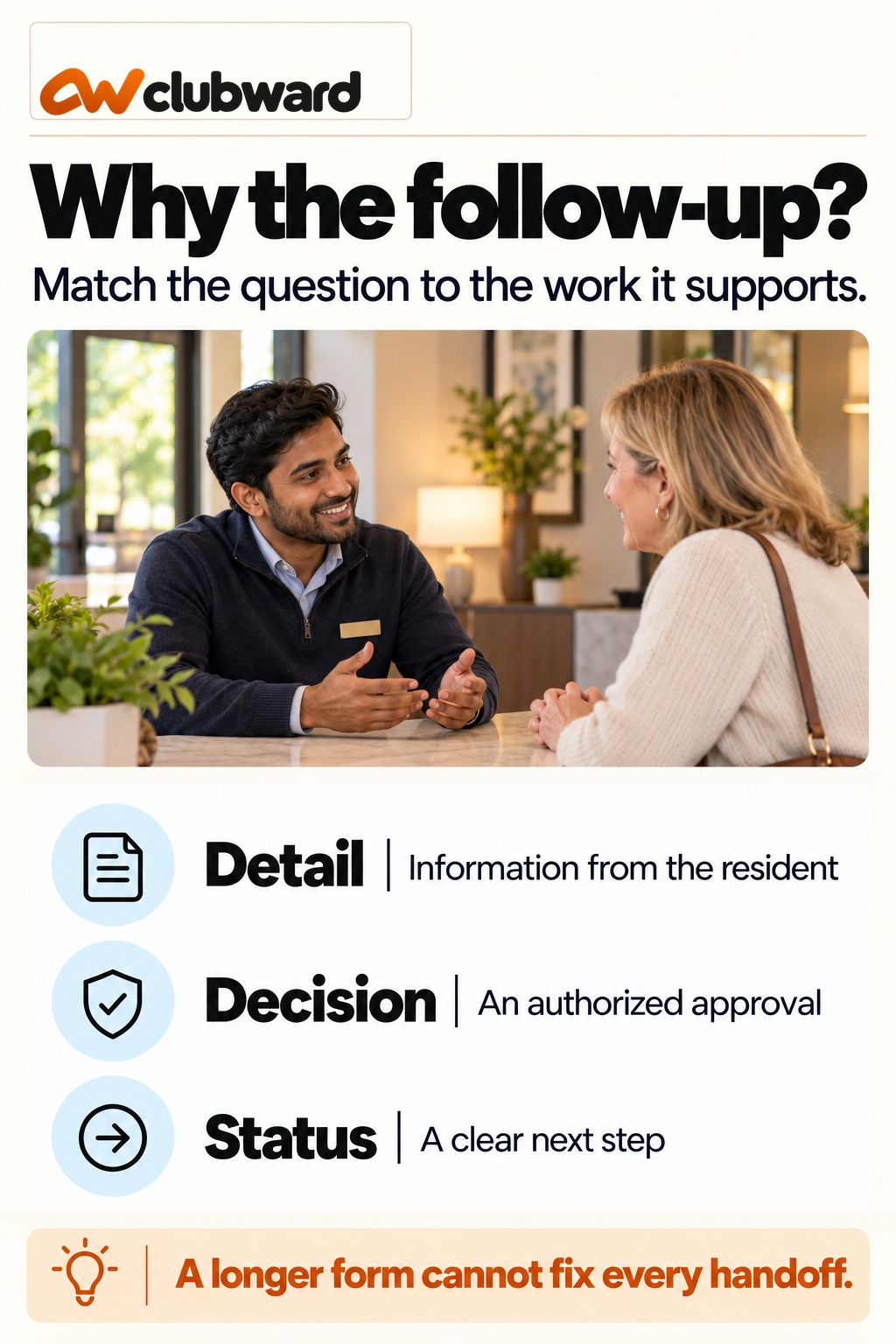
Create four columns: information requested, decision supported, who uses it, and when it is needed. This is your test for whether a new form field is justified. A field needs a practical purpose beyond “we sometimes ask about this.”
Suppose your team repeatedly asks when a resident intends to enter for setup. The decision may concern room availability before the event. Record whether the resident can provide that time initially and whether the approval process distinguishes setup time from the gathering itself.
For an outside vendor question, the missing element might be a decision owner rather than resident information. Adding a larger text box would not identify who can approve the request. Route that issue to the responsible policy or operations owner.
The GOV.UK Design System recommends knowing why each question is asked and collecting only information the service needs. Apply that design principle here by giving every proposed field an identified user and decision. See the question-page guidance.
Trace one request without blaming the form
Consider a request for an afternoon gathering. The resident supplies the date, event time, and expected attendance. Your team then asks about early setup, checks a maintenance booking, and seeks a decision about decorations. Walk through those steps one at a time.
Early setup may justify a clearer question at intake. The maintenance conflict calls for a reliable availability check. The decorations issue requires an answer under the property’s approved rules. A single instruction to “improve the form” would leave two of those tasks unresolved.
Next, read the acknowledgment. Does it explain whether the date is merely requested, temporarily held, or confirmed? If the resident sends another message asking whether they can invite guests, inspect the status wording before assuming they ignored the earlier reply.
End with the final response. Can you identify the approved time, any applicable conditions, the resident’s next action, and a contact for changes? Note which parts came from a current record and which were reconstructed from separate messages.
Distinguish work time from waiting time
When timestamps are available, record the major transitions: request received, clarification requested, answer received, decision requested, and decision communicated. Use these to locate where the case paused. Do not infer staff effort from elapsed time alone.
A request received late Friday and answered Monday may span a weekend when the office is closed. Record that context. Compare cases using the service hours your organization actually communicates, and avoid presenting calendar hours as hours spent working on the request.
For hands-on effort, ask staff to identify the tasks they performed or use an agreed short observation exercise. Keep that measure separate from waiting for a resident or approver. If effort was not measured, describe the steps without inventing time savings.
Your recommendation can still be useful without a financial estimate. “Clarify the setup-time question and name the decoration approver” is actionable. A speculative annual savings figure adds little if you have not measured volume, handling effort, or the effect of a proposed change.
Check the resident’s understanding of status
Review the words your team uses at each stage. Write a plain-language meaning for received, under review, awaiting information, approved, and cancelled if those terms appear in your process. Check whether the same term means the same thing in messages and staff notes.
Ask a colleague unfamiliar with the case to read the resident-facing message and explain the next action. Could they tell whether the reservation is approved? Would they know whether payment, documents, or another step remains? Use the requirements actually established for that property.
Do not insert new fees, deadlines, or cancellation conditions while editing a template. Those are decisions to verify through the normal process. A clarity review should make an existing requirement understandable, not quietly create a different agreement.
Where uncertainty remains, record the exact sentence and the unanswered question. A recommendation such as “state that submission does not confirm the date” is more specific than “make the email friendlier.” Test the revised sentence against the intended stage.
Compare properties without erasing local rules
If your company manages several communities, complete the first review at one property before comparing others. Use a shared set of diagnostic questions, but keep each property’s rules, authority, service hours, and reservation conditions distinct.
Look for shared process gaps, such as unclear receipt messages or missing setup-time information. Recommend a common approach only where the underlying task is genuinely the same. Leave approval conditions specific to the community that adopted them.
For example, two communities might both need a place to record setup time while having different room-use policies. A reusable intake pattern could support both. The decision about whether a particular request is allowed still belongs to the applicable community process.
Record the boundary in your rollout notes: what is common, what is configured locally, and who checks the difference. This keeps a service improvement from turning into an accidental policy change across properties.
Choose a correction your team can test
Rank the findings by the practical consequence, the evidence available, and the effort needed to test a correction. Start with a change that addresses a clearly observed question. Avoid bundling a new form, new calendar, new policy, and new approval chain into one experiment.
For a missing-detail problem, revise the relevant question and explain what information is needed. For an ownership problem, name the role that decides. For a status problem, revise the message at that specific stage. For availability, identify the record the team should consult.
Give the trial a defined scope, such as the next group of ordinary clubhouse requests. Record the change date so you can tell which version each resident used. Keep an approved route for requests that cannot be handled by the usual process.
At the end, compare the questions asked, unresolved cases, and staff observations. Report what you saw rather than declaring the entire process fixed. If the same ambiguity remains, inspect the wording and decision ownership before adding more required fields.
Give your client a useful finding
A client-facing update should explain the issue in operational terms. State what was reviewed, what was found, what you recommend, and which decision you need. Use an anonymized case to show the difference between missing information and an approval question.
For example, propose a separate setup-time question because several reviewed cases required that clarification. If you use a count, include the number of reviewed requests and the period. Do not describe a small sample as a property-wide trend without additional evidence.
Keep the recommendation within amenity operations. A clubhouse request audit does not establish requirements for rent collection, leasing, accounting, or a portfolio dashboard. Keep those separate so the client can make the particular decision in front of them.
After approval, record the owner and a review point. Ask the team to retain unresolved questions during the trial. That gives your next update something concrete to discuss beyond whether the new form has been switched on.
Check whether a proposed field has an owner
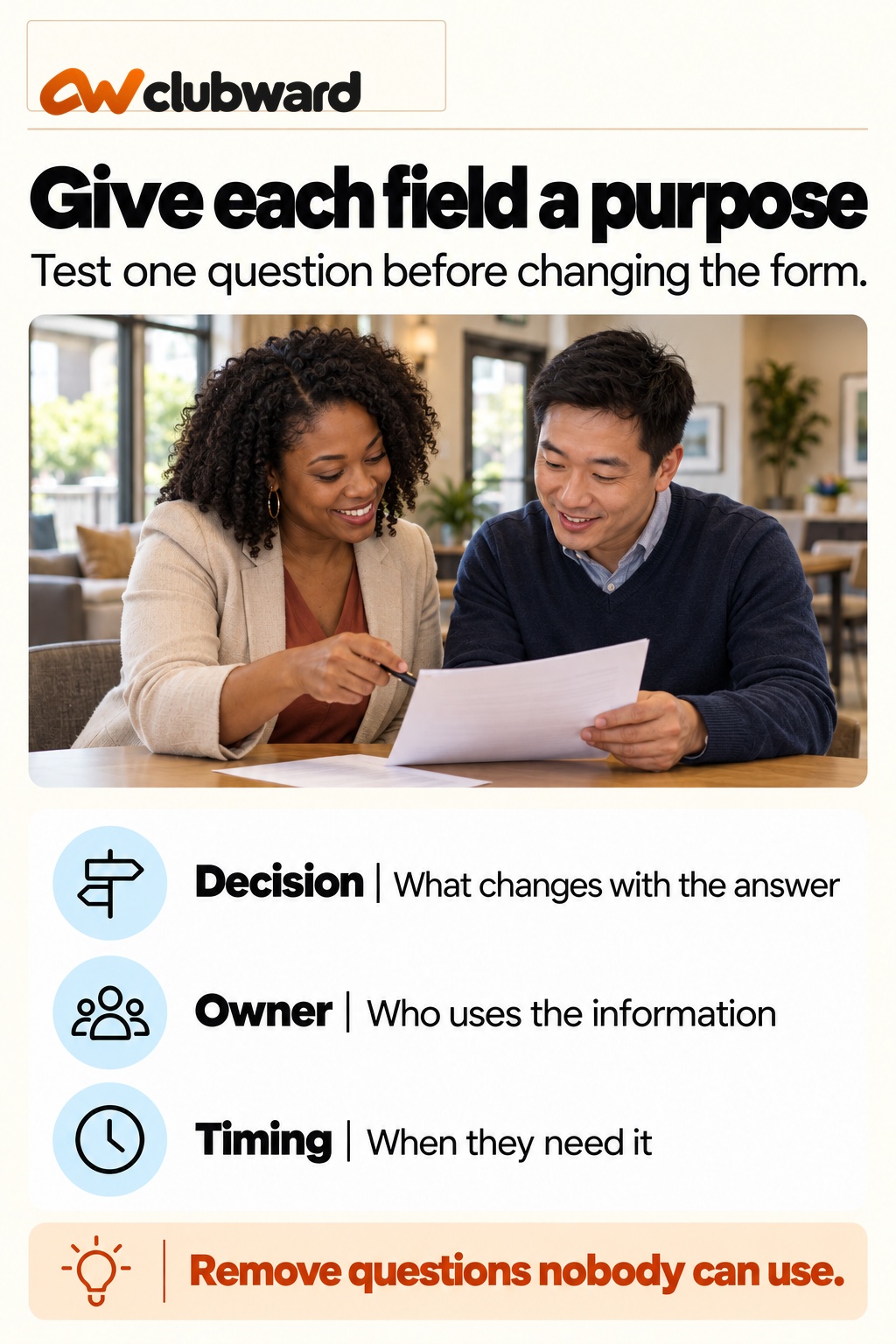
For every proposed addition to the form, name the person who will use the answer. Ask that person to show how it changes their next action. If nobody can explain the decision supported by the field, leave it out of the trial and investigate further.
Also decide what happens when a resident cannot answer. A setup-time field might allow the resident to request guidance, while a different required detail may need a staff conversation before review can continue. Record the supported route and its owner. Test the wording with an ordinary request before adding the field to every property’s form.
Turn ten requests into a correction list
For a practice review, imagine ten recent clubhouse requests. Four needed clarification about setup time, two waited for an authorized decision about an unusual activity, and one generated a question about whether the date was confirmed. The remaining three reached the endpoint without a substantive clarification. These sample counts demonstrate how to organize your review; use your own located records for a client finding.
Create one row for each request and one entry for each question. A request can appear in several categories. Keep the request count separate from the question count, so four setup questions do not become four different residents when one person asked twice. Retain the event reference and the actual wording needed to check the interpretation.
For setup time, investigate whether the intake question distinguishes preparation from the event. For the unusual activity, identify the approval owner and what they need to decide. For confirmation, compare the receipt message with the final response. Each finding points to a different correction. Resist the urge to turn all three into additional required form fields.
Rank the corrections by the decision they unblock. A missing approval owner may need attention before a clearer setup question, even when setup questions are more numerous. Explain that choice in the review note. Frequency helps describe the work; it does not automatically decide which consequence matters most at this property.
Write an acceptance test for the new question
Before changing the live form, write a short test with an ordinary resident scenario. The resident wants a gathering from two until five and needs thirty minutes to set up. Ask a colleague to complete the proposed wording without coaching. Then ask the person checking room availability to interpret the submitted answer.
The test passes only when both people understand the same requested periods. If the resident enters two o’clock as the setup time because the label says “start,” revise the question. If the availability reviewer overlooks teardown, identify whether that information is necessary for their decision and how it should be requested.
Include a case where the resident has not decided on setup arrangements. The supported answer might be “I need help confirming this,” routed to a named colleague. Test that route too. A question that works only for people who already understand the room procedure can move confusion into a different inbox.
Record the wording tested, the observed misunderstanding and the approved revision. Keep the test separate from a real booking, and do not send a confirmation that could be mistaken for permission to use the space. Once the trial begins, identify which requests used the new version so your comparison has a clear boundary.
Check a change after confirmation
A booking process also needs a route for revised requests. Suppose the resident’s gathering is confirmed, then the expected attendance changes and they ask to enter earlier. Start by locating the current approved reservation. Identify the requested change without silently replacing the original details.
Ask which decisions must be revisited. Earlier entry requires an availability check. Changed attendance may affect the room arrangement under the property’s existing instructions. The operating team needs the final approved version, while the resident needs to know whether the revision is still under review. Give each stage a clear message.
Use this case to evaluate the new field’s actual value. If setup time was collected correctly but the revised request still stalls because nobody owns the change, the field did its job and the handoff needs work. Do not label the trial a failure merely because a different problem remains.
At the end, compare the approved details in the reservation, the resident message and the room preparation instruction. Confirm that the older version is identifiable as history. Include the date and reason for the revision so a covering colleague can understand what changed without reassembling the email chain.
Prepare a property-specific rollout note
Keep the rollout note short enough for the team using it. State the exact question being changed, the decision it supports, the colleague who checks the answer and the date the wording begins. Add the supported route for residents who need assistance and the escalation contact for cases outside the usual process.
Give the client a separate approval line for any change to conditions or authority. Wording improvements and policy decisions need different records. A manager can describe the proposed process clearly while leaving the client’s required decision visible. This prevents a routine form revision from carrying an unspoken change in room-use rules.
After the agreed review period, ask the operating team which questions still recur. Compare those questions with the original diagnostic categories. Keep the useful change, revise a confusing label or assign the remaining handoff. Choose the next step from the work you observed rather than treating a new form as the end of the review.
Watch the assisted request
Include an ordinary office conversation in the trial. Ask the colleague taking the request to use the same setup question and record the same answer as the online route. Check who transfers that information to the booking owner and what the resident receives afterward. If the handoff is incomplete, correct that step before comparing the two routes. A resident should receive a clear written next action regardless of how they began, while the property team retains the information needed for its decision.
Bring the request journey into a platform evaluation
If the review points toward changing your tools, use one anonymized request as the demonstration scenario. Include an ordinary submission, a missing setup time, an approval question, and a change after confirmation. Ask the demonstrator to follow the complete sequence.
Have the person who handles real requests participate. Ask where they would find the current status, how a colleague would take over, and which steps require configuration or a separate staff decision. Record the answers and any unresolved requirements.
Evaluate the workflow shown against your diagnostic map. Do not substitute an attractive calendar view for evidence that the relevant handoffs are covered. Ask how the proposed arrangement would support each property’s approved rules without assuming a shared portfolio capability.
When you are ready, request a Clubward amenity-workflow demo and bring your question-to-decision map. Use it to explore the actual reservation work your property team needs to complete, from the first resident request to a clear final answer.
From Clubward Editorial Team
More from Clubward