Property Management Companies
The Resident Moved Out. Why Does Amenity Access Still Work?
A move-out is not operationally complete when the amenity team still sees an active household. Use this handoff to close access and future bookings cleanly.

The lease file says the resident moved out yesterday. The clubhouse calendar still shows a reservation next weekend. A mobile credential still opens the amenity gate, and the front desk cannot tell whether the resident has a final-day exception or whether the access list is simply behind.
This is a handoff problem between the property record and amenity operations. The property team owns the approved move-out information. The amenity team owns the passes, household eligibility, guest privileges and shared-space bookings that depend on it. Unless one process carries the decision across that boundary, both teams can be “correct” inside their own system while the resident experience and access state remain inconsistent.
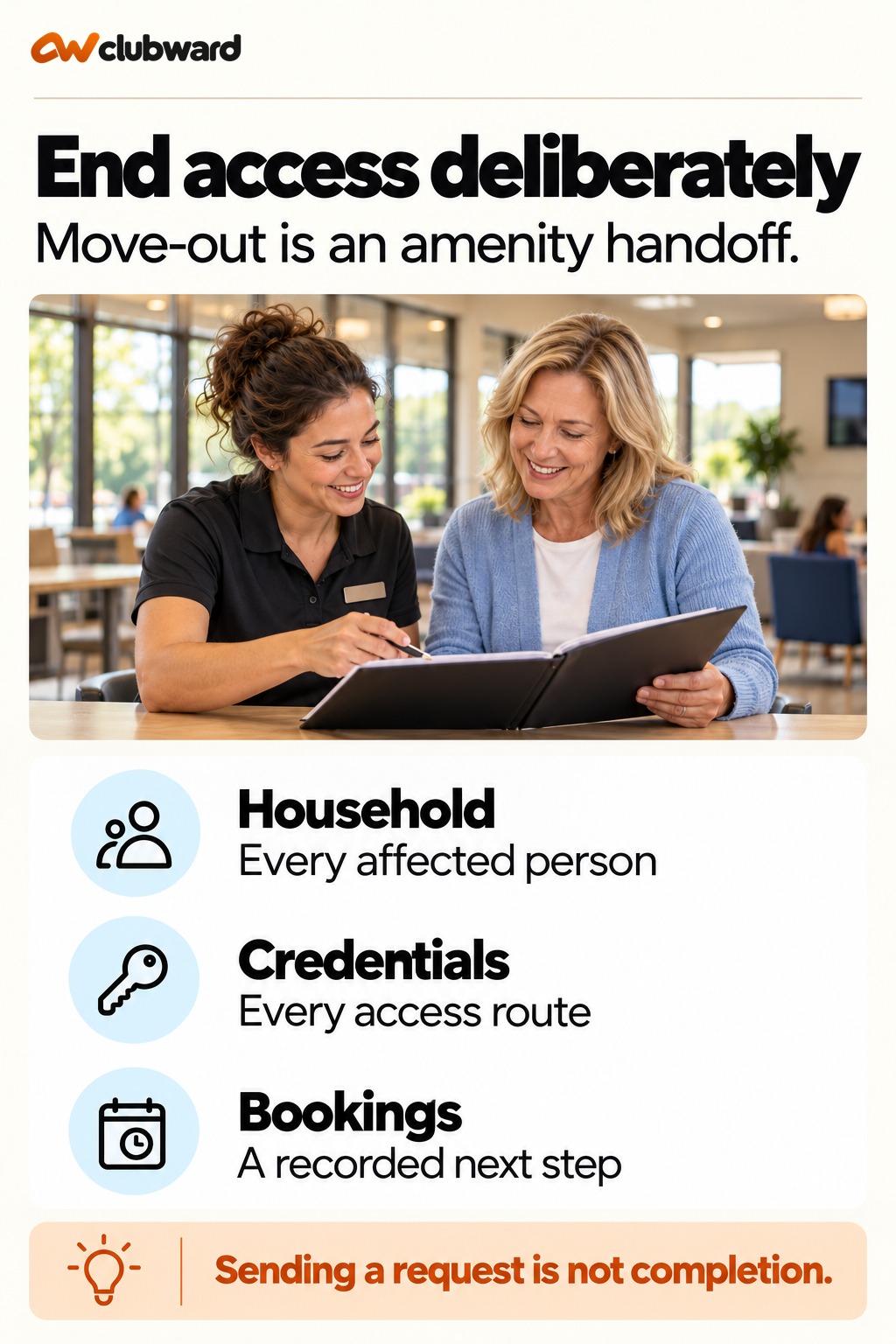
A reliable move-out handoff should answer five questions: which household is leaving, exactly when eligibility changes, which credentials and guest rights are affected, what happens to future reservations, and who confirms completion. The handoff does not need to expose lease details or other private information. It needs only the operational facts required to close the amenity relationship accurately.
Why a simple change becomes a complicated shift
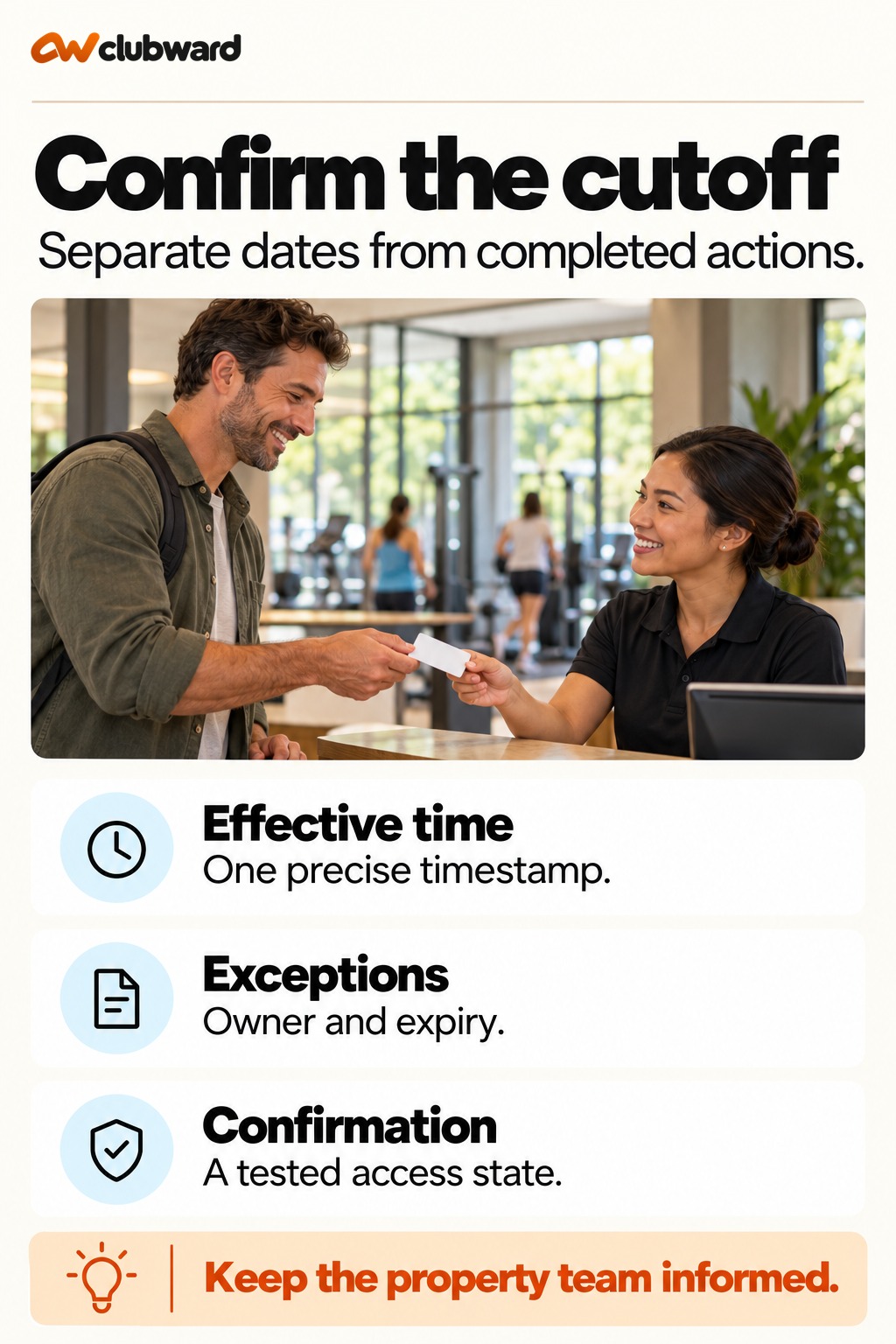
- The cutoff is a date without a time: “Move-out October 1” can mean midnight, end of business or the time keys are returned. Access teams need an explicit effective timestamp.
- Only the primary resident is named: Household members, dependents, guests and secondary credentials may remain active unless the request defines the full household scope.
- Reservations sit outside the checklist: A household can lose access while a paid clubhouse booking remains on the calendar. Future bookings need a deliberate outcome.
- The handoff is one-way: Sending a ticket does not prove that passes were disabled or exceptions were resolved. The property team needs a completion signal.
- Exceptions live in email: A short extension approved by a manager can disappear inside a thread. Put the exception, owner and expiration into the operational record.
Build a handoff packet people can actually use
- Source record: Reference the approved resident or household record without copying unnecessary lease information.
- Effective timestamp: State the local date and time when standard amenity eligibility ends.
- Household scope: List the people, credentials, guest products and vehicles or passes within the amenity operation that require review.
- Future commitments: Identify reservations, programs, prepaid balances or other pending items that need a decision.
- Exception authority: Name who can approve a different cutoff and how long the exception lasts.
- Completion proof: Require a named owner, completion time and short note for unresolved items.
Move the decision from one role to the next
1. Start from an approved status change
Do not ask amenity staff to infer move-out status from a returned key, an email or a resident comment. Use the organization’s approved source record and a known trigger.
2. Translate the change into amenity scope
The property team should send only the facts the amenity team needs: household identifier, effective time, applicable exception and contact for questions.
3. Review the entire household
Check each credential, dependent, guest entitlement and shared booking linked to the household. A complete review prevents the primary pass from closing while another entry path remains open.
4. Resolve future reservations
Apply the community’s approved cancellation, refund and deposit rules. Record the outcome and the person who communicated it instead of silently deleting a booking.
5. Confirm the operational change
The amenity owner should report completed actions and flag anything blocked by missing information, a payment decision or an approved exception.
6. Audit a small sample
Each week, compare a handful of completed move-outs with current amenity eligibility. Sampling finds gaps without turning the process into a second full reconciliation.
A worked handoff example
Consider a household with two adults, one teen, two mobile passes and a clubhouse reservation ten days after move-out. The approved property record sets eligibility to end at 5:00 p.m. Friday. One adult has asked for access through Saturday to finish removing stored items, but that request has not yet been approved.
The property manager sends the household identifier, Friday cutoff and pending exception to the amenity owner. The amenity owner does not grant an informal extension. They place the request in the exception queue, review both mobile passes and the teen’s household status, and flag the future clubhouse booking for a decision under the community’s existing policy.
At noon Friday, the manager approves a limited extension for one named adult through 10:00 a.m. Saturday. The operational record shows which credential stays active and which close Friday. The clubhouse booking is cancelled with the approved communication and deposit handling. On Saturday, the final credential is closed by the assigned owner, who records completion. The property team can now see that the move-out reached the amenity side instead of assuming it did.
Measure whether the handoff works
- Completion by cutoff: Count handoffs completed by the effective time, excluding documented approved exceptions.
- Open exception age: Review move-out exceptions that have no owner or expiration.
- Household mismatch rate: Sample closed property records and compare them with current amenity eligibility.
- Future-booking resolution: Track whether bookings after cutoff receive a recorded outcome before the effective time.
- Reopened cases: Note handoffs sent back because the household, timing or authority was unclear; these reveal which fields need revision.
Test the boundary between property and amenity work
Take three recent or sample move-out patterns and follow them from the approved property record to the amenity operation. Use one straightforward household, one with multiple adults and dependents, and one with a future booking or approved extension. The exercise is not an audit of lease administration. It asks whether the minimum operational facts reach the team responsible for passes, eligibility and reservations.
For each case, have the property manager state the trigger and cutoff. Have the amenity owner show the household scope, affected credentials and booking outcome. Finally, ask a third person to find the completion signal without reading an email thread. If that person cannot tell what happened, the handoff is relying on private knowledge rather than a durable record.
Pay special attention to timing. A request sent at 4:58 p.m. for a 5:00 cutoff may be technically on time but operationally fragile. Decide whether some move-outs need advance notice, which urgent path applies and who owns after-hours changes. Document that service expectation without promising instant action in every situation. The result should be a realistic agreement between teams: what arrives, how early it arrives, what completion looks like and how a blocked case returns to the property owner.
Where a connected club management platform helps
Clubward is designed around the amenity and community-operations side of the resident relationship: households, access, guest rules, reservations and shared spaces. Clubward for HOA and neighborhood amenities can be evaluated alongside the accounting, compliance or property-management systems an organization already relies on. That makes the move-out boundary explicit rather than pretending one platform must replace every property workflow.
During evaluation, bring a real move-out scenario with multiple household members, an active guest pass and a future reservation. Ask the team to show how the amenity record changes, how an exception is controlled and how completion becomes visible to the property manager. Confirm any integration or import method for the systems you actually use before treating the handoff as automated.
Agree on the boundary between the two teams
Start with the property team’s approved status change, then translate it into an amenity instruction. The amenity team should not decide whether the resident has moved out. Equally, the property team should not assume that closing its record updates every pass, booking or guest entitlement. A handoff agreement names the source, the receiving owner and the signal that confirms the operational change.
Define the minimum information the receiver needs. A household identifier, property, effective timestamp and applicable approved exception may be enough. Leave lease documents, balances unrelated to amenity operations and private reasons for leaving in the systems and roles authorized to handle them. More information is not necessarily a better handoff when the receiving team only needs to change eligibility.
Check how each team identifies the same household. A unit number alone can be ambiguous across communities or after a new resident moves in. Use the organization’s stable record reference alongside a readable location. In a portfolio with several properties, specify the community and amenity operator. A receiver should not have to infer the destination from the sender’s email signature.
Agree on a normal submission window and an urgent path. The normal path should leave enough time to review linked people, credentials and future commitments. The urgent path should name the person responsible for a late approved change. Do not promise an instant update merely because a form can be submitted instantly. The handoff needs a realistic operating expectation that both teams can meet.
Inventory access routes before changing them
Create an access inventory for the household. Review physical cards, mobile passes, household-linked credentials and any guest entitlements your community uses. Record each route’s intended treatment and owner. A returned physical card does not answer whether a mobile credential remains active. A disabled primary pass does not establish what happened to a second adult’s pass.
Separate identifying an access route from confirming that it changed. “Two mobile passes found” is an inventory result. “Both reviewed and ended at the approved cutoff” is a completion result. Keep those states distinct in the checklist so a person following up can tell which work remains. The distinction is particularly useful when access is managed by more than one authorized team or service.
For each route, record how the responsible person verifies the resulting state. Use your organization’s supported access process and permitted test method. An account note that says “inactive” may be useful, but the receiver should still know what that state means for the credential being reviewed. Hardware and connection details belong in the setup review, not in assumptions about how every community gate behaves.
Keep verification proportionate and private. The front desk may need to see that a credential is no longer eligible, without receiving the resident’s move-out circumstances. A property manager may need a completion summary, without receiving a full access log. Agree on the evidence each role needs to close its part of the handoff, and keep the detailed record where authorized staff can retrieve it.
Distinguish a person leaving from an entire household leaving
Not every departure is a full-household move-out. Suppose one adult leaves while another remains eligible under the community’s approved record. Treat that as a scoped change, not as permission to close every household credential. Ask the source owner to identify which people and entitlements change. Keep uncertain household relationships with the property team until the approved scope is clear.
The opposite error is leaving secondary members active because the request names only the primary resident. For a full move-out, the receiver checks all linked people against the approved household scope. Include dependent eligibility and guest products where relevant. A list of names is useful only when the receiver knows whether each entry is ending, continuing under an approved relationship or awaiting clarification.
Use a simple decision note: “Full household departure,” “named-person departure” or “scope requires clarification.” Give the third state an owner and a due time. Do not force an ambiguous request into the ordinary queue simply to make its status look complete. The sender should receive a concise question that identifies exactly what prevents the amenity action.
If a correction arrives, keep the original instruction and the approved correction connected. Record which action was reversed, who authorized it and whether affected bookings or messages also need correction. The goal is an understandable current state, not a hidden history. Staff should be able to explain why an eligibility record changed without speculating about private household circumstances.
Resolve future bookings as separate commitments
A future booking carries a different decision from the credential cutoff. List reservations and programs dated after the approved end of eligibility. For each, identify the organizer, the applicable rule and the decision owner. Do not silently delete the booking. The person who made the reservation needs a clear outcome, and the next staff member needs to know what was communicated.
For the sample clubhouse reservation ten days after move-out, the owner checks the community’s existing eligibility and cancellation rules. If cancellation is required, record the cancellation, approved deposit or payment treatment and message sent. If an authorized exception permits the event, record its scope separately from general amenity access. Permission for one booking should not unintentionally restore ordinary household eligibility.
Handle a pending financial decision visibly. The booking may be cancelled while a deposit review remains open with a finance or management owner. Distinguish those states in the completion summary. Amenity staff should not be asked to calculate a refund at the gate, and the property team should not mistake an unresolved payment question for an unresolved credential change.
Check scheduled communications as part of the booking review. A reminder for a cancelled event can contradict the outcome the organizer already received. Where a separate service sends reminders, assign an authorized person to update it and confirm completion. Give each separate service its own completion check, so residents receive reminders that match the final booking decision.
Give a temporary exception a narrow operating life
For the Saturday storage-removal example, define the permitted person, credential, place, start, end and approver. A general note saying “extended through Saturday” leaves too much to interpretation. It might be read as access for every household member or permission to use every amenity. Write the exception in terms that the receiving staff can apply without extending it themselves.
Give the exception an expiration owner. Even when a system offers a supported expiry mechanism, someone must confirm the final state according to the organization’s process. If the closure is manual, put the due time on the responsible person’s work list. An approved deadline is not proof that the action occurred; the final check supplies that evidence.
The front desk’s answer should explain the scope without revealing the reason. “The approved access is for the named person until ten tomorrow morning; the manager handles any extension request” is enough for a typical operational conversation. A staff member should not discuss lease arrangements, disputes or personal circumstances to justify an eligibility state.
Before closing the exception, check whether it also affected guest rights or a future reservation. Limited access to remove stored items may have no relationship to the clubhouse event. Keeping the two decisions separate prevents an exception from spreading through linked activities. Return an unclear request to the approver rather than interpreting silence as broader permission.
Use a completion message that the sender can act on
Write the completion summary in operational terms. For example: “Household reviewed against the approved Friday cutoff. Two standard passes ended. One named pass remains under the approved exception until Saturday at ten. Clubhouse booking cancelled; deposit review assigned to the manager. Final exception check due Saturday.” That summary tells the property team what is done and what still has an owner.
After the last check, send the final update or make it visible in the agreed workspace. Include the time and responsible role. Avoid attaching unnecessary screenshots of personal records. If a receiving action failed, describe the failed route, current state and next owner instead of reporting the entire household as complete. A partial completion can still be a useful, honest handoff.
When the source team changes the cutoff, acknowledge the revised instruction explicitly. The receiver should say which work has already happened and what must be adjusted. A changed property date may require a credential correction, a booking review and a new resident message. Treat the revision as a controlled handoff rather than a replacement email that might be missed.
Find a recurring gap without rebuilding the whole process
During a short review, choose a completed household with multiple access routes and a future booking. Compare the approved source time, actual amenity actions and completion message. If the recurring gap is a missing dependent, improve household scope. If it is a late request, improve the submission window. If it is an unclosed exception, improve expiration ownership.
Keep the next trial small enough to observe. Ask the sender to use the revised field for the next few appropriate cases and ask the receiver whether it removes a specific question. Record the answer before adding more fields. The useful result is a handoff that supports accurate action with less private information and fewer assumptions, not a form that grows after every unusual case.
Check an incoming resident without merging two handoffs
A departing household and an arriving household can use the same unit at different times. Keep their amenity instructions distinct. The stable household reference prevents the receiver from applying a departure to the new resident merely because a unit number matches. The approved source should tell the amenity team which relationship is changing and when.
During a review, put the two instructions side by side. Confirm that the departure closes the intended credentials and resolves the departing household’s bookings. Confirm separately that the incoming household follows the organization’s onboarding process. Do not use a completed move-out as proof that a move-in is ready, or a new resident’s eligibility as a reason to preserve the old household’s access.
If either instruction is unclear, return a precise question to the source owner. Identify the record, the conflicting time or the uncertain person. Keep the receiver’s next action visible while clarification is pending. This check is especially useful when the amenity team receives several changes close to the same cutoff.
Record both household identifiers before confirming either access change.
Final checklist
Before marking the handoff complete, confirm the following items in the saved record:
- Approved source record
- Household identifier
- Exact cutoff timestamp
- All linked household members
- Active physical and digital passes
- Guest products or entitlements
- Future reservations and programs
- Approved exception and expiration
- Cancellation or deposit decision
- Assigned amenity owner
- Completion timestamp
- Unresolved items returned to property team
Walk through your resident move-out and amenity-access handoff in a personalized Clubward demo.
From Clubward team
More from Clubward