community-recreation-centers
The Room Is Ready. Is the Program Workflow?
A change-propagation test for evaluating whether enrollment, rooms, capacity, staff coverage, and front-desk guidance stay connected.

A room can be available, a class can have enough participants, and an instructor can be on the schedule—yet the program can still fail at the handoffs between those facts. Community and recreation centers should evaluate a platform by changing one part of a real program and watching whether the roster, space, coverage, front desk, and participant message remain connected.
This is a better decision test than asking whether the product has enrollment, facility reservations, and staff scheduling. Those features matter, but they create value only when an operator can understand the whole program. The practical question is: when something changes at midday, can every affected person see the right next step before the evening session begins?
Build one complete program scenario
Choose a recurring program with enough moving parts to reveal coordination work. It might be a youth class, an adult fitness session, an art program, or a community workshop. Give it a named room, a capacity, an instructor, a roster, a waitlist, and a front-desk arrival process. Use sample participants and remove private information.
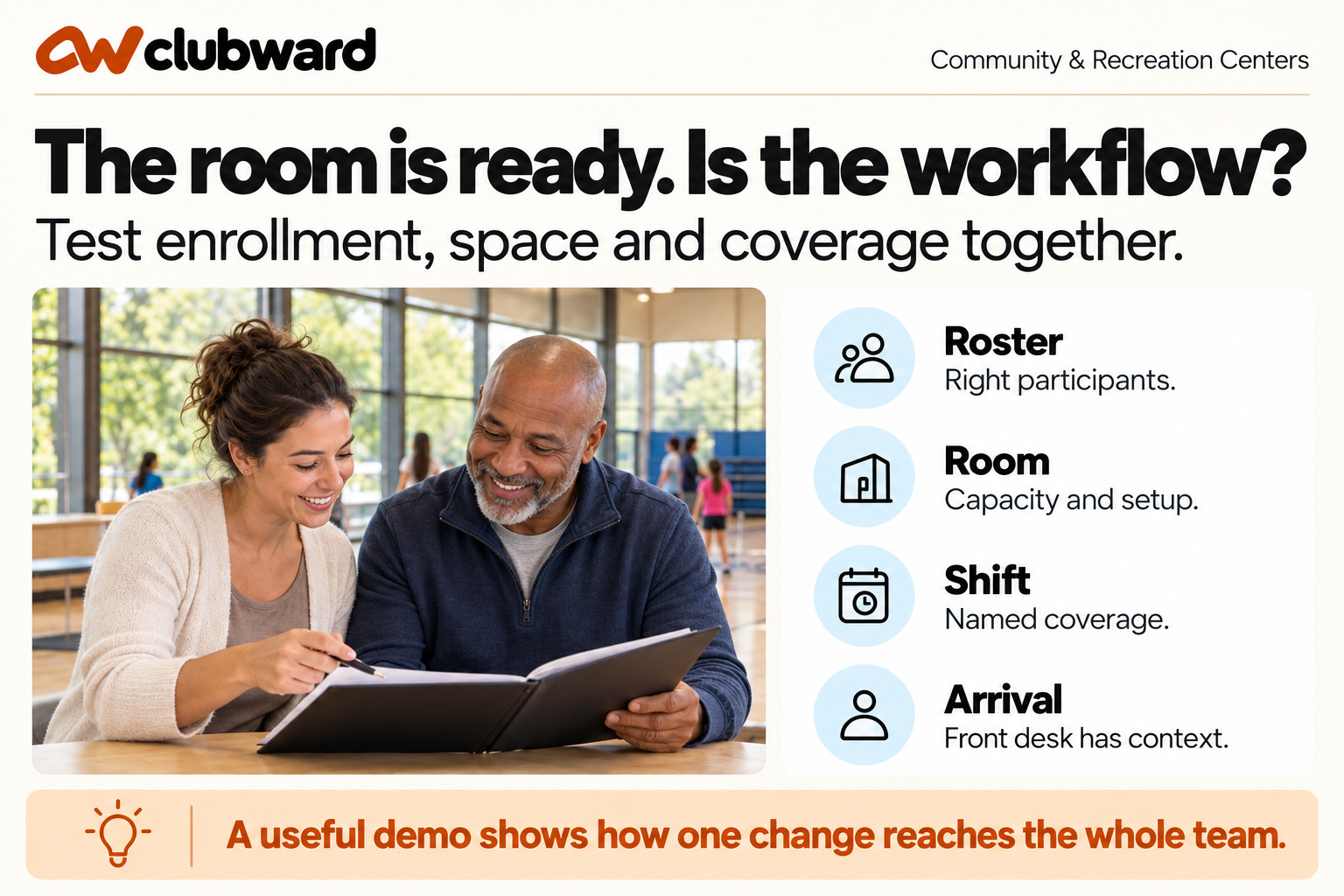
Write the normal path first. A participant enrolls, receives useful information, appears on the correct roster, arrives at the right room, and meets the scheduled instructor. Then identify where the program normally changes: room conflicts, instructor substitutions, capacity adjustments, participant moves, weather decisions, or accessibility needs. Those changes form the evaluation, because they show whether separate records behave as one operation.
- Enrollment: the right participant enters the right program and receives the right next step.
- Capacity: open places, waitlist movement, and limits remain understandable.
- Space: the room, setup, equipment, and timing support the activity.
- Coverage: an assigned person knows the role and can complete the session.
- Arrival: front-desk staff can direct participants without reconstructing changes.
- Communication: affected people receive a clear message based on the current plan.
Start with the normal session
Ask the presenter to create or open the program, enroll several participants, place one person on a waitlist, assign the room, and identify the scheduled instructor. Follow the participant view as well as the administrator view. What information does the participant receive? What does the instructor see? What does the front desk know when someone asks where to go?
Do not accept an answer that relies on the presenter narrating hidden context. Ask another evaluator to take over and explain the session from the available record. That person should be able to identify who is expected, where the program meets, who covers it, and which decision remains open. If those answers require separate calendars or private notes, record the dependency.
Check the edges of capacity. Enroll the last available participant, add the next person to a waitlist, and create an opening. Ask how the offer is made, how long it remains available, and what staff see while it is unresolved. The center may choose different policies, but the workflow should make the chosen process visible and prevent an ambiguous place from being promised twice.
Change one thing on purpose
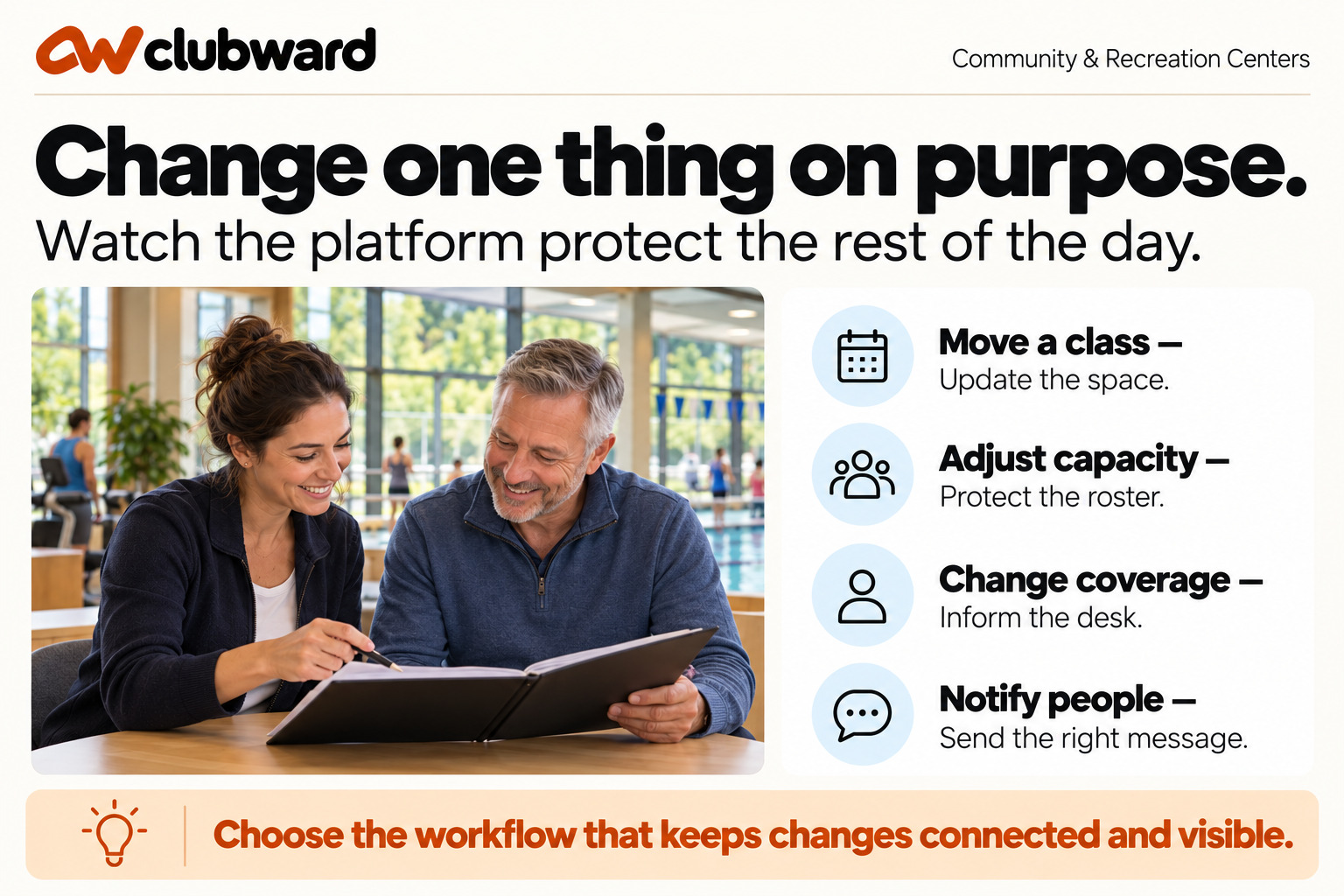
Move the class to another room. The new space should be available at the correct time and suitable for the planned capacity and setup. Ask whether the previous room becomes available, whether any dependent setup changes, and whether the instructor, roster, front desk, and participants see the new location. Count any independent message or manual update.
Then change the instructor. Assume the original person calls out shortly before the session. Ask how coverage is assigned, what the substitute needs to know, and how the front desk can confirm that the program will proceed. A staff schedule that shows a name but does not carry the program context may still require a second handoff.
Finally, adjust the capacity. Reduce it because the substitute room is smaller, or increase it because another space becomes available. Watch what happens to enrolled participants and the waitlist. The product should not silently change a commitment. Operators need to understand who is affected, which decision is required, and what message should be sent.
Test the front desk after the change
Move away from the administrator screen and place the evaluator at arrival. A participant has the original room in an older message. Another person believes a waitlist place has opened. A substitute instructor asks for the roster. The employee at the desk should be able to give each person a consistent answer based on the current program.
Ask what information the front desk should not need. They should not have to read the whole change history or make a program-policy decision. They do need the current room, current session status, current roster or eligibility context, and a clear escalation path for unresolved cases. Good role design removes unnecessary detail without removing the next action.
Introduce a late change and ask how it is distinguished from the earlier plan. A simple overwrite can make the current state correct while leaving staff unable to explain why a participant saw something different. The center should decide how much history it needs, but the workflow must support a responsible answer when the change reaches people at different times.
Score coordination, not feature presence
Use a four-point score for each operational dimension. One means the scenario requires a separate manual process. Two means repeated workarounds or duplicate entry. Three means the workflow works with one named and documented step. Four means the relevant people can follow the change in the connected workflow. Keep the evidence beside the score.
- Program identity: Are the session, participants, room, and coverage clearly related?
- Change propagation: Does one update reach every affected operational view?
- Capacity control: Can staff understand enrollment, openings, and waitlist decisions?
- Coverage clarity: Does the assigned person receive enough context to run the program?
- Arrival readiness: Can the front desk direct people using the current plan?
- Participant communication: Do messages explain the change and the next step?
- Ownership: Is every unresolved decision assigned to the correct role?
Identify two non-negotiable dimensions before comparing products. For many centers, those will be change propagation and arrival readiness. A lower-priority preference should not offset a weakness that repeatedly sends participants to the wrong room or leaves a class without visible coverage.
Include the people who receive the consequences
The evaluation team should include a program coordinator, a facility or room scheduler, a staff or coverage owner, and a front-desk employee. If one person performs several roles, ask them to switch perspectives during the scenario. Each role notices a different form of missing context.
Give each participant a concrete task. The coordinator changes the session, the scheduler checks the room impact, the coverage owner assigns the substitute, and the front desk answers a participant. This prevents the demonstration from becoming a conversation between administrators while the service moment remains untested.
Ask the instructor or activity leader what they need before the session. A roster alone may not be sufficient. They may need current location, timing, setup, capacity, and approved notes within the center’s privacy rules. Record that required context and check whether it can be provided without opening broad administrative access.
Evaluate setup and governance
A connected workflow depends on accurate setup. Ask who creates program templates, room capacities, setup requirements, staff roles, communication patterns, and waitlist rules. Determine which settings are shared and which vary by program or location. A center should know the ongoing owner for each area before it chooses the system.
Test a policy change, not only a daily change. Suppose the center changes the waitlist offer window or the minimum time allowed between room uses. Ask where the rule is updated, how existing sessions are handled, who reviews the change, and how staff learn the effective date. This reveals whether policy becomes usable workflow or remains an external reminder.
Review permissions using the scenario. The front desk may need current direction, the instructor may need program context, the scheduler may need room control, and the program director may need full oversight. Ask whether those boundaries can be maintained when an employee covers a second location or a volunteer supports a single program.
Plan a limited implementation
Choose one program family for the first phase. Prepare its active sessions, rooms, capacities, staff roles, messages, and participant information. Define who approves the setup and who tests it. Avoid moving every program at once simply because the data can be imported; a smaller launch makes operational questions visible while they are still easy to correct.
Create an acceptance test that repeats the evaluation: enroll, fill capacity, open a waitlist place, move the room, change coverage, notify people, and answer at the front desk. Run it on desktop and mobile with the people who will perform the work. A launch is ready when the team can complete the sequence and explain the remaining manual steps.
After the first sessions, review a small sample. Look for participants on the wrong roster, room changes that did not reach all roles, uncovered sessions, waitlist decisions without owners, and front-desk questions. Use the findings to adjust process and configuration without treating ordinary early corrections as proof of failure.
Compare the operating effort over a full cycle
A fair decision includes recurring administration. Estimate the work required to create a new program, repeat a session, change a room, substitute staff, close enrollment, handle a waitlist, and prepare the next cycle. Note which steps can reuse an approved pattern and which require fresh review. The most efficient setup is not always the one with the fewest clicks; it is the one that keeps consequences visible.
Ask how the team will archive or reference completed sessions. Program history can help coordinators plan the next offering, respond to participant questions, and understand previous room or staffing choices. The center should decide what it needs to retain and who can view it. Include that responsibility in the implementation plan.
Document the proposed workflow in one page. List the scenario, non-negotiable requirements, accepted workarounds, configuration owners, support path, and first review date. This gives leadership a decision record and gives the implementation team a practical starting point.
Test cancellations and recovery
A platform choice should also be tested when the session cannot proceed. Cancel one occurrence because the room is unavailable, the instructor cannot be replaced, or another operational condition requires a stop. Ask what happens to the roster, the room, staff coverage, participant messages, and any waitlist activity. A cancellation should not leave active instructions in one view while another view shows the program closed.
Then create the recovery path. Move the session to a new date, offer an alternative, or leave the next action with a program coordinator. The center should be able to identify who received the cancellation, who needs a follow-up choice, and who owns unresolved cases. Record any step that requires an external list or one-off message so leadership can decide whether it is a reasonable part of the operating model.
Ask how front-desk staff distinguish a cancellation from a relocation or delayed start. These situations can look similar to a participant but require different answers. The current status, approved message, and escalation owner should be visible without asking the employee to infer the decision from notes. This is especially important when the employee did not work the shift during which the change was made.
Review the decision with evidence
After each demonstration, have evaluators write the strongest workflow, the most important workaround, and the highest implementation risk in their own words. Compare those observations before discussing preference. This keeps the decision grounded in the scenario instead of allowing a memorable visual detail to dominate the review.
Preserve a short evidence statement beside every important score. For example: “The room change updated the session and participant message, but the substitute instructor needed a separate assignment step owned by the coordinator.” Evidence makes a three or four meaningful and gives the implementation team a specific procedure to prepare.
End with a go, conditional go, or not-yet decision. A conditional go should name the condition, owner, and deadline. Unresolved questions without owners should not quietly become launch assumptions. This final discipline makes the platform choice easier to explain to staff, leadership, and future program coordinators.
Place Clubward in the program workflow
Clubward is a club management platform. Its community and recreation center workflow includes programs, enrollment, capacity, waitlists, facility reservations, staffing, household and guest access, communications, and reporting. Centers should evaluate that operational scope against their program model while keeping public policy, budgeting, legal responsibilities, and specialized municipal functions in their proper systems.
The decision should turn on whether a participant, session, room, staff assignment, and communication can remain coherent when the plan changes. Any necessary workaround should be named, assigned, and accepted—not discovered at the front desk.
Choose the workflow that survives the change
Return to the original session. Move the room, adjust capacity, replace the instructor, and ask the front desk to direct a participant. If every role can understand the current plan and the next action, the evaluation has tested the operation rather than the demo.
Book a personalized Clubward demo and bring one program with a realistic room, capacity, or coverage change. Follow it from enrollment through arrival before choosing your next workflow.
From Clubward
More from Clubward