Community & Recreation Centers
The Program Changed Rooms. Why Did the Front Desk Hear Last?
A repeatable room-change process for recreation centers that keeps schedules, instructors, front desks, participants, and wayfinding aligned.

A program can have a qualified instructor, a complete roster, and an open room—and still begin in confusion because the room changed without a reliable handoff.
The coordinator updates the schedule. The instructor sees a message. The front desk keeps the printed room list from the morning. A parent follows the confirmation email to the original location. Another program begins setting up in the replacement room. None of these people is being careless; they are working from different versions of the same decision.
The fix is not to send more messages. It is to create one room-change process with a clear trigger, a source of truth, an affected-audience list, a confirmation step, and a day-of verification. Every change should answer the same questions: What moved? Why? When? Who is affected? Who must act? How will the team know the update reached the places where people will look?
A room change is a service change, not a calendar edit
Changing a calendar entry may be the coordinator’s first step, but it is not the whole job. A room assignment touches the instructor’s setup, front-desk directions, building access, equipment, capacity, wayfinding, accessibility needs, cleaning, and the participant’s arrival plan.
Treat the change as an end-to-end service update. The UK Government Service Manual recommends designing across the whole journey and joining up digital, phone, paper, and face-to-face channels. Its guidance specifically notes that front-line staff need updated procedures when a service changes.
For a recreation center, the “channels” may include the registration page, automated reminder, instructor email, lobby display, printed schedule, facility calendar, and conversation at the desk. If one still points to the old room, the participant experiences a broken service even when the central schedule is correct.
Start by naming the outcome: the right people, equipment, and support arrive at the right room at the right time, and anyone who checks the program receives the same answer.
Define which changes use the full process
Not every adjustment needs the same response. Establish change levels so staff can act proportionately.
Level 1: Internal adjustment
The room changes before registration opens or before any instructor, staff, vendor, or participant has received a location. Update the schedule and any internal planning records. No public correction is needed because no prior instruction was issued.
Level 2: Routine active-program change
The room changes after people have been told the original location, but the new room supports the same activity and access needs. Use the standard notification workflow, update every active channel, and confirm the instructor and front desk have the new assignment.
Level 3: Material change
The new room changes capacity, equipment, entrance, accessibility, supervision, pickup, noise limits, or another important condition. Pause before announcing. Confirm that the program can operate safely and as described, identify accommodations or participant choices, and obtain the appropriate facility or program approval.
Level 4: Same-day disruption
A leak, maintenance issue, weather event, conflicting booking, or other condition forces a late move. Use an urgent workflow with on-site wayfinding and a named person verifying the old and new locations.
Write observable criteria for each level. “Major” and “minor” invite interpretation; “changes capacity or entrance” tells staff what to look for.
Capture the change in one decision record
Create a short record before notifications begin. It can live with the program schedule, but it should contain enough detail for another employee to carry the change forward.
Record:
- program name and session;
- original room and new room;
- affected dates and times;
- reason in internal language;
- resident- or participant-facing explanation;
- change level;
- decision owner;
- notification owner;
- instructor acknowledgement;
- front-desk acknowledgement;
- equipment, setup, or access impacts;
- participant groups and channels to update;
- day-of verification owner.
Use one identifier for the change if several systems or teams are involved. It can be as simple as the program code plus the session date. That makes it easier to confirm that messages, schedule updates, and desk instructions refer to the same event.
The internal reason may be detailed. The participant explanation should be useful and proportionate. “The class will meet in Studio B on Tuesday because Studio A is unavailable” is usually enough. Do not publish maintenance details, staff commentary, or internal blame.
Update the source of truth before sending corrections
Choose the record staff should trust when two locations disagree. This may be the program and facility schedule within the club management platform. Whatever the system, state the rule: the current room in the designated schedule controls; printed lists and messages are views of that record, not competing sources.
Update the source first. Then generate or send corrections from the new information.
That order prevents a familiar failure: the coordinator sends an urgent email but forgets the public schedule, so the next automated reminder repeats the old room. It also gives staff a place to verify the answer when a participant forwards an earlier confirmation.
When updating the schedule, check:
- the program session, not only the series title;
- the facility reservation or room block;
- setup and breakdown time;
- capacity and enrollment limits;
- assigned instructor or staff coverage;
- equipment and storage needs;
- entrance, check-in, and pickup instructions;
- conflicts with other room uses;
- waitlist or registration status if capacity changed.
When evaluating Clubward’s Programs & Spaces workflows, use an active program as your test case. Change its room, check the facility schedule and roster, and follow the update through staff instructions and participant communication. Confirm which steps your center can configure and who owns any remaining handoff.
Build the affected-audience list from the work
Do not rely on memory to decide who needs an update. Build the list from the program, room, and date.
Program participants
Include registered participants, guardians or household contacts when appropriate, people on a waitlist if the location affects their decision, and anyone recently transferred into the session. Use the communication preferences and authorized contacts available to the program team.
Operating staff
Include the instructor, program coordinator, front desk, facility opener or closer, and any staff responsible for setup, equipment, cleaning, or access. Same-day changes may also require a building supervisor or on-call lead.
Other room users
If another activity was moved to make the change possible, treat that as a separate change with its own affected audience. Do not bury two program moves in one ambiguous announcement.
External partners
Include contracted instructors, community partners, transportation providers, or vendors only when the change affects their role. Give them the same operational facts and a clear acknowledgement request.
For recurring programs, distinguish one-session changes from changes to all future sessions. “Starting Tuesday” can mean one date or every Tuesday; list the exact dates.
Write one message people can act on
The notification should place the new location in the subject line or first sentence. People scan schedule corrections quickly.
A useful structure is:
New location: Name the room and building or entrance if needed.
Applies to: Program, day, date, and time.
What to do: Where to check in, enter, wait, or pick up.
What stays the same: Time, instructor, equipment, or other reassuring detail.
Questions: One contact route.
For example:
“Tuesday’s 6:00 p.m. beginner pottery session will meet in Art Room 2. The time and instructor are unchanged. Please enter through the east lobby and check in at the front desk as usual. The current room is also shown in your program schedule.”
Avoid leading with an apology or a long explanation. Courtesy matters, but the new instruction matters first.
If the location changes capacity or accessibility, the message needs more. Explain any action required and offer a direct route for participants whose needs are affected. Do not assume that a room described as “similar” works the same for every participant.
Ask the right people to acknowledge
Participants need a clear notice; they do not all need to reply. Requiring a response from every household can bury meaningful questions in dozens of “received” messages.
Require acknowledgement from the people whose work depends on the change:
- instructor;
- front-desk lead for the affected shift;
- setup or facility owner;
- transportation or partner contact when applicable;
- on-site verification owner.
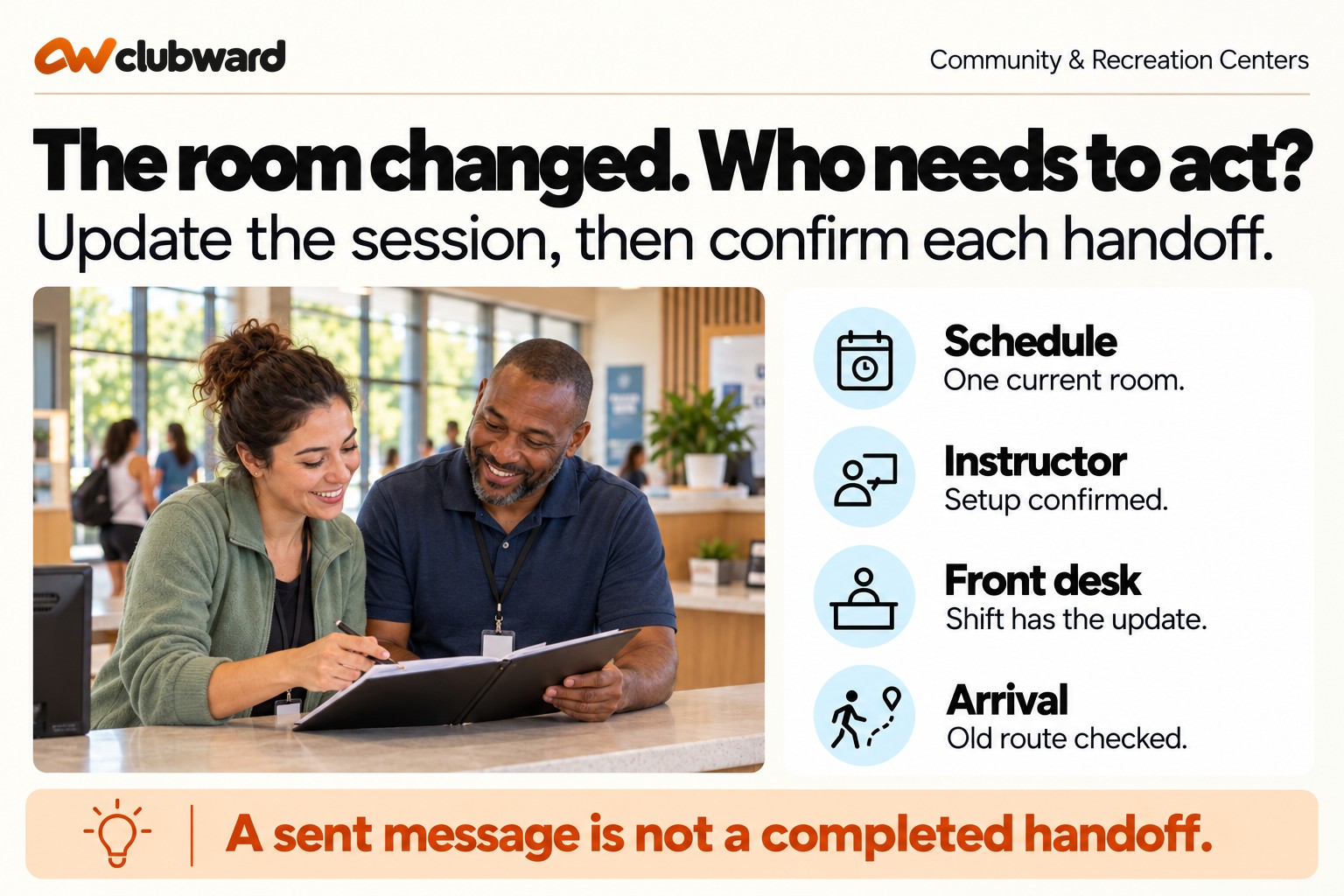
Make acknowledgement specific. “Got it” confirms receipt but not readiness. Ask the instructor to confirm the new room, access time, and any equipment change. Ask the front desk to confirm that the day’s room list and wayfinding note are updated.
Set an escalation point. If the instructor has not confirmed by a certain time, who calls? If the front desk changes shifts before the program, where is the instruction carried forward? The purpose is not to chase people endlessly; it is to prevent a critical handoff from remaining invisible.
Create a same-day verification loop
The day-of check is short but essential, especially when an old confirmation or sign may still be circulating.
One person should verify:
- The source schedule shows the new room.
- The new room is unlocked, usable, and set for the activity.
- The instructor or program lead has arrived or confirmed status.
- The front desk’s current view shows the new room.
- Temporary wayfinding is placed at the old location when needed.
- The old room is not simultaneously being presented as the program location.
For a same-day move, station a person or clear sign at the old room through the normal arrival window. A message sent two hours earlier will not reach everyone, and a participant should not have to search the building.
If the program includes child pickup, controlled access, or specialized equipment, verify the handoff against those specific procedures. A room change must not quietly alter who is authorized to release a participant or where attendance is recorded.
Work through a complete example
Imagine a recreation center runs an after-school robotics program in Multipurpose Room A on Tuesdays from 4:00 to 5:30 p.m. On Monday afternoon, facilities learns that the room’s ceiling work will continue through Wednesday. Multipurpose Room B is open, but it uses a different entrance and has fewer tables.
The coordinator classifies this as a material change because setup and entrance are affected. Before notifying families, the team confirms that Room B’s capacity supports the current roster, the equipment carts fit through the route, and the instructor can access the room at 3:30. The facility schedule and program session are updated together.
The participant message leads with “Tuesday robotics moves to Multipurpose Room B” and names the west entrance. The instructor confirms the new setup. The front-desk lead updates the room list and adds a note for the evening shift. Facilities places a directional sign at Room A for the arrival period. On Tuesday, the coordinator verifies both rooms before participants arrive.
After the session, the team notes that two families went to the east lobby because an older calendar attachment remained in a welcome email. The correction is not another day-of reminder. The team updates the welcome template so future messages point to the live program schedule rather than a static attachment.
That example shows the value of the loop: the immediate change succeeds, and the follow-up removes a recurring source of error.
Review the process without turning it into paperwork
After an active-program room change, spend five minutes on three questions:
- Where did someone still encounter the old room?
- Which role learned about the change later than needed?
- Which part of the process can be simplified before the next change?
Track patterns, not vanity metrics. The goal is not to celebrate the number of messages sent. It is to reduce contradictory instructions, avoid preventable setup problems, and help participants reach the program without unnecessary searching.
If changes frequently happen because room blocks are incomplete, improve schedule planning. If front-desk staff miss updates during shift changes, strengthen the shift handoff. If participants keep reading old attachments, replace static documents with links to the current schedule where appropriate.
The Service Manual’s guidance on solving a whole problem recommends looking beyond a single transaction and improving the full journey incrementally. Its January 2026 update emphasizes understanding the complete problem before choosing the technology or isolated fix. That keeps the center focused on arrival and participation, not merely on whether a database field changed.
Carry the decision through the evening shift
The person who receives the coordinator's update may leave before the program begins. Treat that shift boundary as a separate handoff. The outgoing desk lead should leave the program name, affected session, current room, arrival route, unresolved questions, and escalation contact where the incoming employee normally finds operating instructions. A personal inbox is a weak handoff if the next employee cannot open it.
Ask the incoming lead to answer one concrete question before the outgoing employee leaves: “A parent has the old confirmation for tonight's robotics session. Where do you send them?” The answer should include the new room, the correct entrance, and any changed check-in or pickup instruction. If the employee needs to call the coordinator for those routine facts, the handoff is incomplete.
Keep sensitive participant details out of the general shift note. Point authorized staff to the appropriate roster or approved program record for individual information. The shared note should explain how to direct arrivals and who can resolve a question. It should not become an extra copy of participant records simply because everyone can see it.
Resolve a missing acknowledgement before it becomes an arrival problem
Give every required acknowledgement a deadline related to the session, rather than using the same deadline for every change. A move announced a week ahead can allow time for a routine reply. A move announced an hour before class needs direct contact and an immediate verification. The coordinator should know which response is still missing and what happens when the deadline passes.
Suppose the instructor has confirmed, facilities has checked the tables, and the evening desk lead has not replied. The notification owner should contact the desk through its normal operating channel. Confirm who is covering the affected shift, explain the current instruction, and record that person's acknowledgement. Repeatedly emailing someone who is off duty does not resolve coverage.
If the responsible role cannot be reached, escalate to the named supervisor. That supervisor decides how to provide the missing handoff or whether the planned move can proceed. Front-desk employees should not have to infer approval from a copied email, and instructors should not assume that another team has arranged wayfinding. Record the decision and its owner with the session.
Separate a temporary relocation from a permanent change
Consider an adult movement class that meets twice weekly for six weeks. The original studio is unavailable for three sessions, then becomes available again. Write the affected dates individually and identify the first session returning to the studio. Updating the series location indefinitely would solve the immediate conflict while creating a different mistake later.
Check both directions of the move. The temporary room needs the appropriate program block, setup period, equipment, and assigned coverage. The original studio should reflect its actual unavailable period. Before the return date, confirm that the studio has been released for use and that the program instruction changes back. A calendar assumption should not replace the facility owner's confirmation.
Use participant language that makes the limited duration easy to understand: “The next three sessions meet in Room B on October 6, 8, and 13. The October 15 session returns to Studio A.” If the return remains uncertain, say when the center will confirm it. Do not present a hoped-for date as a settled instruction.
Rehearse the arrival with two people
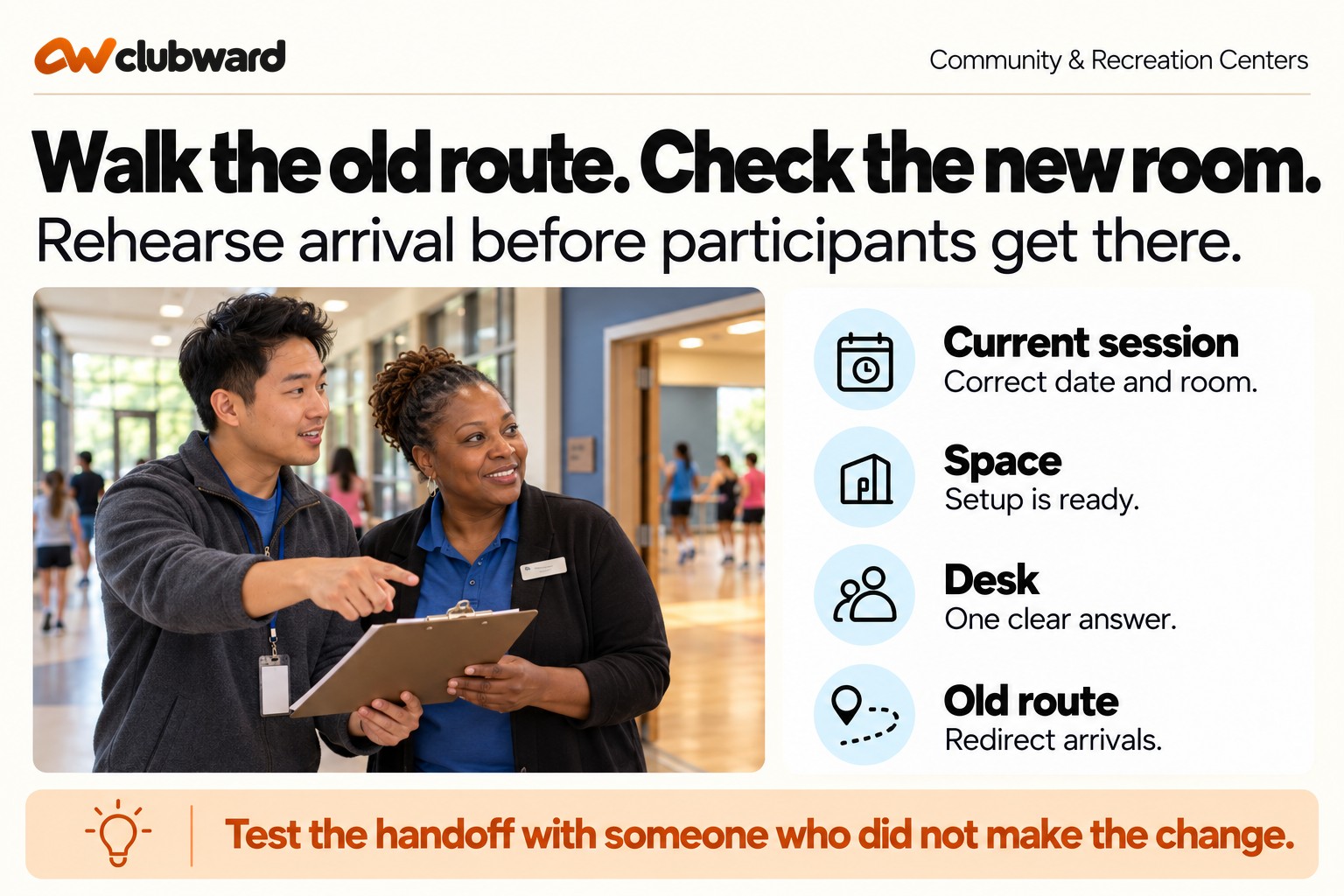
Before the first relocated session, ask a coordinator and an employee who did not make the change to walk the route. Start with the old confirmation. Follow its entrance and room directions, then check what a participant encounters. Look for an old sign, an unlocked empty room, a closed corridor, or a desk employee whose instructions disagree with the current session.
At the replacement room, compare the setup with the activity's practical requirements. Check the equipment location, access time, seating or work surfaces, and the path used by participants. Follow the center's established approval procedures for anything outside the employees' authority. The rehearsal should surface an unresolved condition while someone still has time to act.
Finish by asking the desk employee to explain the session from the saved instruction. Can they give the current room, identify the relevant date, distinguish relocation from cancellation, and name the escalation contact? Keep a short record of any failed step, assign its correction, and verify it before arrival. The test is complete when another employee can carry the decision forward.
Keep the rehearsal useful by choosing an actual session rather than an idealized room booking. Include one detail that normally causes questions: a different entrance, shared equipment, a late shift, or a temporary location. The employee answering at the desk should use only the information their role normally receives. If the coordinator supplies missing facts during the test, note those facts and add them to the handoff. Repeat the failed part after correction so the team verifies the instruction rather than merely agreeing to improve it.
The reusable room-change process
Use this sequence for every active-program move:
- Classify the change level.
- Record the old room, new room, dates, reason, impacts, and owners.
- Confirm the replacement space supports capacity, access, equipment, and supervision.
- Update the designated schedule and facility record first.
- Build the affected-audience list from the session, room, and date.
- Send one action-oriented participant notice.
- Obtain specific acknowledgement from the instructor, desk, and facility owners.
- Carry the update through staff shifts and external partners.
- Verify the source, rooms, staff view, setup, and wayfinding on the day.
- Remove the root cause of any old information that remained visible.
A room change will always require coordination. It does not need to create an information scavenger hunt. A repeatable process gives coordinators, instructors, front-desk staff, and participants one current answer.
Confirm each handoff.
If your center is coordinating programs, room schedules, rosters, and front-desk updates across separate views, test the change process with a real session. Book a personalized Clubward demo to walk through the room-change scenario from decision to participant arrival.
From Clubward Editorial Team
More from Clubward