Swim & Tennis Clubs
Your Renewal Queue Is Stuck. Which Decisions Actually Need the Board?
Separate missing information, routine decisions and genuine exceptions so each unresolved renewal reaches the right owner with a clear next step.

When your renewal queue stops moving, identify the decision each unresolved household is waiting for before sending another reminder. Some cases need missing information. Others need staff to apply an existing rule. A smaller group may need a manager or board decision. Separate those groups first.
Picture a swim and tennis club with several records marked “pending.” One family has not answered a household question. Another has requested a membership change. A third has asked for an exception to a published deadline. The shared label does not tell the membership team what to do next.
This guide offers a practical diagnostic for that queue. It is aimed at the person coordinating renewals with staff and a volunteer board. Use it before the next renewal cycle, or on a manageable group of current cases. The goal is to identify the next decision and its proper owner without changing policy in the middle of a review.
Define what pending means in each case
Take a recent group of unresolved renewals and write a one-sentence description of the obstacle. Avoid simply copying the existing status label. “Waiting for household confirmation” is different from “waiting for permission to apply an exception,” even if both appear in the same queue.
Use the question “What must happen before this case can move?” If your answer contains several tasks, put them in order. Identify the first task that blocks the next step instead of assigning every possible future action at once.
Keep application progress separate from the final membership decision. GOV.UK’s completion-rate guidance distinguishes finishing an application from receiving a successful outcome. For your club, define submission, review, approval, and activation separately where those stages exist. Read the guidance on transaction completion.
Do not impose those words on your existing platform if it uses different labels. Write a short mapping for your team. The practical test is whether a staff member can explain the current stage and the next responsible person from the record in front of them.
Choose a review window that matches your season
For a seasonal club preparing its next opening, examine unresolved cases from the latest renewal period alongside the questions you expect to carry forward. For a year-round tennis operation, choose a recent membership cycle with comparable rules and staff responsibilities.
Write down which cases are included and why. A queue review is a working diagnostic, not a claim about every member. Include a few completed renewals as a comparison so you can see which decisions staff resolved without escalation.
Keep changes in policy visible. If an earlier case was handled under different rules, mark that context rather than treating the earlier outcome as a model for the current season. A useful comparison requires knowing which instruction applied at the time.
Use case references in your working sheet. Keep household details, financial records, and personal explanations in their authorized locations. The review needs to identify the work and decision path, not spread the full history of each family across a board packet.
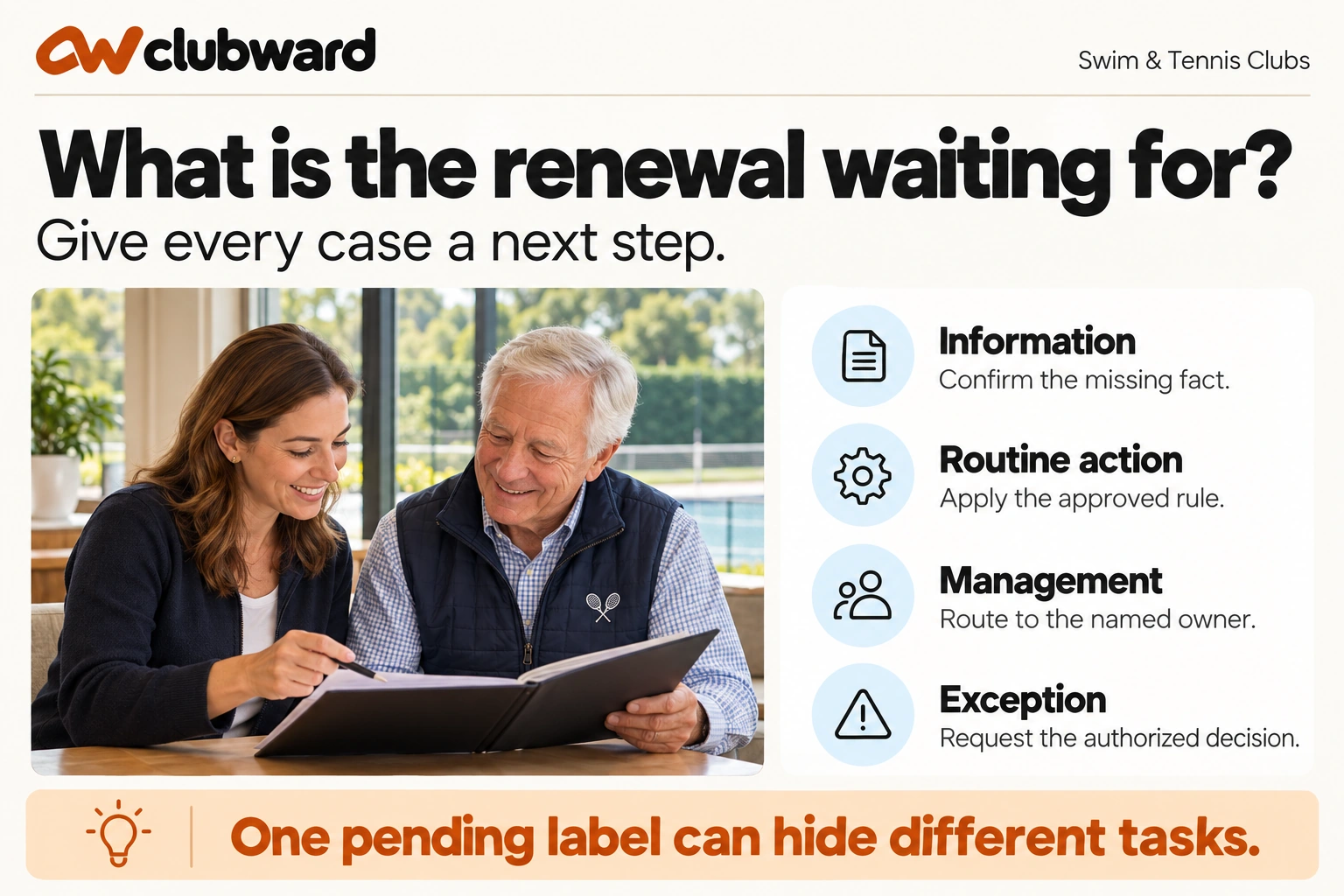
Separate four types of next step
Assign each case a provisional type after reading the underlying record. These labels are suggested review categories. They do not expand anyone’s authority, and they should not replace your club’s existing membership rules.
- Information needed: someone must provide or verify a relevant fact.
- Routine rule application: an authorized staff member can apply an existing instruction.
- Management review: the case falls within a manager’s documented decision scope.
- Policy or exception decision: the request needs the board or another authorized approver.
Add a fifth temporary label, “authority unclear,” when you cannot identify who may decide. Give that question an owner. Do not automatically send the entire case to the board without explaining which authority question needs to be resolved.
Read the request itself before assigning the category. A family asking what a deadline means may need an explanation, while a family asking to change that deadline may need a decision. Responding to both as exception requests would create unnecessary ambiguity.
Check whether staff already have an answer
For cases classified as routine, locate the current instruction and ask an authorized colleague to explain how it applies. Note the record, policy version, or approved procedure they use. Avoid accepting “we always do it that way” as the only explanation.
Review whether the instruction answers the actual question. A policy describing membership categories might not explain who records an approved category change or when the change takes effect. Separate a missing operational step from an unresolved policy decision.
If the rule is clear but difficult to find, recommend improving its location or staff reference. If the rule leaves the case open, send a specific question to the appropriate decision-maker. Do not rewrite a policy inside a staff note to make the queue easier to clear.
Check what a substitute staff member would need. Give them an anonymized case and the normal reference materials. Ask for the next step, not a guess about what the manager prefers. Use any hesitation to identify missing guidance or access.
Make escalation a request for a decision
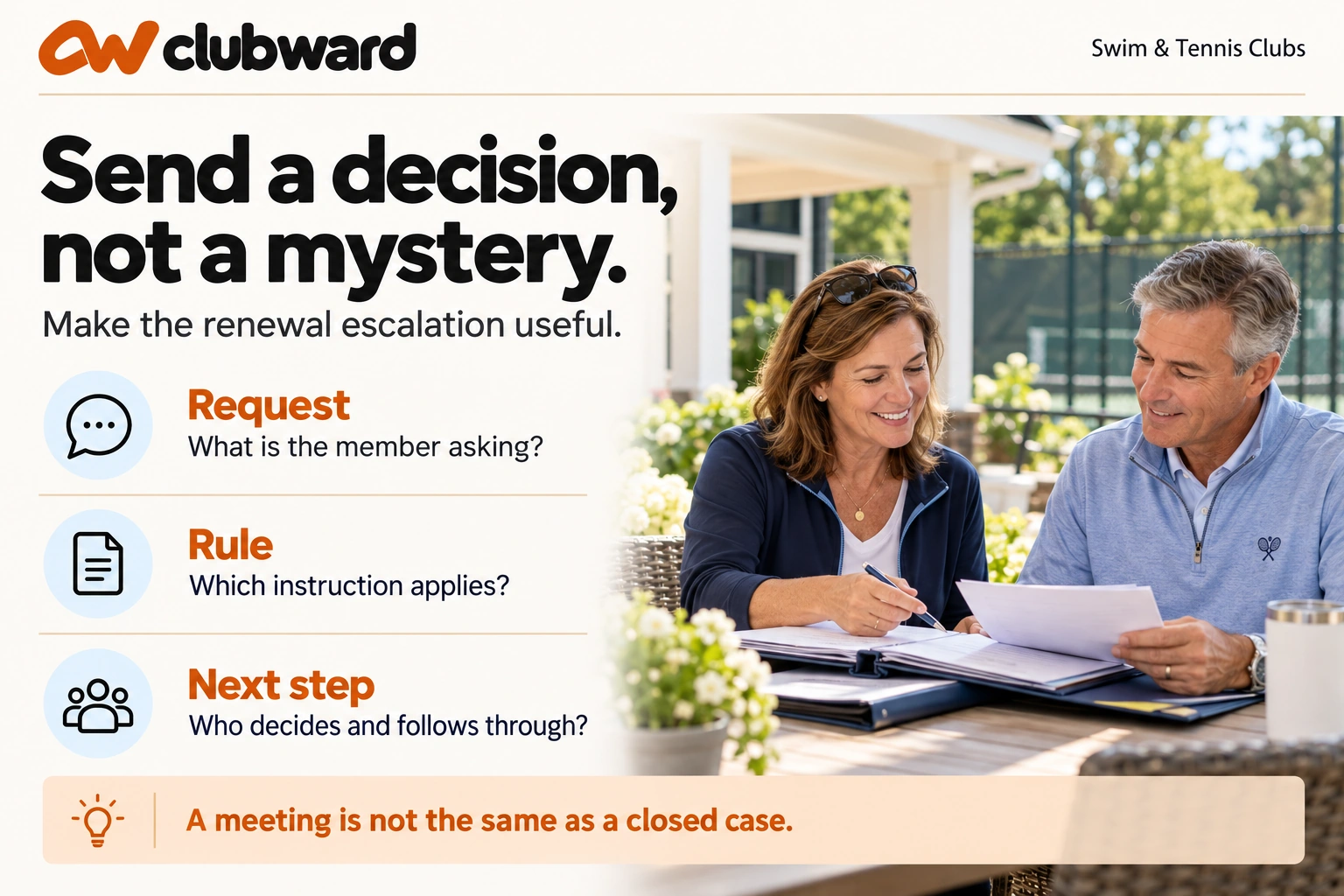
When a case genuinely needs approval, prepare a short decision brief. State the member’s request, the applicable rule, the unresolved question, the options available under your process, and the date by which the team needs an answer.
Include relevant facts without attaching every message by default. Link to the authorized case record for the reviewer who needs more detail. The brief should make the decision legible while keeping unnecessary personal information out of general circulation.
Be precise about what you are asking. “Please review this family” is vague. “Does the approved deadline exception process apply to this request, and who records the outcome?” gives the approver a question they can answer or route.
If the board needs to consider a policy change, distinguish that discussion from the immediate case. Ask for the approved handling of the current request while the broader question is considered. Do not promise the family an outcome before the responsible person has decided.
Work through three different pending renewals
Imagine three practice cases at a combined swim and tennis club. In the first, a household submits a renewal but a membership administrator needs confirmation of which existing people should remain on the record. The next action is a clear information request to the household.
In the second, a member asks to change membership type. Your staff instruction explains the available categories but does not state who approves the change. The diagnostic finding is an ownership question. Resolve that authority before treating the request as either accepted or rejected.
In the third, a family requests an exception to a deadline. The club has an approved process naming the decision-maker. Staff should prepare the necessary brief and communicate the current status, while preserving the existing deadline and conditions until a decision is made.
These cases should not receive the same reminder. One asks for information, one requires internal clarification, and one waits for an authorized decision. Write the next action, owner, and follow-up point for each, then check the message the household will receive.
Review the questions you send to households
Read each information request from the household’s perspective. Does it identify the exact detail needed, explain what the answer affects, and show how to respond? Replace a broad request to “complete your information” with the specific question the administrator needs answered.
The GOV.UK Design System advises teams to understand why they ask each question and avoid asking for the same information repeatedly within a journey. Use that principle to review your follow-up messages and forms. See its guidance on useful questions.
Before contacting the household, check whether the answer is already available in an authorized current record. If two records conflict, describe what needs confirmation rather than asking the family to repeat an entire application. Keep the request proportionate to the decision.
Provide a supported route for someone who cannot complete the usual step. Record who handles those responses and how the answer reaches the membership team. Do not create a separate inbox that no one has agreed to monitor during the renewal period.
Keep the waiting reason visible to the next person
Use a consistent case note with four elements: the question, the current owner, the last meaningful action, and the next review point. Keep it short enough that someone covering the desk can understand what is happening without reading a long message thread.
Write observations rather than judgments. “Awaiting response to household confirmation sent Monday” gives the next person a task history. Labels such as “difficult member” do not explain the work and should not be part of the operating summary.
Record the distinction between an internal delay and a household action. If staff are waiting for approval, the message should not imply the family has failed to finish something. Check the recipient and wording before using a general reminder template.
When ownership changes, make the handoff explicit. The new owner should confirm what they received and which action they will take. Keep the case in its actual state until that action is completed; reassignment alone is not a renewal decision.
Close the loop after the decision
Read the approval or other outcome against the original question. Identify what changes, when it takes effect, and which records need updating. If the decision is ambiguous, seek clarification before applying it across membership, billing, or access records.
Assign the operational updates to authorized owners. One person may record the membership decision while another handles an account question. Use your established process for each task and confirm completion rather than assuming a message to the team changed every record.
Then check the household-facing response. It should explain the outcome, any remaining action, and the relevant timing. Avoid saying “all set” if the family still needs to complete a separate approved requirement before using the club.
Finally, record why the case is closed. A short note linking the decision and completed follow-through gives the next reviewer something concrete to verify. If a task remains unresolved, retain its owner and next check instead of hiding it inside a completed label.
Report the bottleneck without overstating the numbers
Summarize the reviewed queue by next-step type and actual waiting reason. Include the review period and number of cases. Separate missing household information from internal authority questions and cases awaiting a named approver.
Use the counts as a description of the reviewed work. For example, if your sample contains several cases waiting for the same authority clarification, recommend resolving that question. Do not infer a club-wide renewal loss or revenue impact without evidence.
Give the board a bounded request: approve a clearer delegation, clarify a particular policy question, or confirm a decision path for the next cycle. Explain what staff will do after the answer. That is more actionable than presenting a long list of pending households.
Choose a follow-up point to examine the same queue again. Look for whether decisions reached the right owner and whether completed cases have the required operational updates. Keep improvement claims tied to those observed checks rather than a promised percentage reduction.
Prepare the decision meeting around questions
If several cases require the same meeting, group them by the decision needed rather than by household name. Keep each case’s facts available to authorized reviewers, but make the shared authority or policy question explicit. The outcome should state which instruction staff can apply and which cases still need individual consideration.
Before the meeting ends, repeat the operational follow-through. Who records the decision, who contacts the household, and who checks the resulting membership state? Give unresolved items a next review point. Do not close every case in the group merely because the broader question was discussed; confirm that the decision actually covers each request.
Use the queue to shape your next workflow review
Bring one routine case and one genuine exception into any platform evaluation. Ask the demonstrator to show the current record, decision ownership, relevant permissions, and how a colleague would understand the next action. Use anonymized details and your real operating requirements.
Ask which steps are available in the proposed setup, which require configuration, and which remain a board or staff responsibility. Record unanswered questions. A club management platform evaluation should help you examine the workflow rather than replace your club’s authority structure.
For your immediate next step, take the oldest unresolved case and write one clear sentence about the decision it needs. Identify the authorized owner and the information they require. Repeat that process across a manageable portion of the queue before issuing another blanket reminder.
To explore your renewal decision path with Clubward, request a renewal-workflow demo. Bring those two cases and ask for a walkthrough from the household’s initial request to a recorded decision and a clear answer at check-in.
From Clubward Editorial Team
More from Clubward