Operations
Switching Club Management Platforms? Prepare the Records That Matter
Prepare a club platform move with source owners, clear data boundaries, sample checks, exception handling, and a shared readiness decision.

Start a club management platform move with a record inventory, a named owner for each source, and a small sample you can review together. Before choosing a launch date, agree on what will move, what will stay available elsewhere, and how your team will decide that the new setup is ready.
A migration plan should answer practical questions for the people who run the club. Which membership record should the front desk trust? What date does an opening balance represent? Who checks a household relationship that looks wrong? Where will a staff member find the resolution of an exception?
This guide offers a preparation method for administrators and project owners. Use it to organize the conversation with your chosen platform team. It does not assume that every file format, historical record, or workflow can transfer automatically. Confirm the actual scope before treating a task as included or complete.
Start with the work your team must do
List the ordinary workflows that need to function after the move. Choose concrete examples: finding a member, understanding a household, reviewing an account question, preparing a program roster, checking a reservation, and giving staff the access needed for their positions.
For each workflow, identify the records and decisions it depends on. A membership lookup may depend on a person’s identity, household relationship, membership type, and relevant dates. A reservation review may depend on the space, booking period, and current status. Let the workflow explain why a field matters.
Keep the initial list focused on opening-day needs. Add historical information separately, with a reason for retaining or transferring it. Do not let the existence of an old column become the only argument for moving it into the new operating setup.
Ask the person who performs the work to review your list. A project owner may understand the source files while a front-desk colleague can identify the detail needed to answer a member’s question. Bring both perspectives into the preparation rather than waiting for the final training session.
Build a record inventory before exporting everything
Create one row for each source your team expects to use. Include the source name, record type, owner, latest reliable date, proposed use, and open questions. Write down where the source is held and who is authorized to prepare it for the agreed transfer process.
Separate the source owner from the migration coordinator. The coordinator manages the overall plan; the owner can explain the records and confirm whether they are suitable. For example, a membership administrator might own household records while a treasurer validates the opening-balance information.
Add a column for the intended outcome. Some information may be needed in the new platform, some may remain in an approved archive, and some may require a decision before anyone prepares a transfer. Agree those outcomes with the relevant owners instead of making assumptions from filenames.
Use a small sample to expose unclear fields. A column called “status” is not self-explanatory if different teams use it differently. Ask the owner to define the values and provide examples for discussion. Keep actual member information in the authorized working environment.
Agree on dates and boundaries
Choose the date that each transferred record should represent. Opening balances, membership dates, active registrations, and upcoming reservations may have different review needs. Record the boundary explicitly so your team can distinguish the prepared snapshot from later activity.
Decide what happens when a record changes after the initial extract. Name the person who tracks those changes and the agreed process for including them before launch. Do not assume that preparing a file freezes the operation or that a later edit will appear automatically in the new system.
For example, imagine you prepare member records on a Monday and plan the readiness review for Friday. A household update on Wednesday needs a defined route into the review. Write down who records it, how it is checked, and how the team knows which version is current.
Keep the sequence visible: prepare, review, resolve exceptions, account for later changes, and approve readiness. Use actual dates once your team agrees them. If a dependency moves, update the plan and explain which subsequent tasks need reconsideration before maintaining the original launch commitment.
Define the fields your club relies on
Create a short field guide for the records in scope. Describe the field’s meaning, expected format, source, and owner. Focus on fields that influence access, account interpretation, communication, and daily work. Ask the receiving team to confirm its supported structure before preparing a final import.
Pay particular attention to relationships. A person and a household are different concepts in your operating model. Decide how your team identifies the relationship and which record should carry the relevant membership details. Use the model agreed with the platform team rather than forcing every source into an assumed structure.
Review ambiguous names and duplicates with the source owner. Similar text is a reason to investigate, not a sufficient reason to merge two records. Establish a resolution process and preserve the information needed to understand the decision. Avoid a cleanup rule that silently changes membership relationships.
During Clubward onboarding, work with our team to review member profiles, household relationships, membership types, opening balances, and the operational setup your club needs. Bring questions about unclear records, and agree on the files and fields before preparing a transfer.
Test a small, representative sample
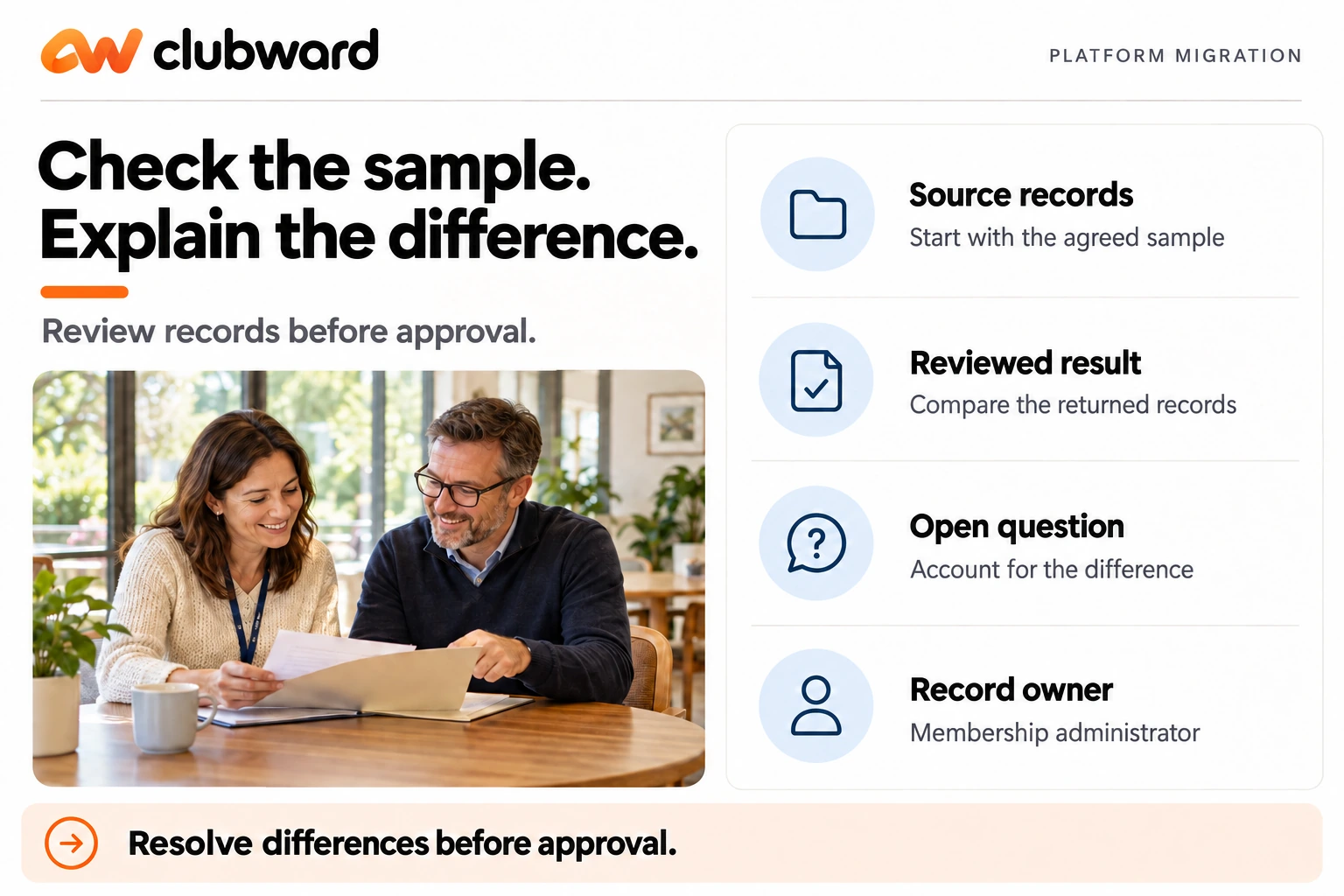
Choose sample records that cover the situations your staff need to handle. Include ordinary cases and a few known exceptions. The purpose is to test the agreed mapping and review method, not to select only the cleanest records and assume the rest will behave the same way.
A useful sample might include an individual membership, a household, a future renewal date, an unresolved account question, and an upcoming program registration. Adapt the selection to your approved migration scope. Use sample data in demonstrations and the agreed secure process for real validation work.
Ask the relevant owner to compare the source and the result. Have them explain what they expect to see and check the fields that affect their workflow. Record a pass only when the owner can verify the intended result, rather than because a file was accepted without an error message.
Keep an exception list with a reference, description, owner, proposed resolution, and review status. Do not hide a concern inside a long email thread. If the same issue affects multiple records, describe the pattern and ask the responsible team to agree a correction before treating each instance separately.
Reconcile the parts that matter
Agree in advance on the checks your team will use. For membership records, you might compare the number of in-scope records and review selected relationships and dates. For balances, have the authorized financial owner confirm the agreed totals and record-level exceptions. Use the definitions appropriate to your club’s records.
Keep aggregate checks and individual checks together. A matching total alone may not answer whether the right information is attached to the right account. Conversely, a few correct examples do not establish that all in-scope records have been accounted for. Decide which combination provides a useful review for your actual scope.
For example, suppose the source contains ten in-scope household records and the prepared result contains nine. The next action is to identify the missing or intentionally excluded record and document the reason. Do not adjust the count just to make the summary appear complete.
Record who performed each check, which version they reviewed, and which exceptions remain. This creates a practical handoff to the readiness meeting. If the underlying data changes, identify which checks must be repeated rather than carrying forward a signoff that belongs to an earlier version.
Prepare staff access alongside the records
List the positions that will use the platform and the work each position needs to perform. Review the proposed access with the person responsible for staff permissions. Use the least information necessary for the task in your training examples, and keep private records out of general demonstration material.
Ask staff to rehearse their actual workflows with the access they are expected to use. A manager’s broad view may conceal a problem that a front-desk user encounters. Have each role find the relevant record, interpret its status, and explain the next authorized action.
Use Clubward’s staff tools to organize positions, roles, access, and guidance around your club’s procedures. Available capabilities vary by plan and selected modules. Review the permissions for each position with our team, then have staff confirm that they can complete their assigned work.
Capture training questions as setup work when appropriate. If a staff member cannot tell which date to use, the answer may require a clearer field definition or procedure. Resolve that question in the operating guide rather than relying on a one-time explanation that the next new starter will not hear.
Make readiness a decision with evidence
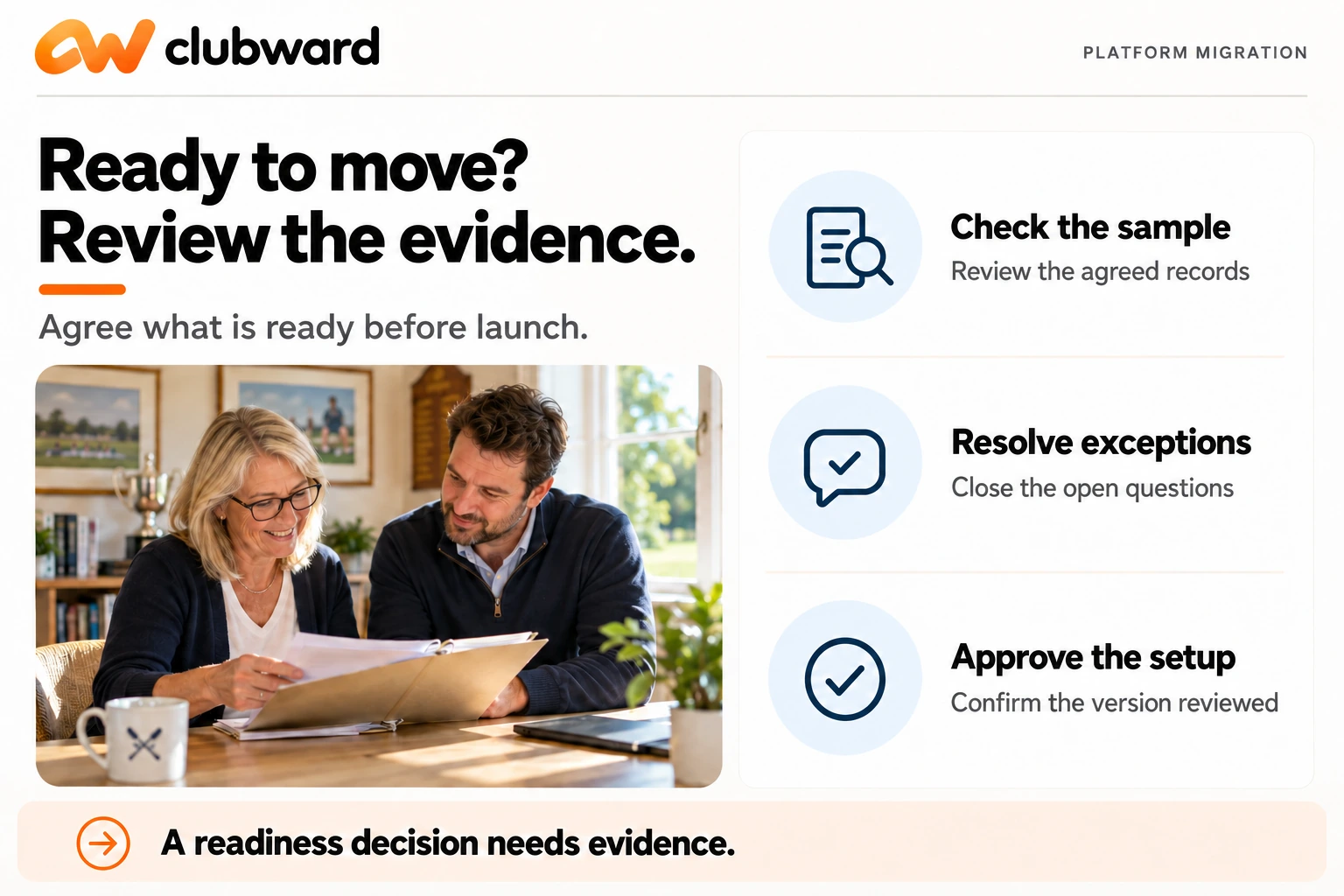
Create a readiness review that names the essential workflows, their owners, and their completion conditions. Include record validation, open exceptions, staff access, participant communications, and the agreed handling of later changes. Keep the review tied to what the club needs to do on its first operating day.
Use clear outcomes for unresolved items. Some may need resolution before launch; others may be acceptable with an approved workaround and owner. Let the authorized decision-makers agree those boundaries. Do not turn the project coordinator’s preference into an implicit acceptance of an operational risk.
Before launch, complete a shared onboarding readiness review with our team and give your club’s go-ahead. When planning your switch to Clubward, agree on migration scope, configuration, team preparation, and timing. Name the people who will review each part and approve the move.
Record the decision against the version actually reviewed. If a significant change follows, return the affected part to its owner for review. The goal is not a ceremonial approval; it is a clear agreement that the people responsible understand what is ready and what remains to be done.
Keep a contingency route practical
Ask what the team will do if an essential check cannot be completed in time. Identify the decision owner, the communication route, and the operating arrangement that would apply while the issue is resolved. Agree this before relying on a particular launch date.
Keep access to approved reference information according to your organization’s existing requirements and the migration plan. Confirm who can retrieve it and for what purpose. Do not assume that a source will remain accessible indefinitely, or that copying everything into a new location is the correct retention decision.
Write the contingency as a short sequence people can follow. For example: report the failed check, pause the affected launch step, obtain a decision from the named owner, and communicate the agreed next action. Adapt it to your actual tools, responsibilities, and approved process.
Rehearse one scenario in the readiness meeting. Ask what happens if a member record needs correction on the first day. The staff member should know where to report it, what they can do within their authority, and how the resolution will reach the next person who needs the record.
Review the first operating days deliberately
Choose a small set of checks for the first days after launch. Ask staff to record specific questions, the affected workflow, and the next action. Avoid collecting unnecessary personal detail in a general issue log. Use the authorized record reference and access arrangements your team has agreed.
Separate data corrections, configuration questions, and training needs. They may require different owners and review methods. A repeated question about where to find an answer should not automatically trigger a data change, just as a confirmed record error should not be dismissed as a training issue.
Review the open list at an agreed interval and close an item only when the responsible owner can verify the result. Tell the affected staff what changed. A correction is more useful when the next person knows which record or instruction to trust.
Bring a sample and a clear question
You do not need every file perfected before beginning a platform conversation. Start with the inventory, the workflows that matter, and a list of unresolved definitions. Use a small sample to agree on scope and a review method before committing to the full preparation effort.
To plan the move with Clubward, book an onboarding-focused demo and bring your record inventory, a sample of the fields you use, and your proposed operating timeline. Ask the team to confirm the migration scope, validation responsibilities, and readiness decision your club will need.
From Katelyn Pauley
More from Clubward