Operations
Members Keep Asking the Same Question. Fix the Answer at Its Source.
Give common member questions a reliable answer, clear owner, review date, and next action, then test the route members actually use.

Choose one question your members keep asking and repair the place where its answer should live. Give that answer an owner, a review date, and a clear next action. Then test whether a member can find and use it without needing someone to explain the page.
Start with the question as members phrase it. “Where is my booking?” is more useful for this exercise than a broad category such as “digital engagement.” The task is to connect a real question with an understandable answer and the next thing the member needs to do.
This guide offers a practical method for membership administrators. It uses five ordinary questions to show how you can review account information, program details, reservation instructions, notices, and help routes. Adapt the examples to your club’s approved processes. Do not promise fewer enquiries until you have measured what actually changes.
Collect questions without collecting unnecessary detail
Ask your team to note the wording of common questions over a manageable review period. Record the topic, where the member looked first if known, and what information resolved the question. Use anonymous examples in the working list and keep private account details in their authorized records.
Avoid assuming that a repeated question means a member failed to read. Treat it as a prompt to inspect the information and the route to it. The answer may be hard to find, incomplete, inconsistent with another message, or dependent on a decision that nobody has yet made.
Group questions by the action members are trying to take. Someone looking for a program location and someone asking which entrance to use may need the same improved session instructions. Keep account disputes separate from general navigation questions so the review does not turn individual cases into public guidance.
Choose one question to start. Prefer a topic with an existing answer and a clear owner, where you can make a useful correction without changing policy. If the underlying rule is unresolved, send that question to the appropriate decision-maker before writing a confident public explanation.
Give each answer a home and an owner
Create a small answer record with six fields: member question, authoritative answer, location, owner, last review, and next action. Include the source or approved policy behind the answer where relevant. Keep this record with your team’s maintenance instructions.
Make the owner specific enough to act. A named position with an assigned person is better than “admin.” Explain who covers that responsibility when the owner is away and which changes require approval. Ownership includes checking the answer after a relevant operating change, not just writing it once.
Choose the authoritative location before distributing copies. If a program time changes, the team should know which record is updated first and which messages depend on it. Link to that current location when appropriate rather than maintaining several separate versions of the same explanation.
Keep the member-facing answer focused. State what the person needs to know, what they should do, and where to get help if their situation is different. Leave the internal owner names, review history, and maintenance discussion in the working record unless they are useful contact information for the reader.
Question one: where can I find my membership details?
Review the route from the member’s starting page to the relevant account information. Use the labels the member sees, and check whether the instructions still match the current interface. Do not write a long sequence from memory and assume it will remain accurate after a change.
Decide what a general answer can cover and what needs individual help. You can explain where to look for membership information without publishing a member’s personal circumstances. If the person believes a detail is wrong, provide the authorized correction route and explain what information the team needs to investigate.
With Clubward’s member portal, members can access membership and account information, online payments, programs, and reservations. Available capabilities vary by plan and selected modules. Write your instructions using the options and labels members actually see in your club’s setup.
Test the answer with someone who did not write it. Ask them to locate the information using a demonstration account with sample data. Watch where they hesitate and which labels they try first. Use those observations to edit the instruction rather than adding more text to every possible part of the page.
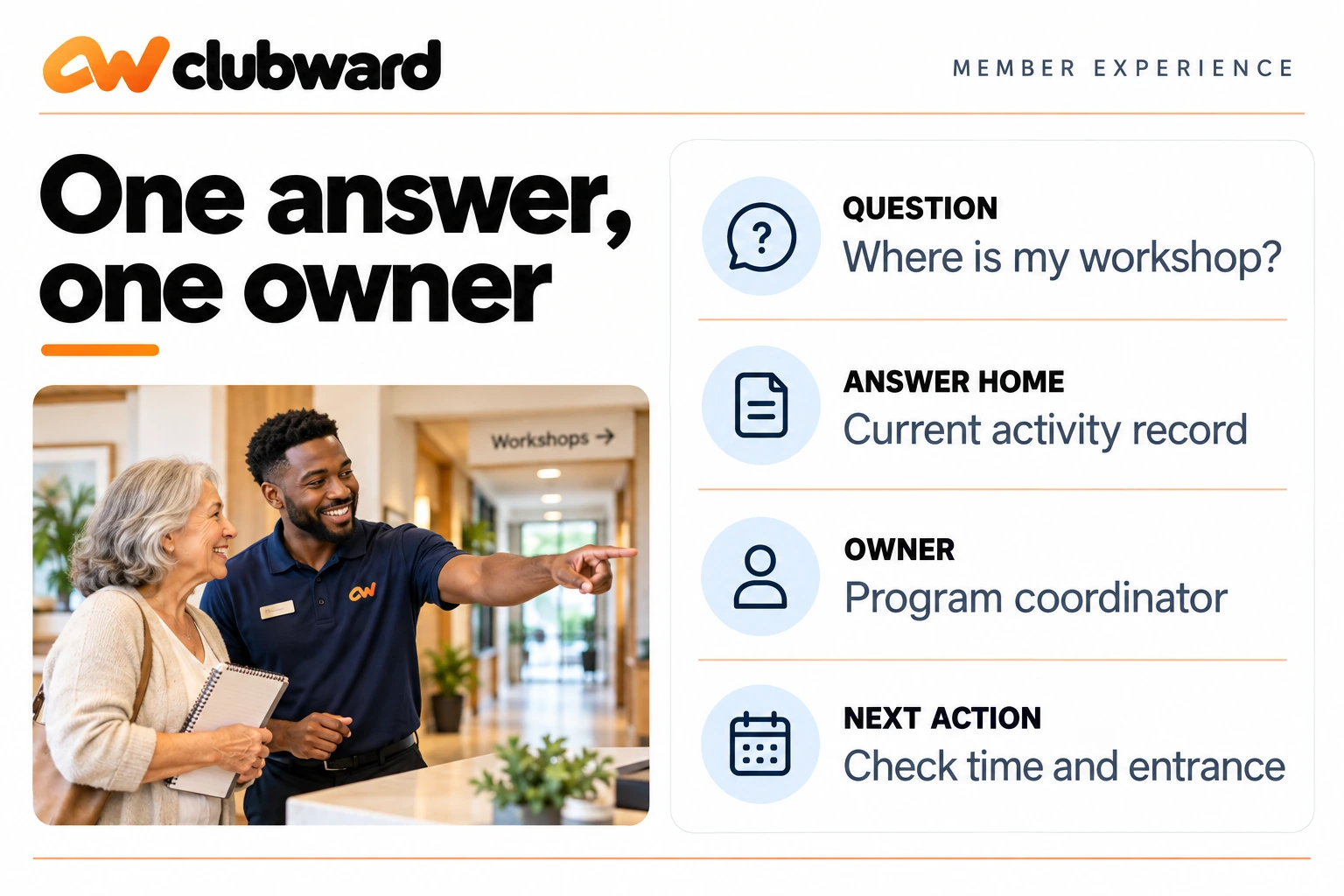
Question two: where and when is my next activity?
Put the activity name, date, time, and location together in the current program information. Add the entrance or preparation detail only when it is useful for attendance. Check that confirmation messages and staff instructions point to the same final arrangement.
For a drawing workshop, the answer might say that the session starts at the agreed time in the community room, with materials provided at the table. Your actual answer should use verified details from the program owner. Do not carry a previous session’s location into a new message without checking it.
Name the person responsible for changes. If the room changes, decide who updates the program record, who reviews the participant message, and who checks the arrival signs. The answer is complete when the relevant places agree and the member has a clear route to the current information.
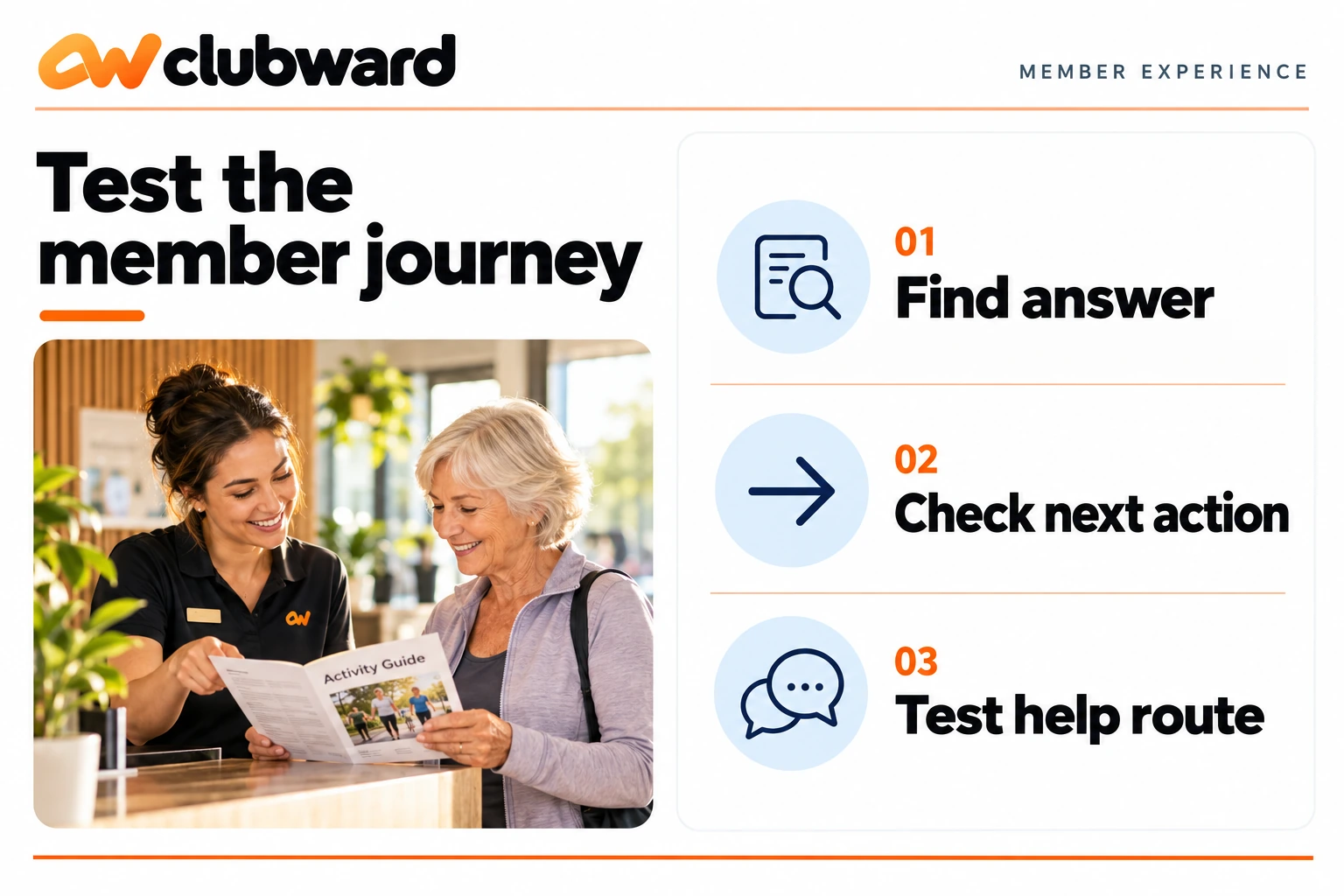
Use the question to test the whole journey. Ask a colleague to find the activity from the member’s starting point, identify the location, and explain what to do if they need help. A successful test shows more than the presence of a calendar entry; it shows whether the instruction is usable.
Question three: how do I change a reservation?
Start with the approved rule for the relevant space. Explain where a member should make a request and what details to provide. If a staff decision is required, make the next step clear without implying that the requested change has already been accepted.
Keep the instruction specific to the action. “Contact us” may need a named route and a short description of the booking information to include. Avoid asking members to share unnecessary personal information in a general enquiry. Use the secure account or support process your organization has approved.
Use Clubward’s programs and shared spaces tools to manage reservations for rooms, courts, and amenities. Walk through a reservation change with our team to confirm the booking rules and staff actions for your setup. Make it clear to members how to request a change and when they should expect a staff decision about cancellation, approval, or credit.
Check the wording against the staff guide. If the member-facing answer promises a response or action that the staff process does not support, resolve the inconsistency before distributing the answer. A clear instruction should set an expectation your team can actually fulfill.
Question four: which notice should I follow?
Choose one authoritative place for the current notice and state its effective date when that matters. If an earlier message is superseded, use your normal communication process to make the replacement clear. Do not leave members to compare two different instructions without knowing which is current.
For a sample room closure, the useful answer would identify the affected space, the relevant period, the alternative arrangement if approved, and the help contact. It should avoid speculating about causes or reopening times that the responsible owner has not confirmed.
Keep club notices, reminders, and operational updates connected through Clubward’s member experience tools. Assign a staff owner to keep each notice current, and check where members will see it in your club’s setup. Test the display and delivery method before relying on it for a time-sensitive update.
Review a notice from the member’s perspective. Can the reader tell whether it applies to their activity? Is the next action clear? Does the help route lead to someone with the information needed to answer? Remove background detail that distracts from those immediate questions.
Question five: what should I do when the answer does not fit?
Give members a clear help route for exceptions. Explain the type of question that belongs there and the useful information to include. Keep the request proportionate: a program name or booking reference may be more useful than a long account history copied into an open message.
Tell staff how to route the question internally. An exception about a program location belongs with the program owner; a question about a private account record may need a different authorized person. Keep the member’s next step simple while your internal process handles the ownership.
Use an actual response expectation only if your team has agreed and can support it. Otherwise explain the next step without inventing a deadline. If the enquiry needs a decision, record the owner and follow-up internally so the member is not left restarting the same conversation.
Review exception questions for patterns after they are resolved. A pattern may suggest that a general answer needs clarification, but do not publish the details of an individual case. Turn the learning into a better instruction while protecting the person whose question prompted the review.
Test the answer in the form members will use
Open the actual page or message at both a desktop and a phone-sized view. Follow every link and read the full route to completion. Check headings, labels, buttons, spacing, and any image containing instructions. A draft that reads well in an editor still needs review in its final setting.
Ask a colleague to complete a specific task without coaching. For example, ask them to find the next workshop’s entrance or identify the correct route for a reservation change. Let them describe what they expect each link to do, then compare that expectation with the result.
Keep the test small and observable. Record the task, the difficulty encountered, and the change you made. Avoid reporting a broad improvement in member satisfaction from a handful of internal checks. The test is useful evidence about the instruction, with limits that should remain clear.
If an image carries essential information, make the same information available in readable text near it. Use descriptive alternative text where appropriate. In your final review, check the actual displayed size rather than assuming that a large original image will remain legible on a narrow screen.
Maintain answers when operations change
Connect answer review to the events that affect it. A room change, a revised program schedule, or an approved policy update should prompt the relevant owner to inspect dependent instructions. A calendar reminder can help, but the operating change itself is the reason to revisit the answer.
Keep a short record of what changed and where it was updated. This can be as simple as a note naming the revised instruction, its owner, and the related message. Make sure the next person maintaining the answer can identify the authoritative location without searching old conversations.
Retire obsolete versions through your normal process. If staff keep a quick-reference guide, update it along with the member-facing information. Ask the person handling the next shift to check that the new answer is available where they will look for it.
Use the question list to choose the next improvement. Prioritize a confusing answer that affects a concrete member action. Resist the urge to rewrite the entire portal at once if you have not yet established which instructions need attention and who is responsible for them.
Measure a specific change carefully
Before editing, decide what you want to observe. You might track how often a particular question reaches the team during comparable periods, alongside any relevant change in activity volume. Use definitions and a collection method your team can maintain consistently.
Record the date and scope of the edit. If program volume or communication timing changes at the same time, note that context when interpreting the result. Avoid claiming that the wording alone caused a change you cannot isolate from other factors.
Combine counts with useful examples from staff. A lower count is not the only possible sign of a clearer answer; the remaining questions may also be more specific and easier to route. Treat those observations as evidence to review, not as a guaranteed result of adding a portal page.
Improve one answer before adding more content
Choose a repeated question, verify the answer with its owner, repair the authoritative location, and test the member’s next action. Keep the help route visible for exceptions. This gives your team a manageable method for making information more useful over time.
To explore that method in a club management platform, book a Clubward member-experience demo and bring one common question with its current answer. Ask the team to walk through what a member sees and how your staff would keep the information current.
From Katelyn Pauley
More from Clubward